Software / Personal project
Independently developed software project
An independently designed and developed software project comprising a desktop client, supporting server-side systems and an independent multi-server management system. The desktop client supports worldbuilding, long-form writing, AI tools and Agent workflows.
Independent design and full-stack development
React · TypeScript · Vite · Tauri · Rust · Express · PostgreSQL · SQLCipher · Agent · MCP
01Desktop client and creative workflow
The desktop client brings worldbuilding, long-form writing, AI tools and Agent workflows into one creative workspace. Characters, factions, items, abilities, locations, concepts, timelines and relationship graphs share structured project data. Scene outlines, prose editing, foreshadowing and pacing analysis connect planning and writing for long-form fiction.
AI tools use project context. Agent Team organizes tasks through branches and joins, with reusable workflows and human approval for individual operations. Split workspaces and interface themes keep references, writing and Agent tasks in the same environment.
Interface collection
60 Images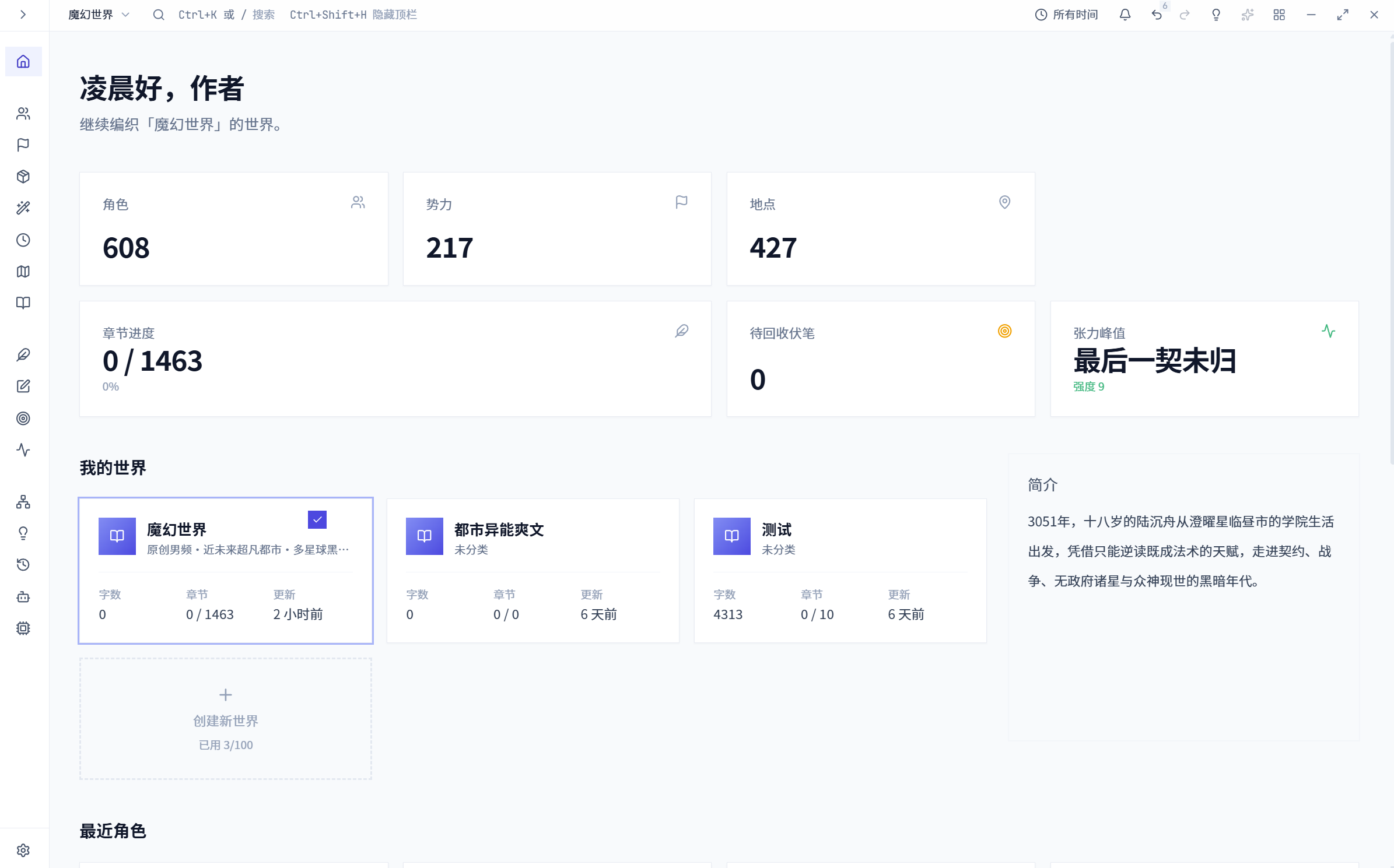
Project overview with structured worldbuilding modules
A shared entry point for entity management, writing and analysis.
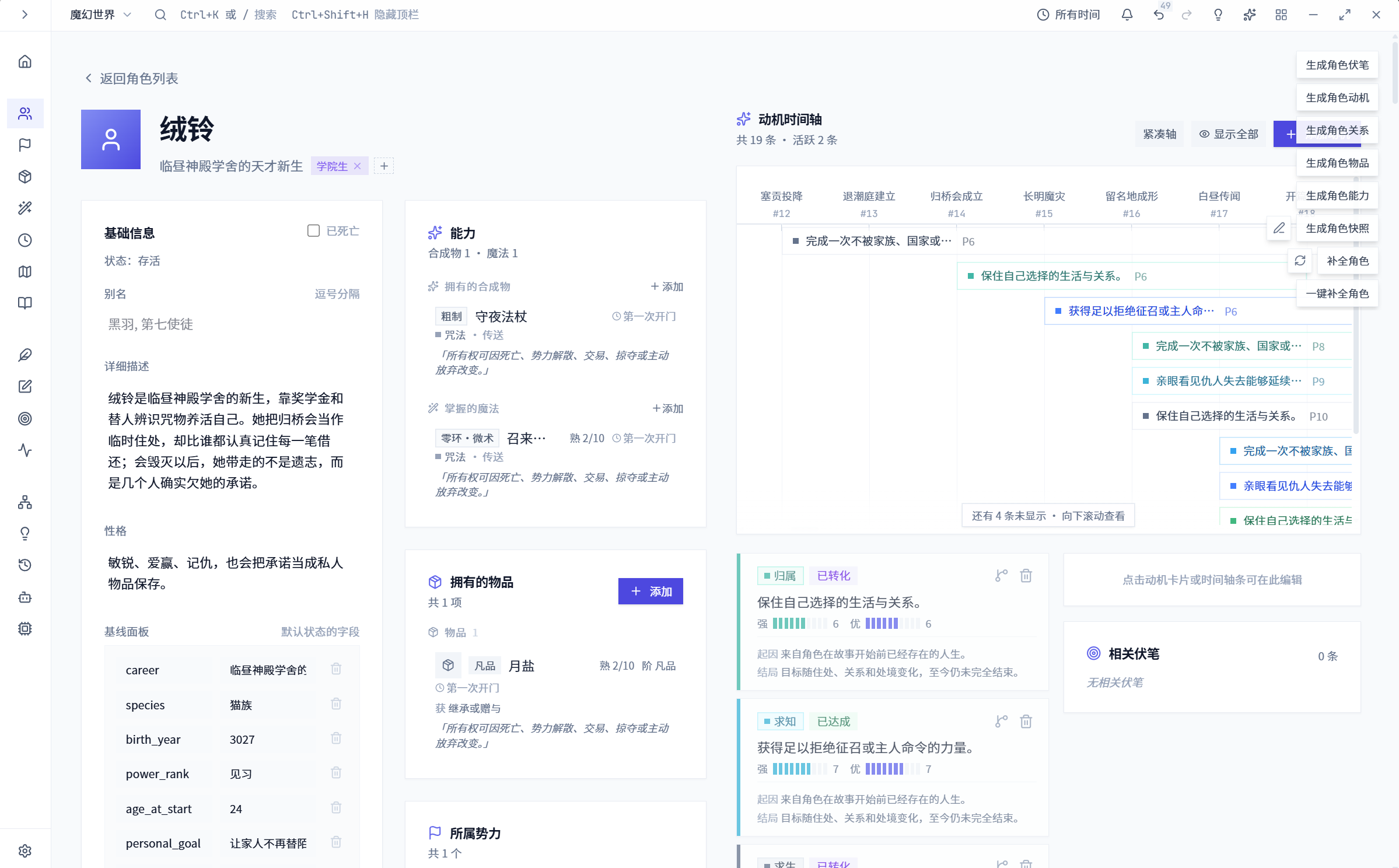
Character detail with motivation and timeline panels
Character attributes, motivations and changes over time in the detail view.
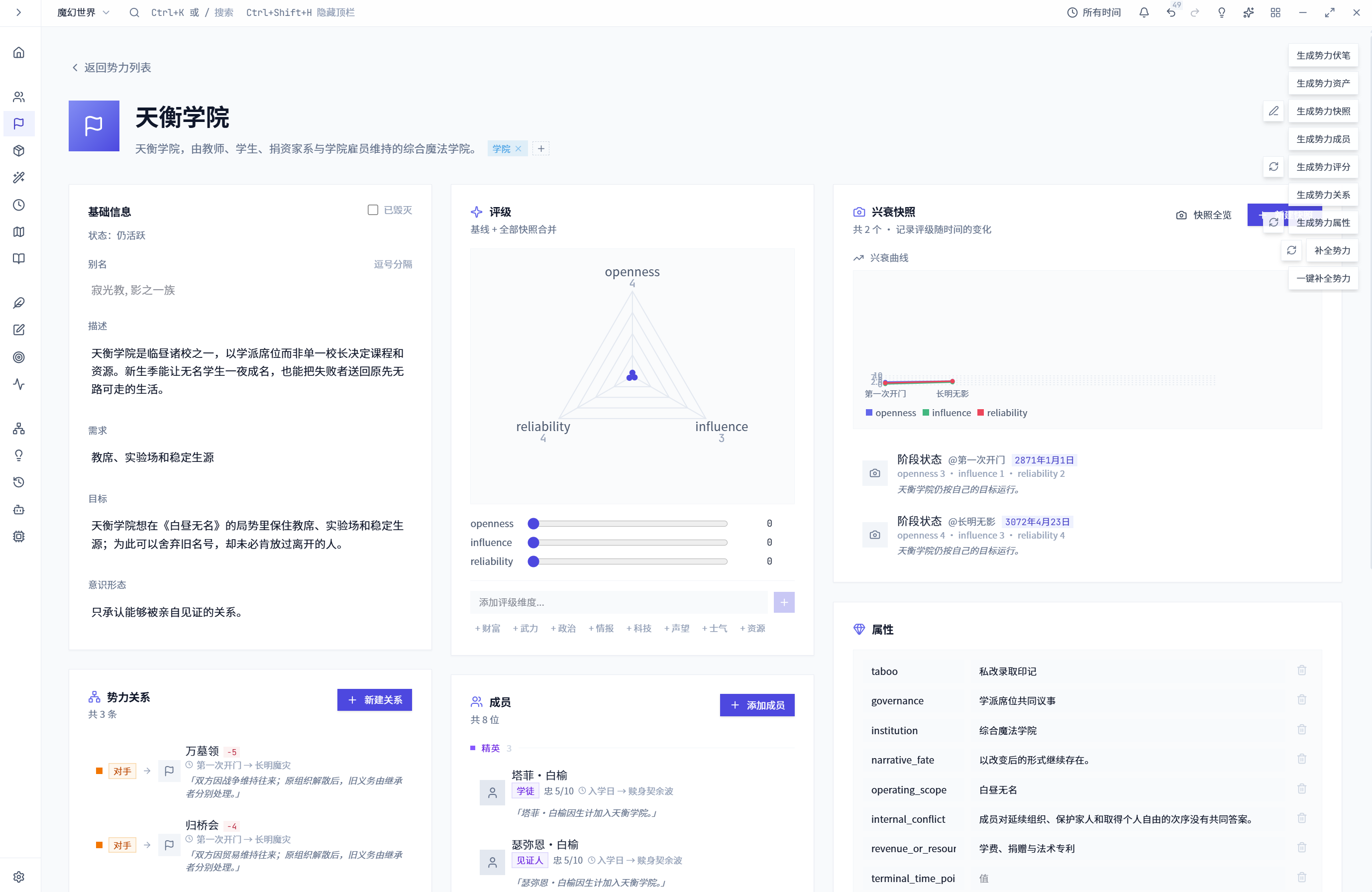
Faction detail with structured attributes and assessments
Faction and organization records within the shared setting data.
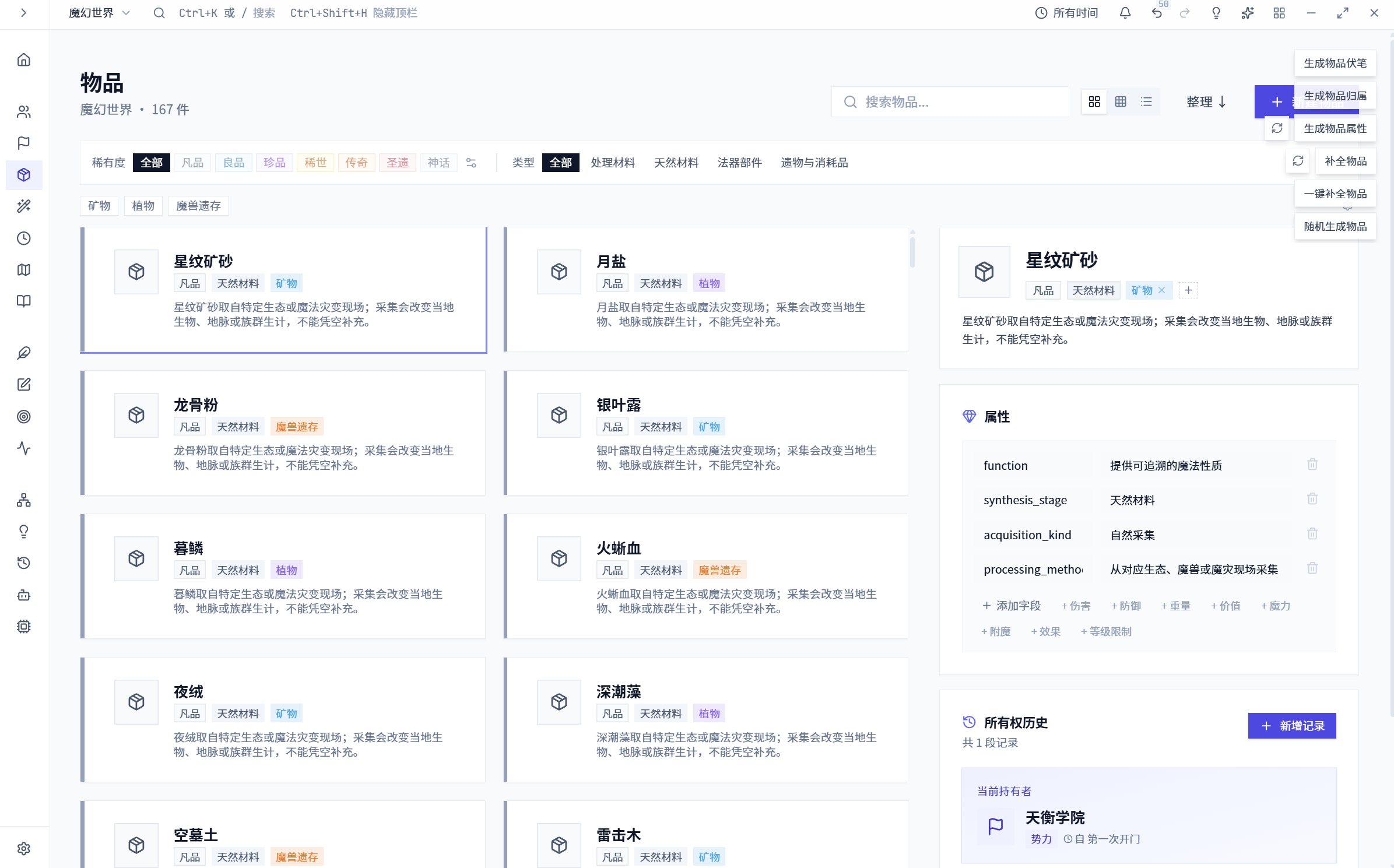
Item catalog and item detail panel
Items and their links to the fictional world.
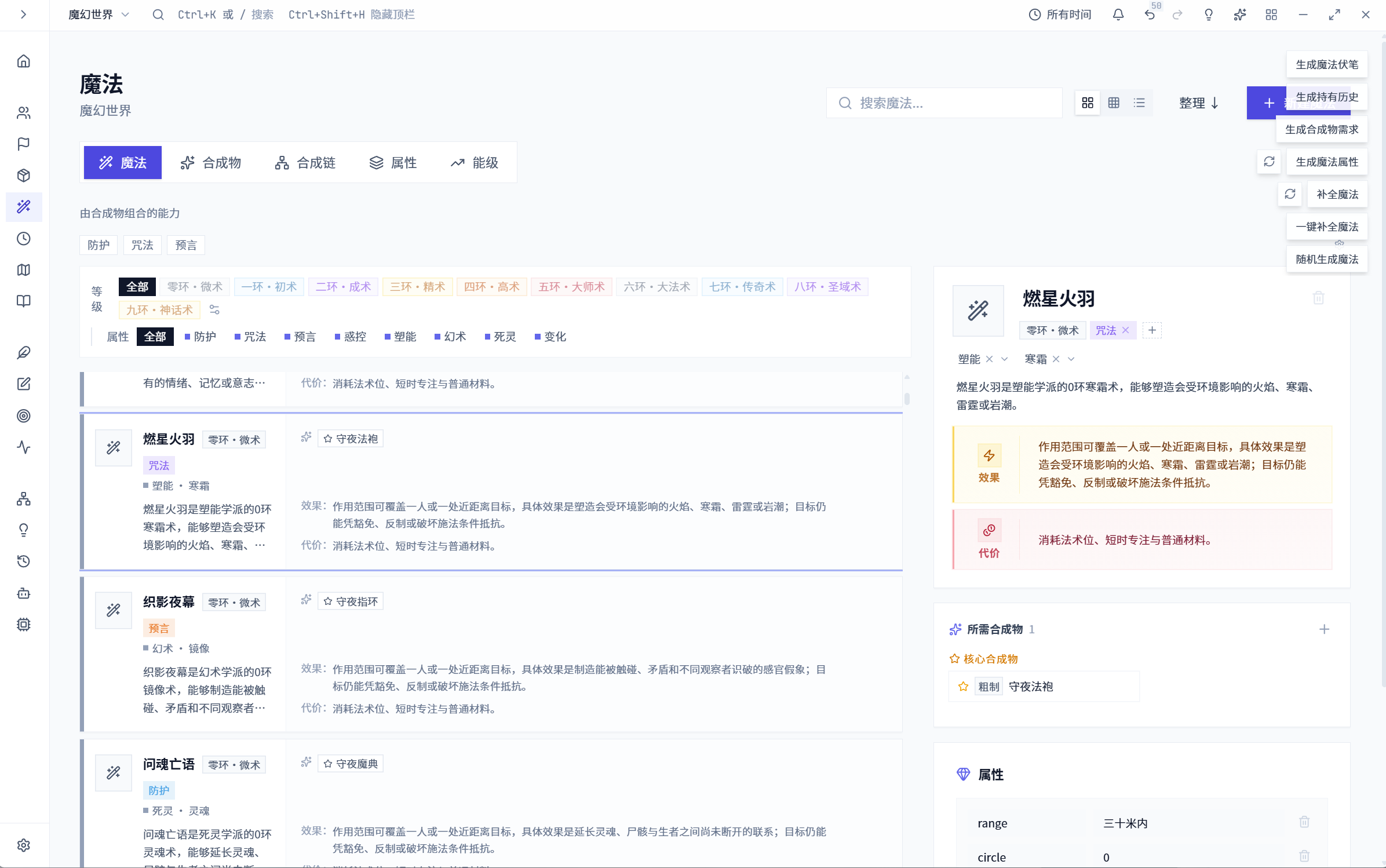
Ability library with structured spell information
Structured records for abilities and setting rules.
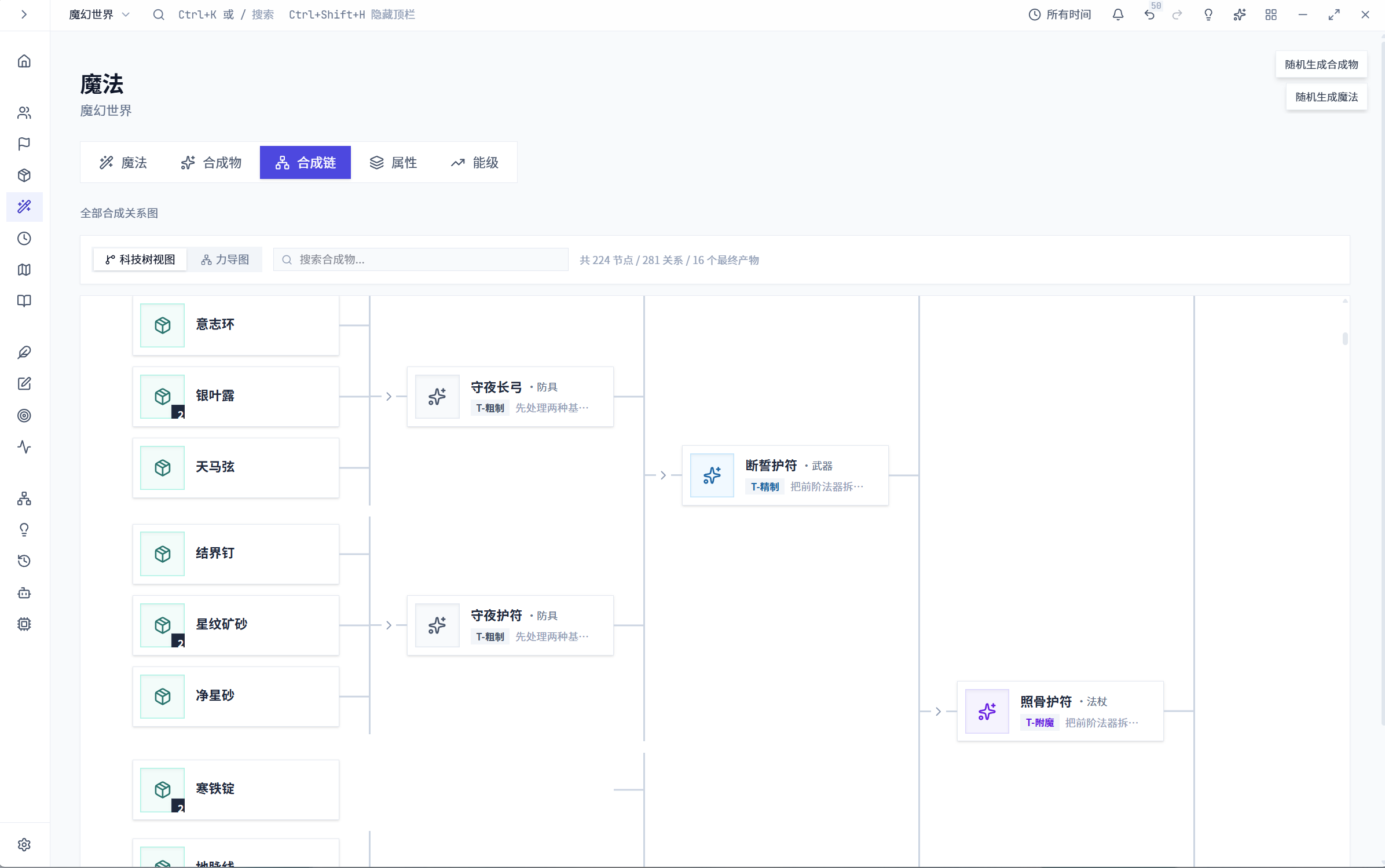
Synthesis relationship diagram and inspector
A diagram links components to their synthesis results.
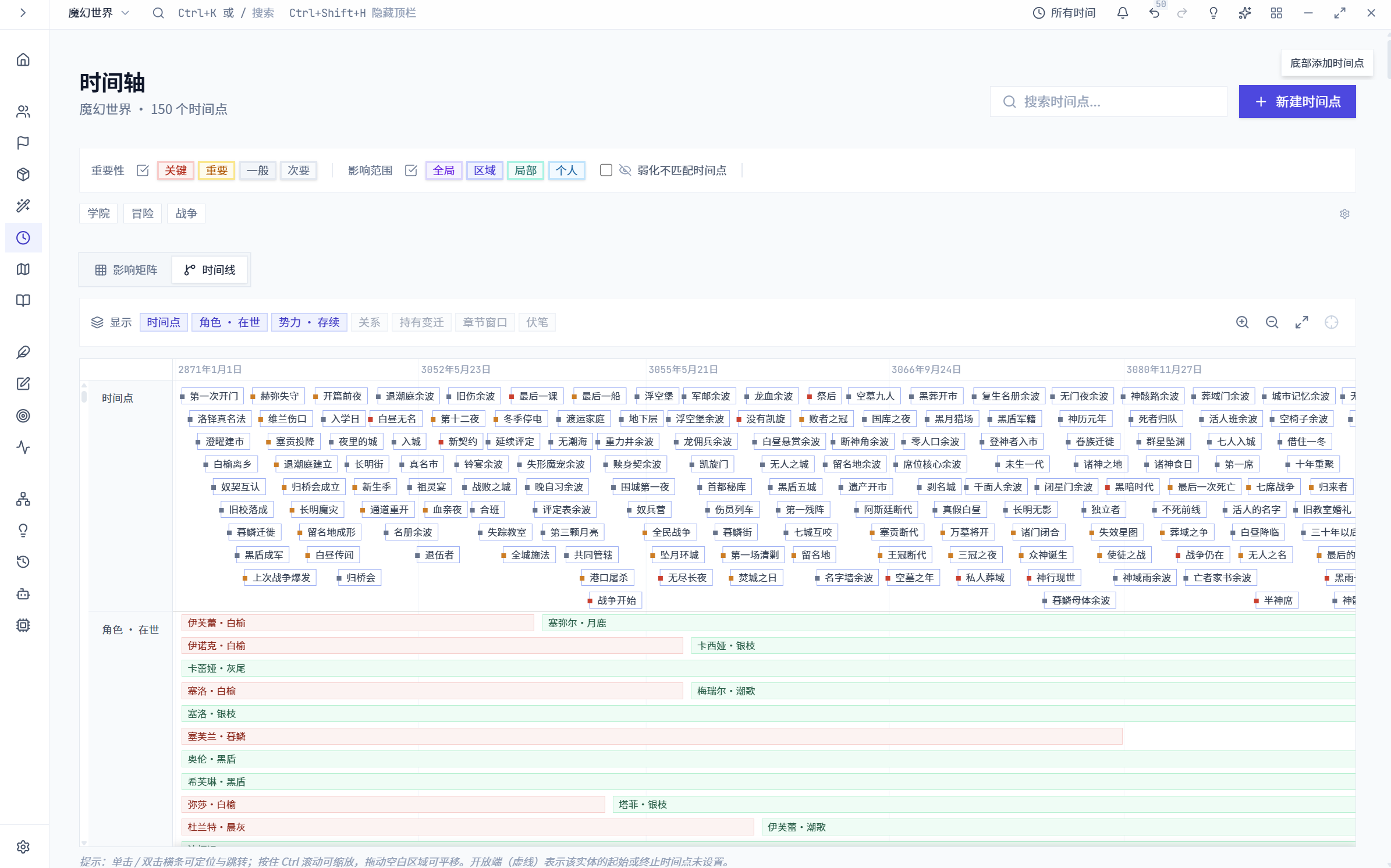
Global timeline of setting events
Project events arranged chronologically.
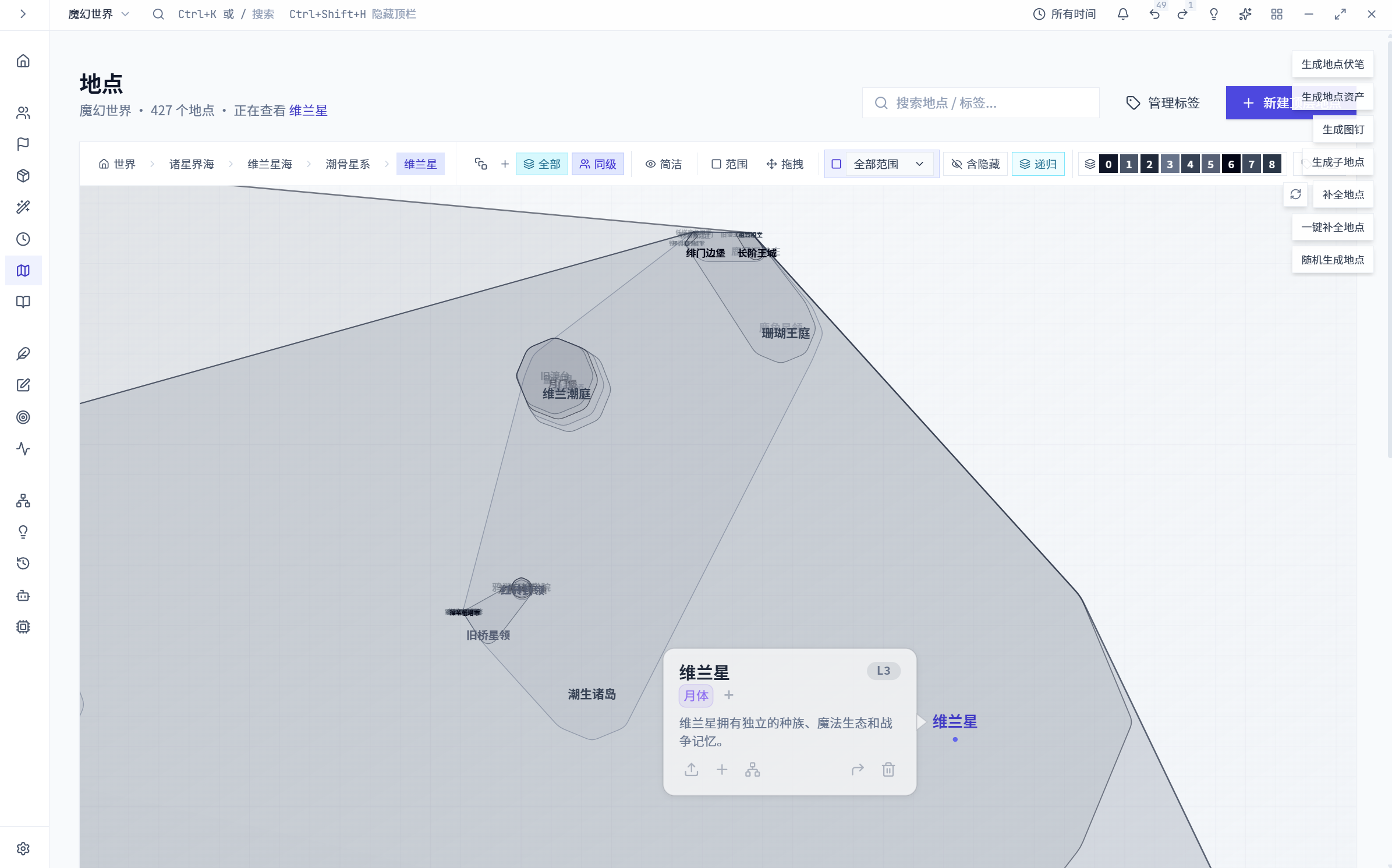
Location detail with spatial and temporal ranges
Location hierarchy and range information in the detail view.
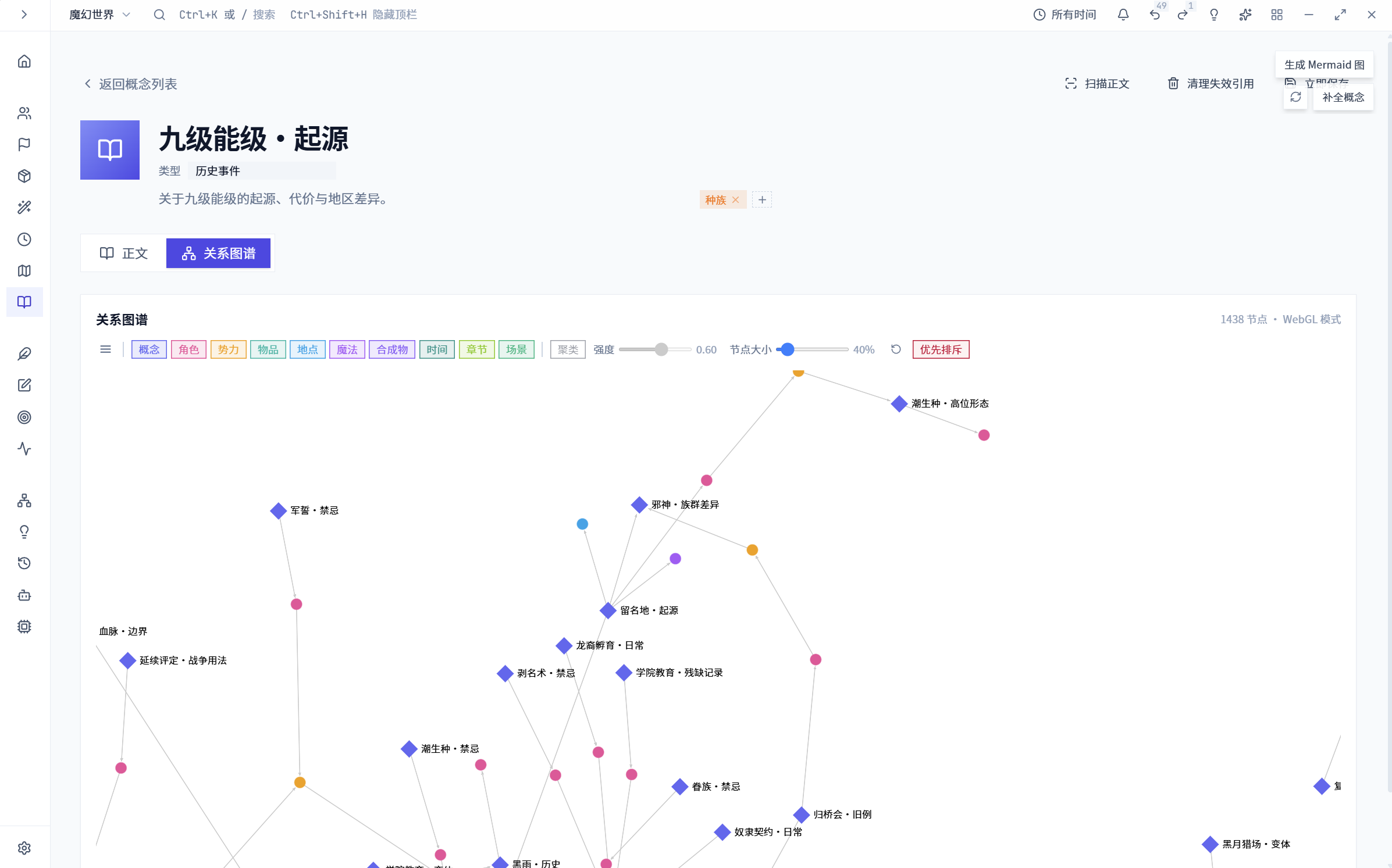
Concept detail and connected concept graph
Connected terminology and abstract concepts in the setting.
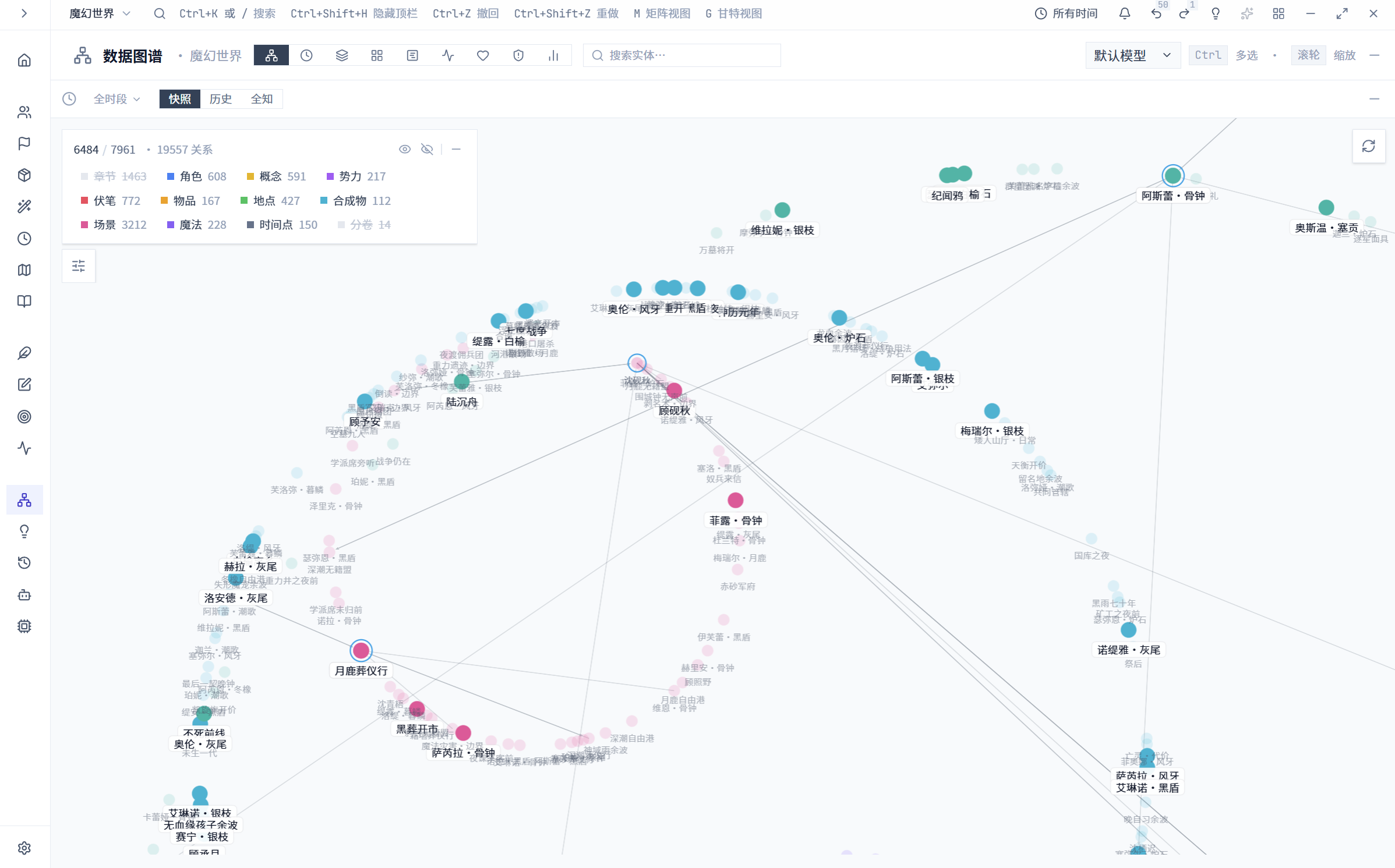
Entity relationship graph with a detail inspector
A relationship graph for exploring connections between entities.
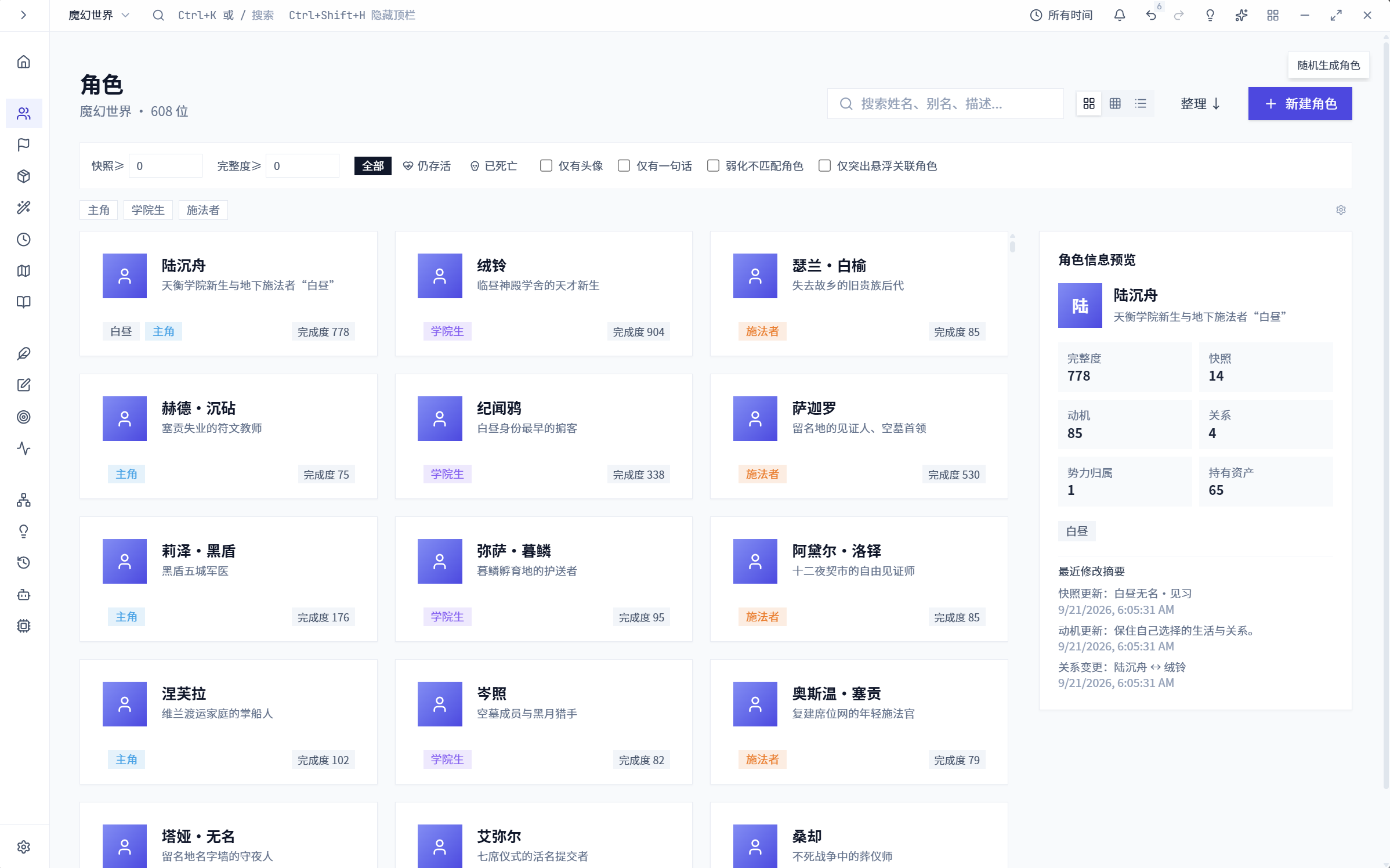
Character library
Character records with access to detailed views and related setting information.
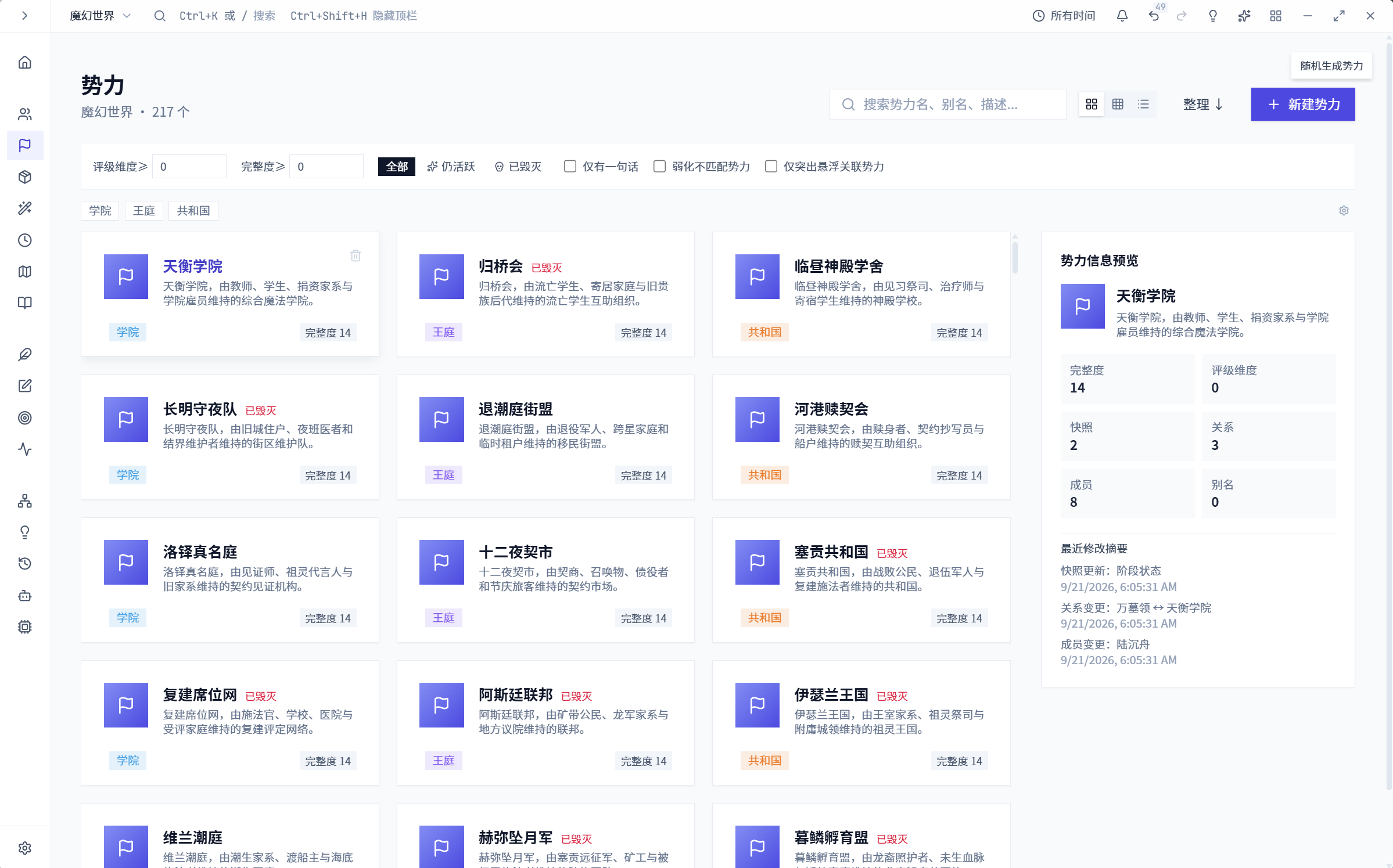
Faction library
Faction records with organizational attributes and relationships.
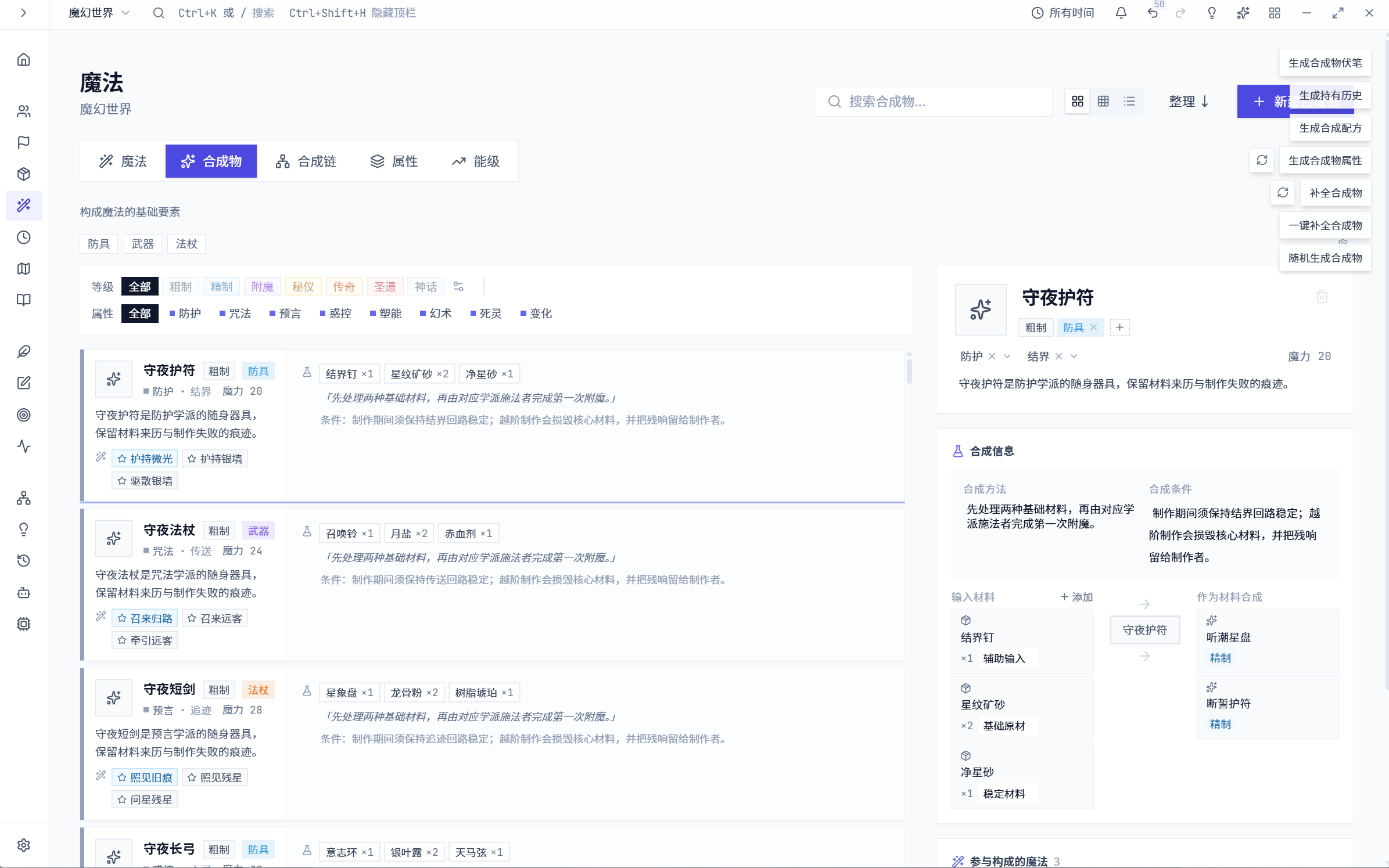
Synthesis component records
Synthesis components and their relationships.
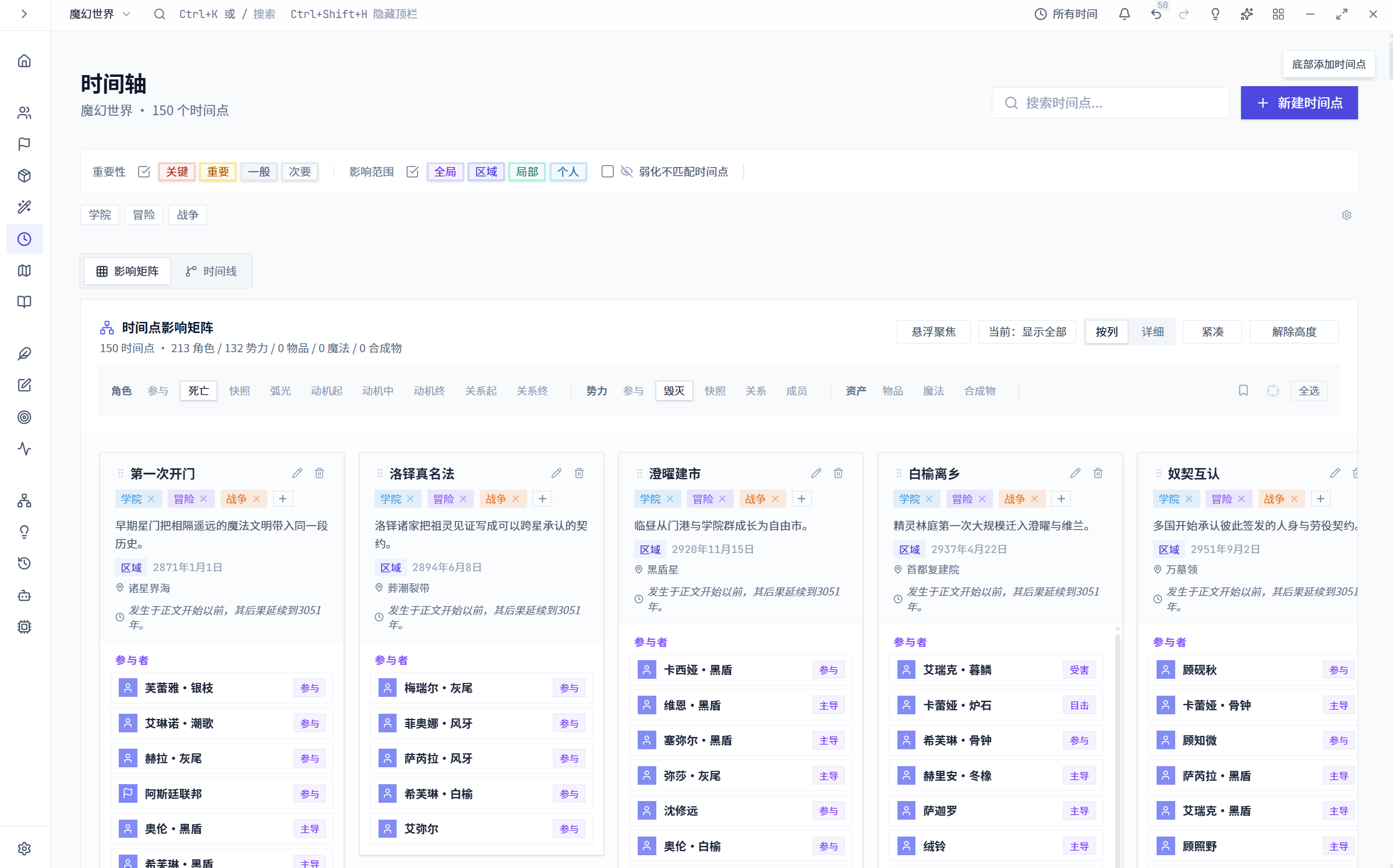
Event impact matrix
Event impacts and related entities in a matrix.
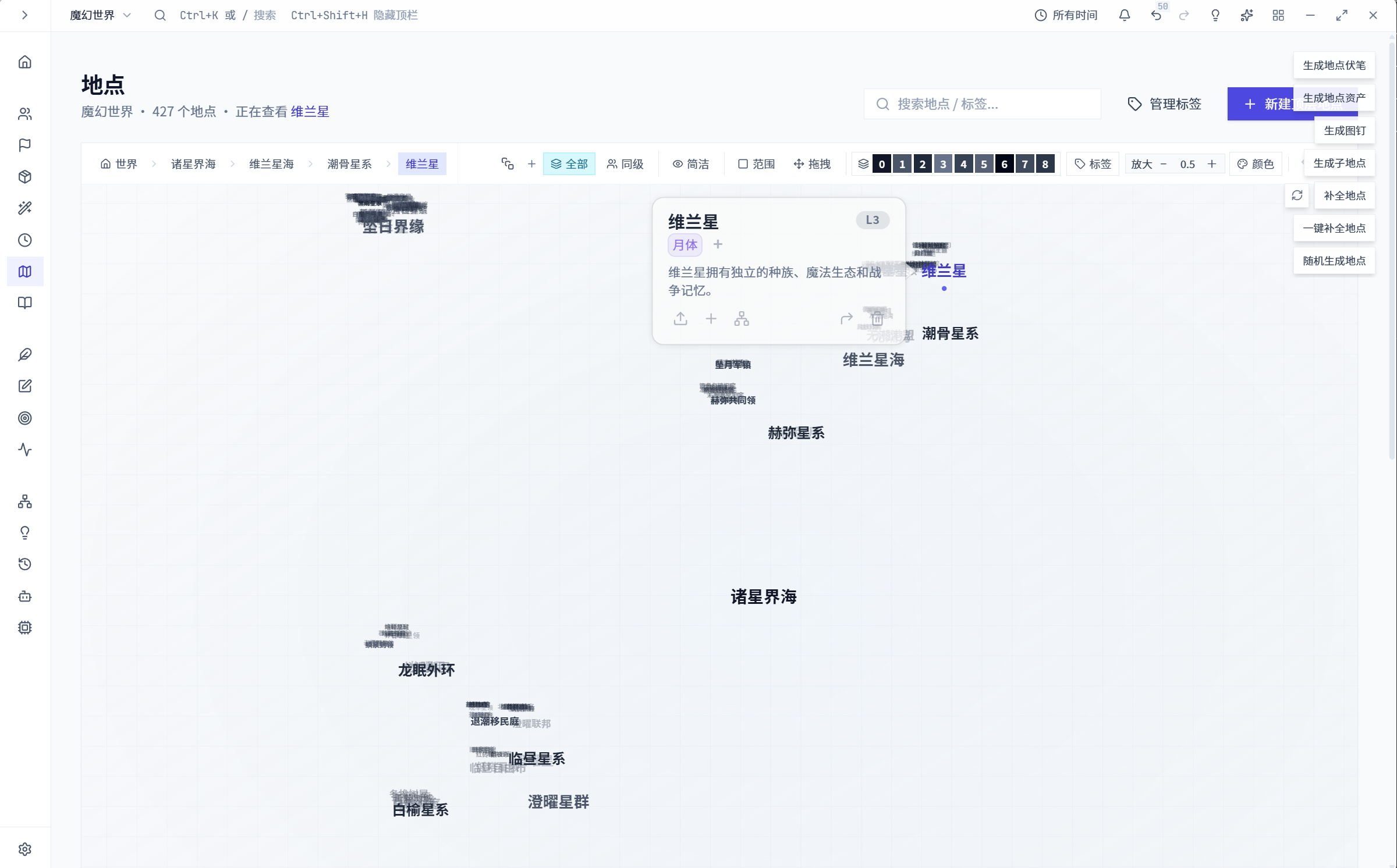
Location hierarchy
Locations arranged in a parent-child hierarchy.
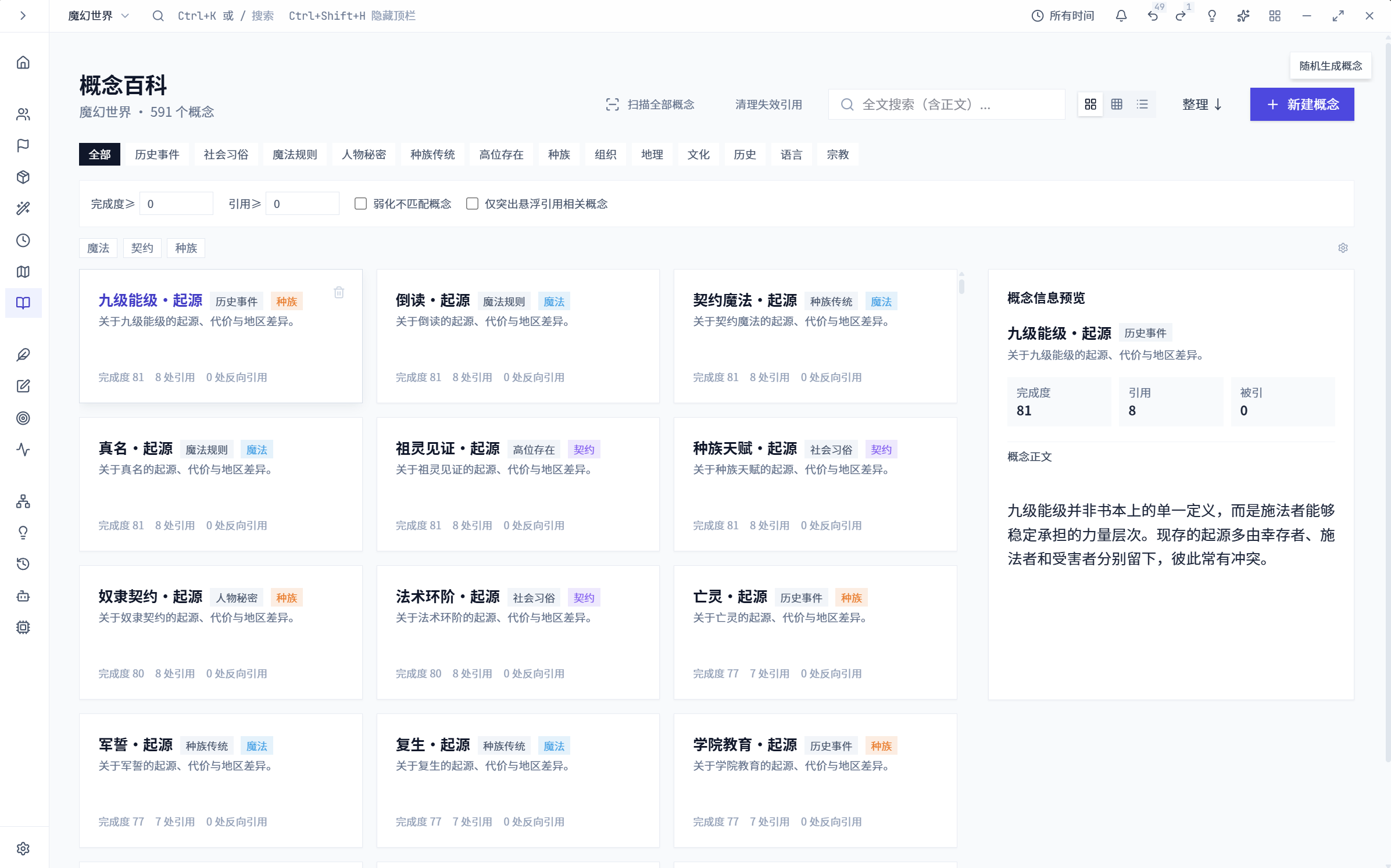
Concept library
Terms and concepts grouped with their detailed setting information.
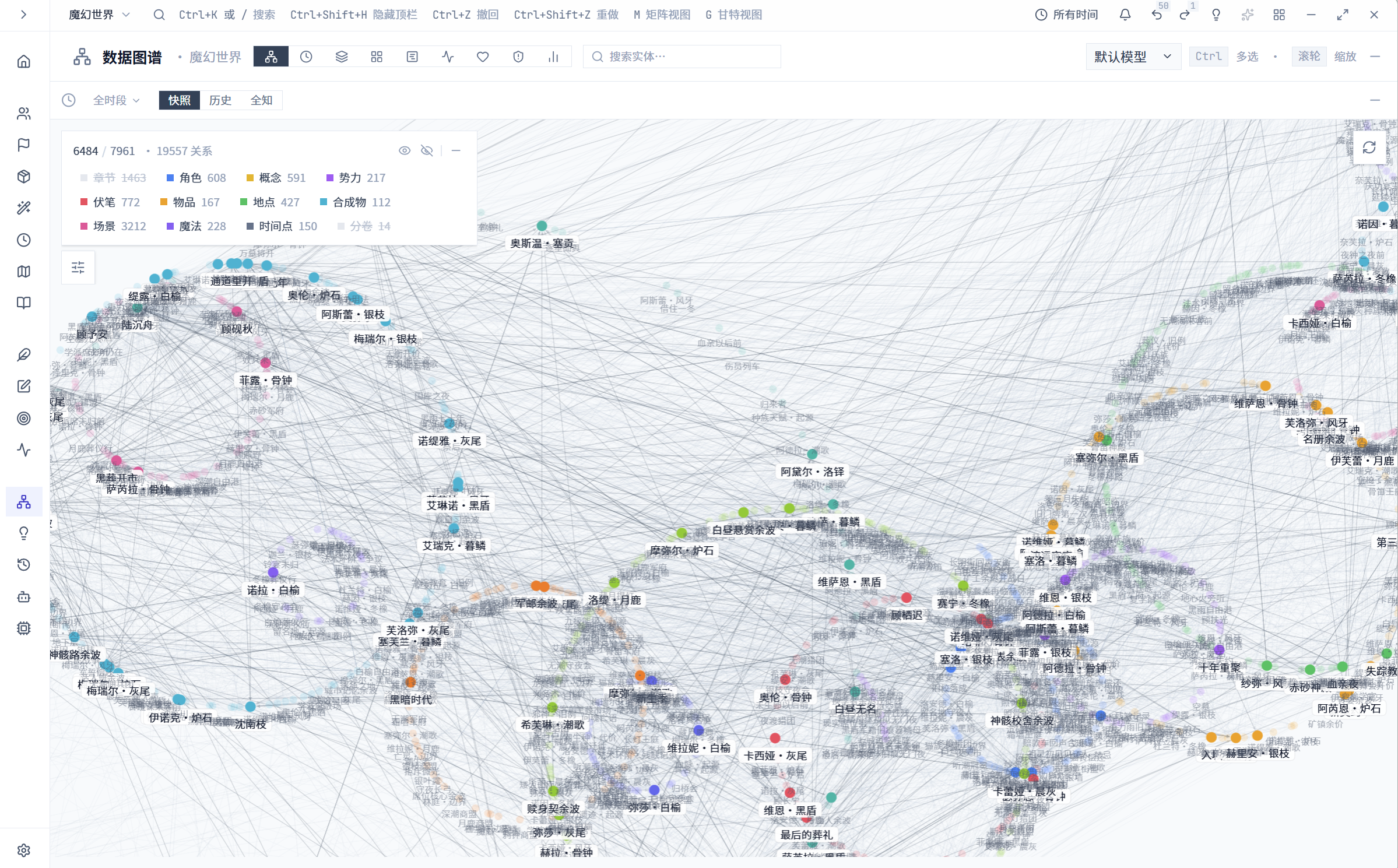
Dense entity relationship graph
Entities connected in a dense relationship network.
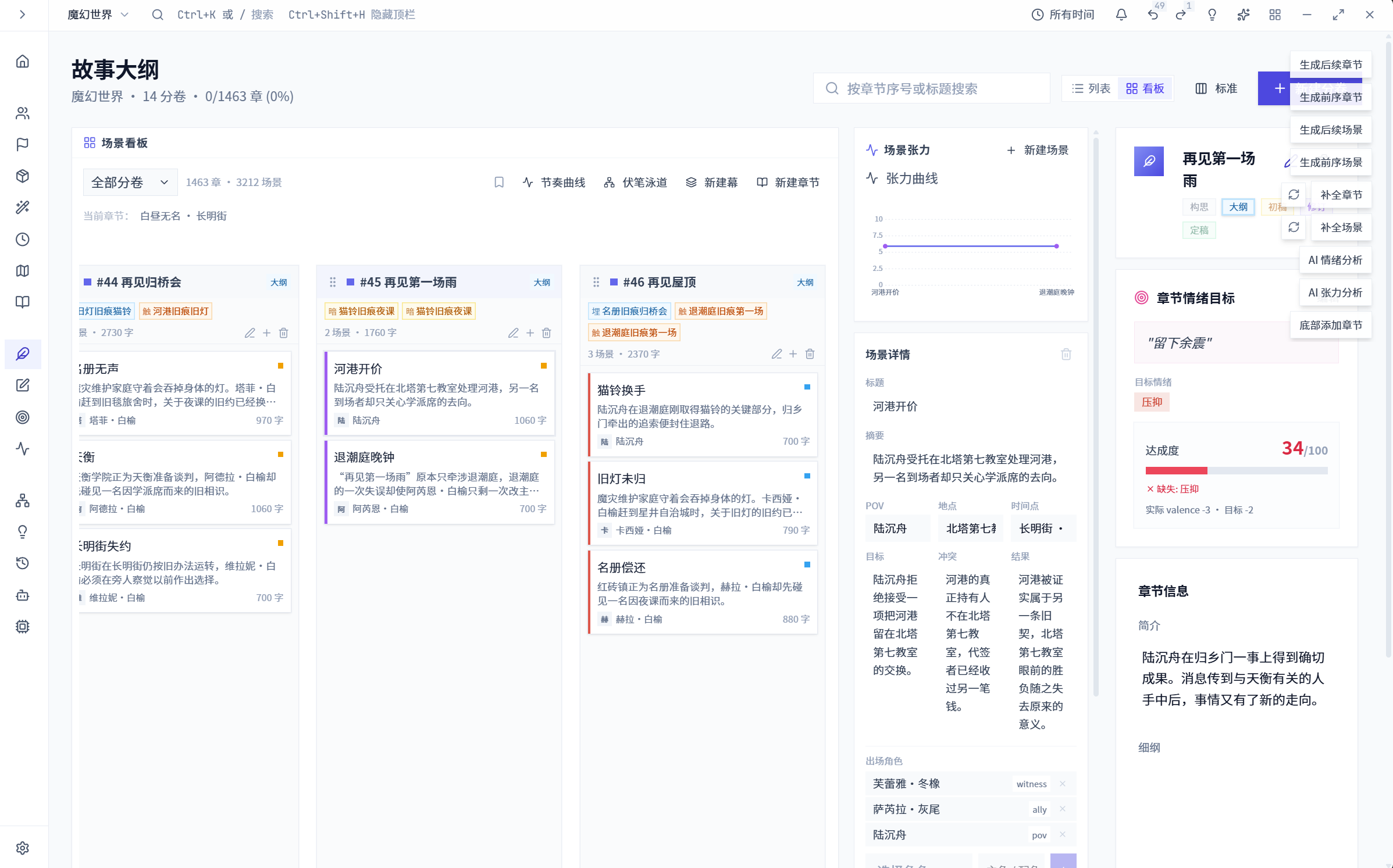
Scene outline board with emotion targets
Scene plans and their intended narrative progression.
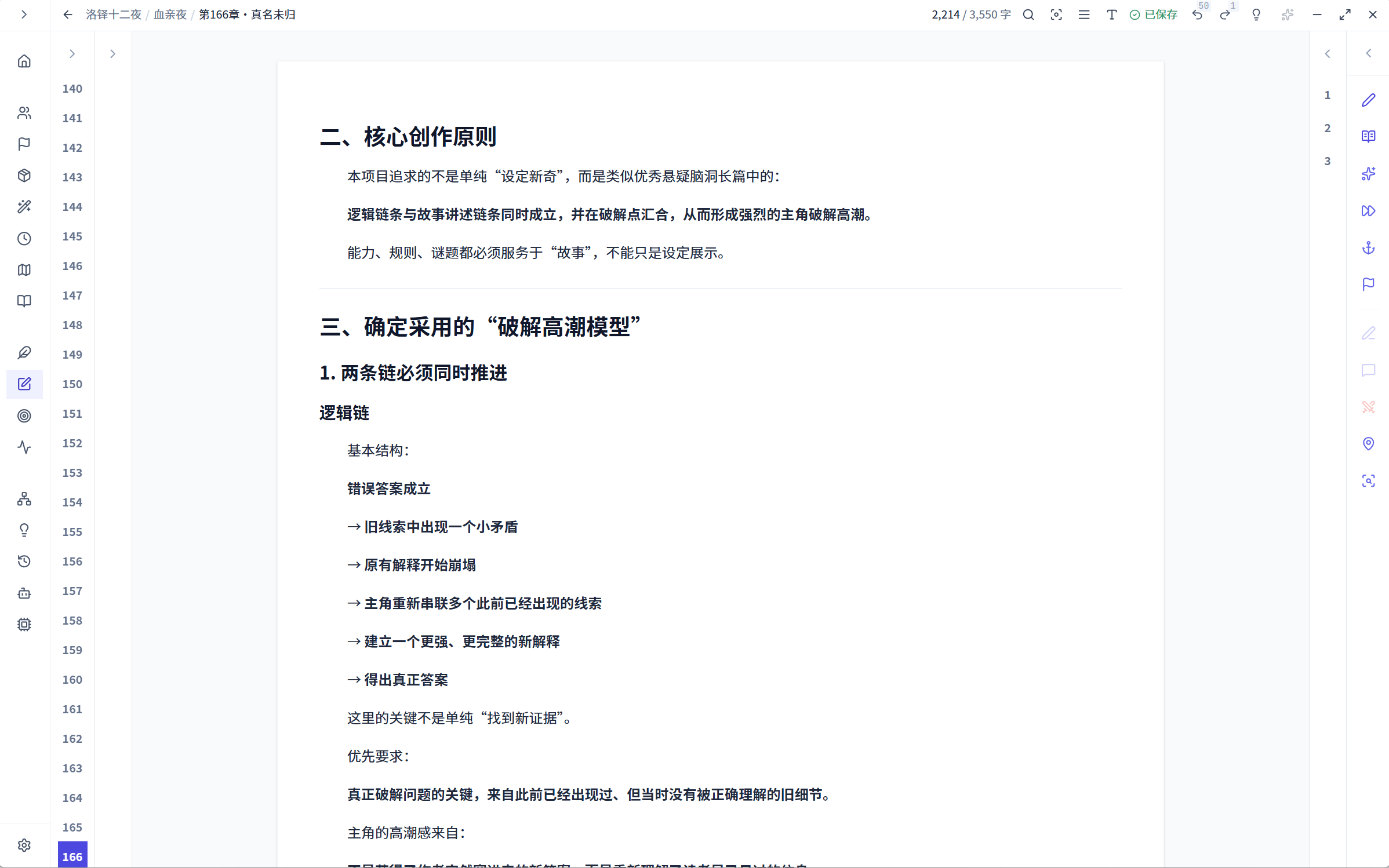
Writing editor with chapter and reference panels
Prose editing beside the project reference panels.
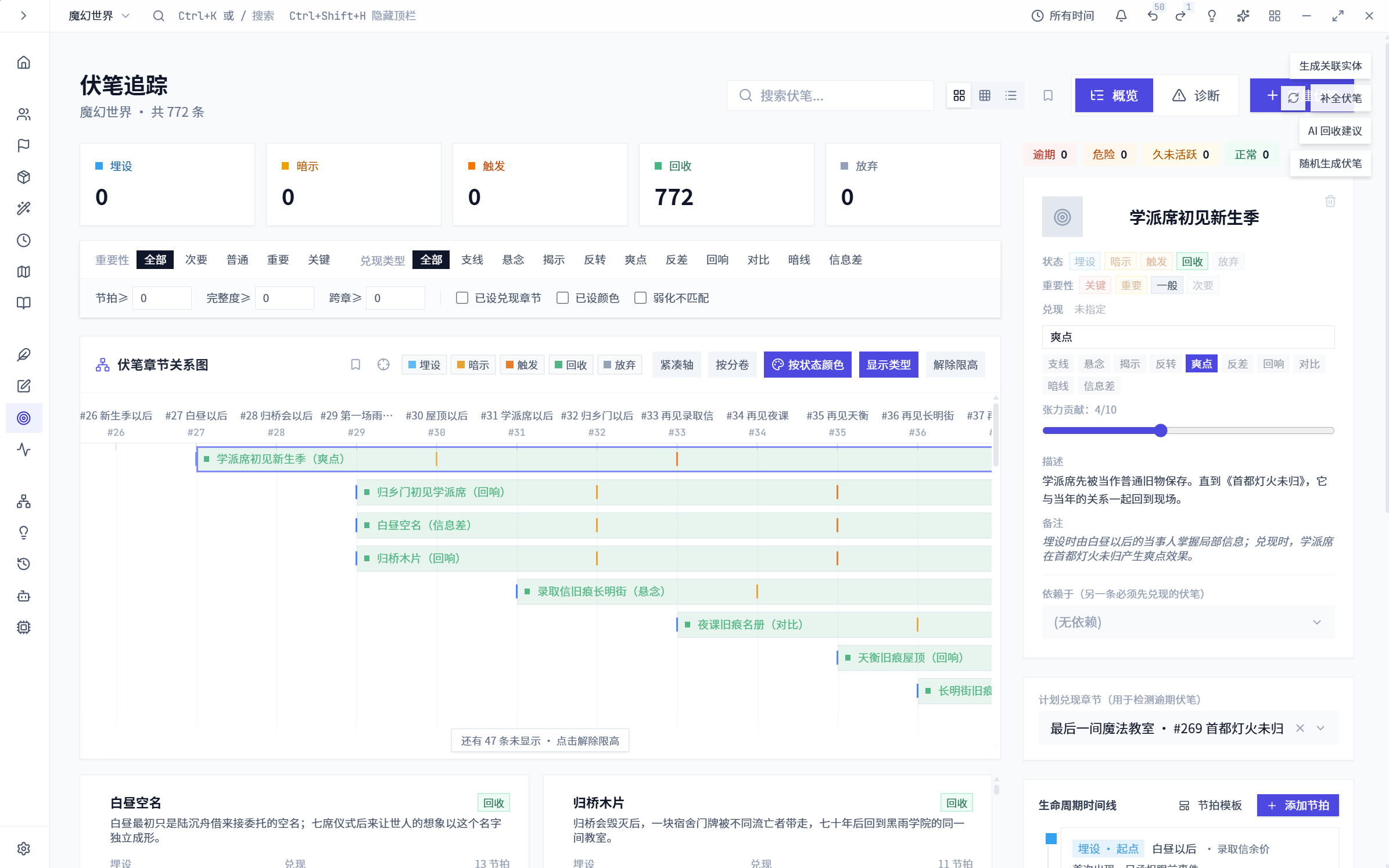
Foreshadowing records positioned along a timeline
Foreshadowing records linked to later developments.
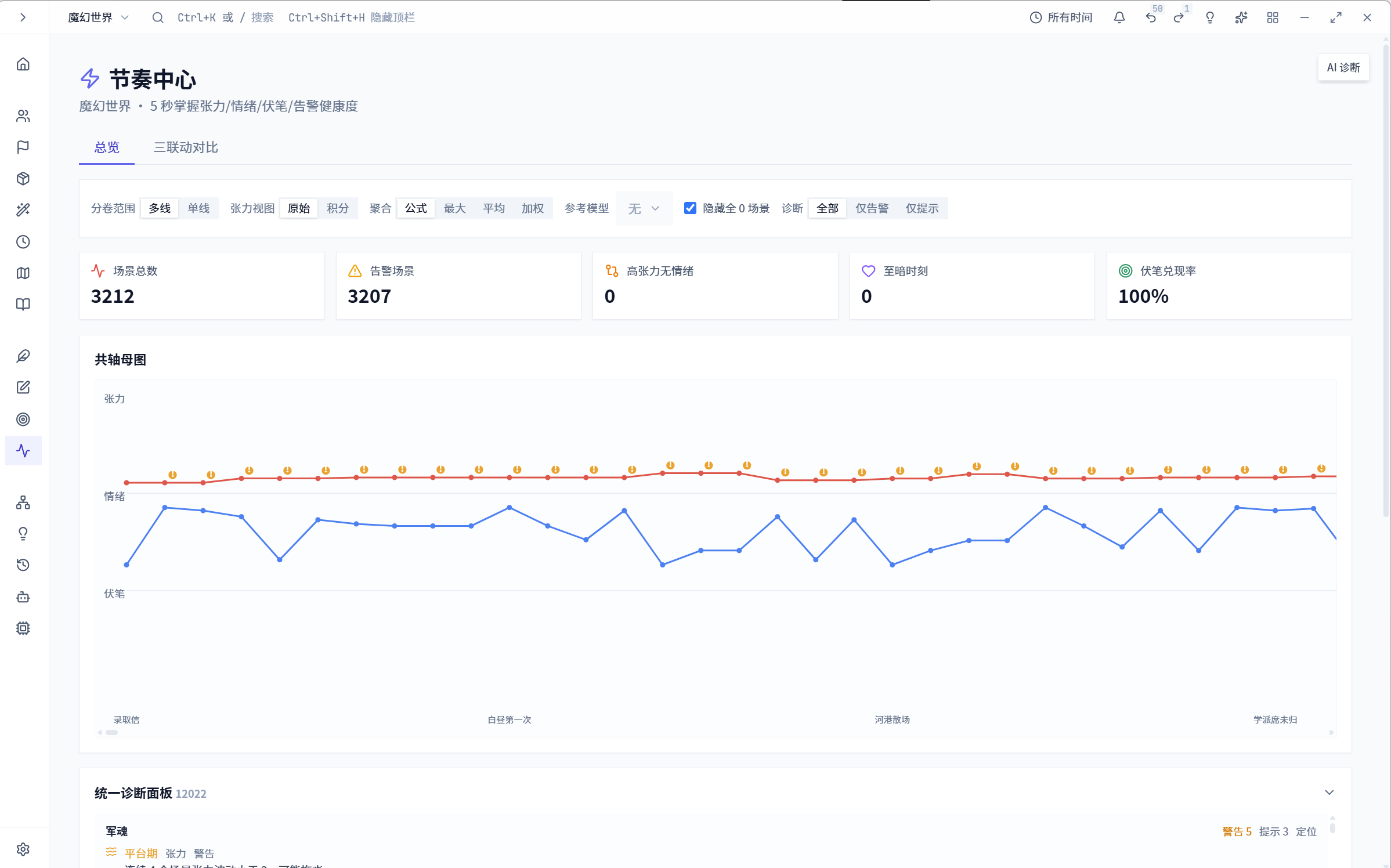
Narrative pacing charts and scene analysis
Pacing and emotional movement across scenes.
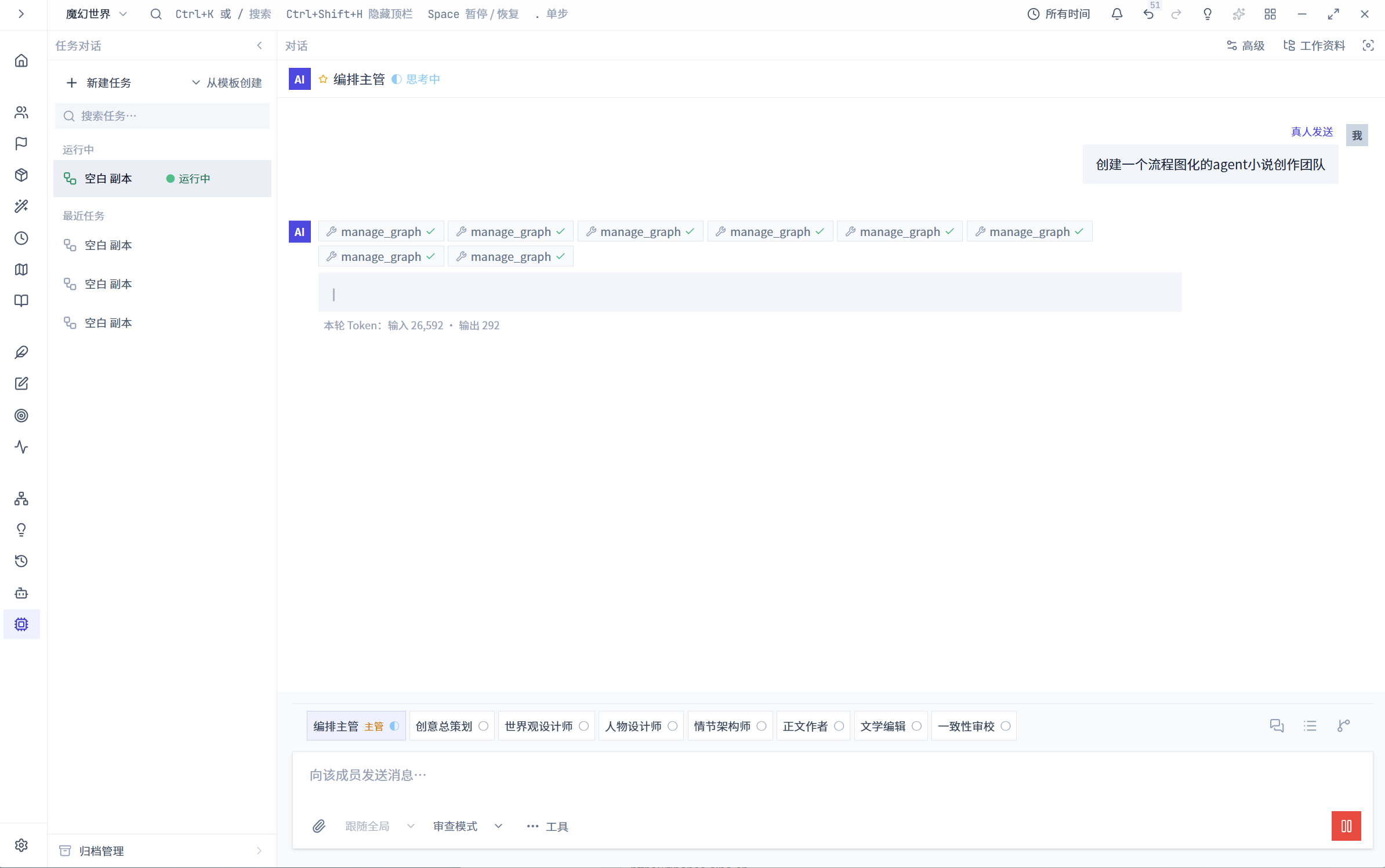
Agent task conversation
Agent task progress and feedback in a conversation.
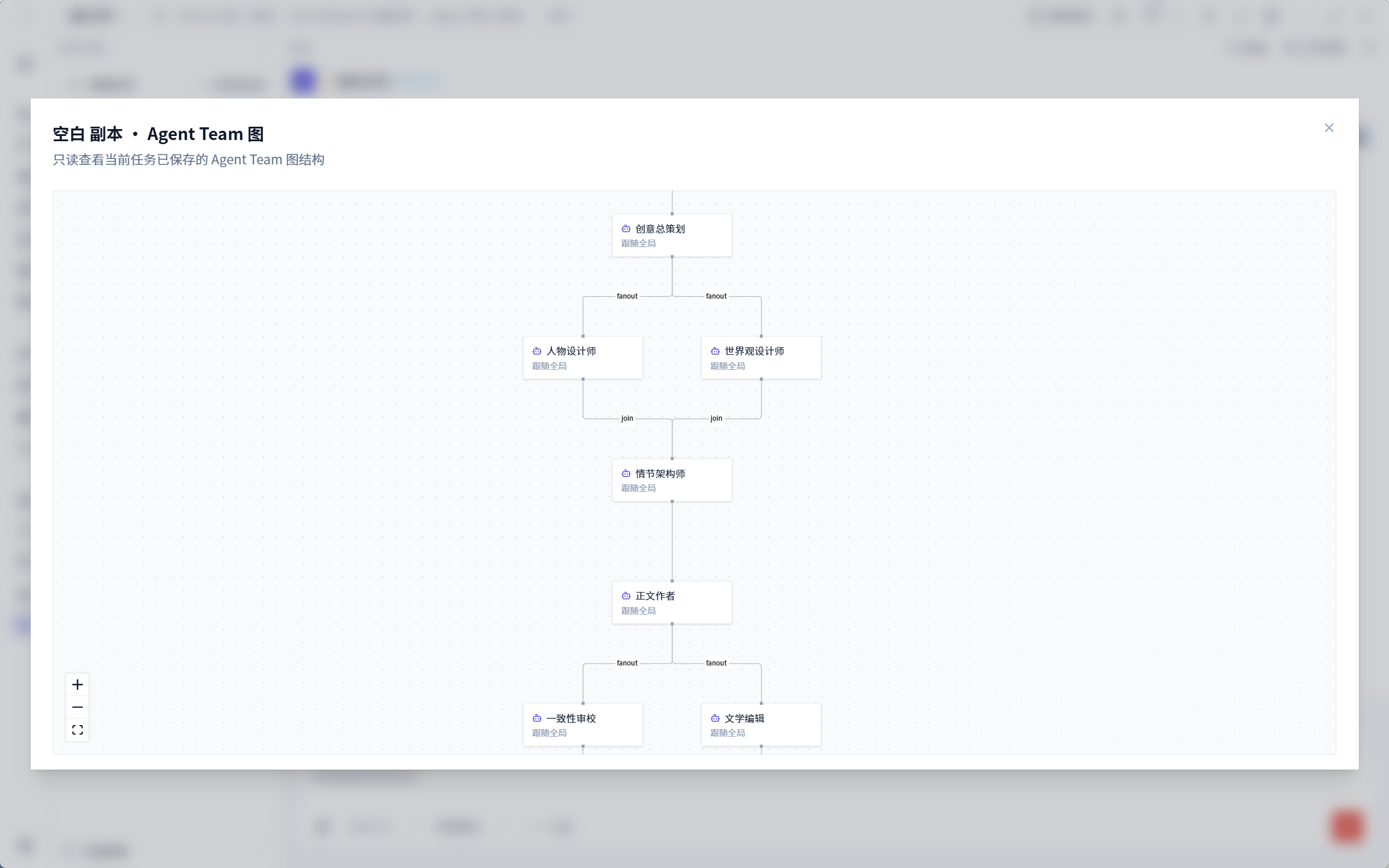
Agent Team diagram with branches and a join
Agent roles and the flow of tasks in the team diagram.
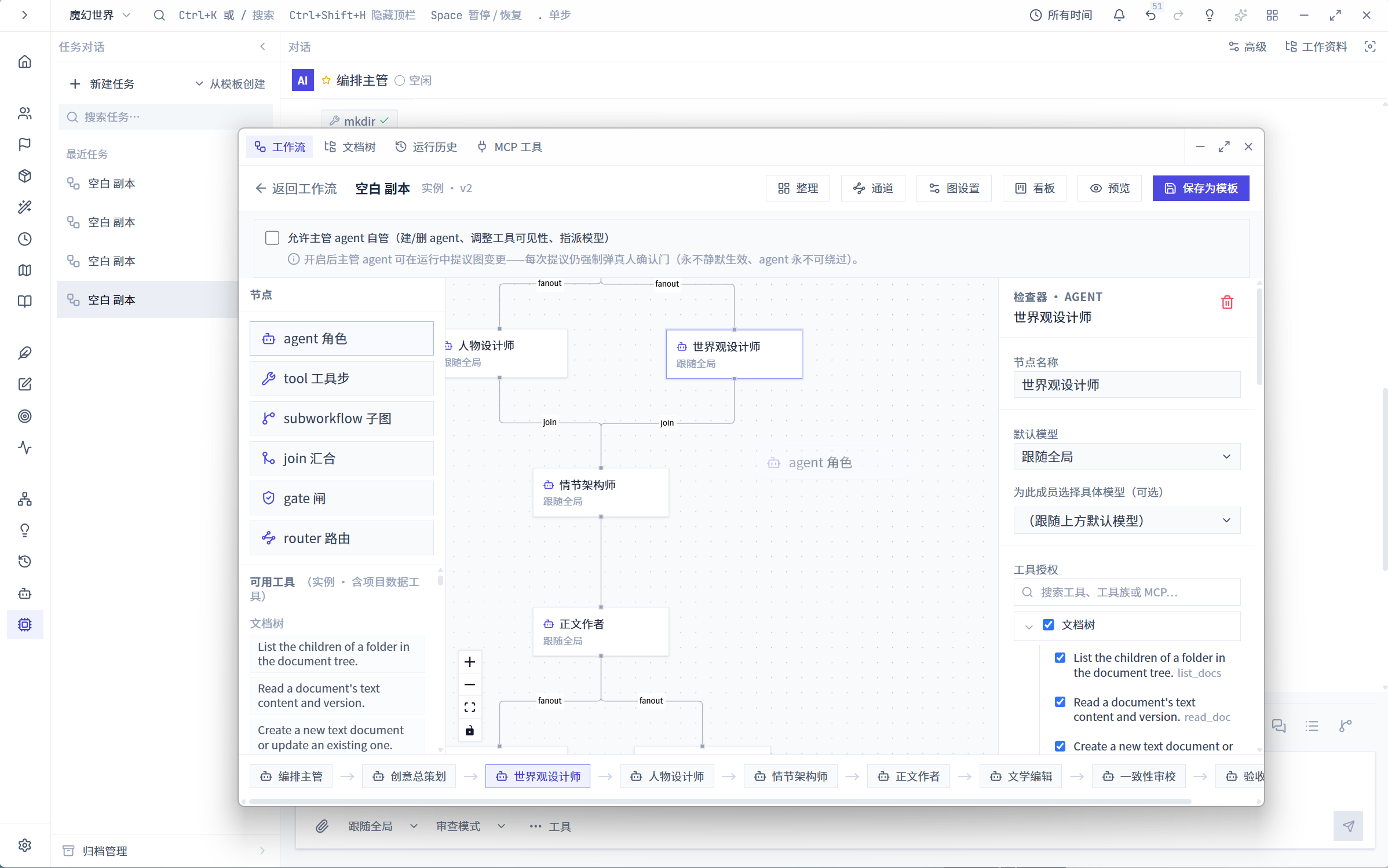
Agent graph editor with tool and authorization settings
Workflow topology with settings for individual Agent capabilities.
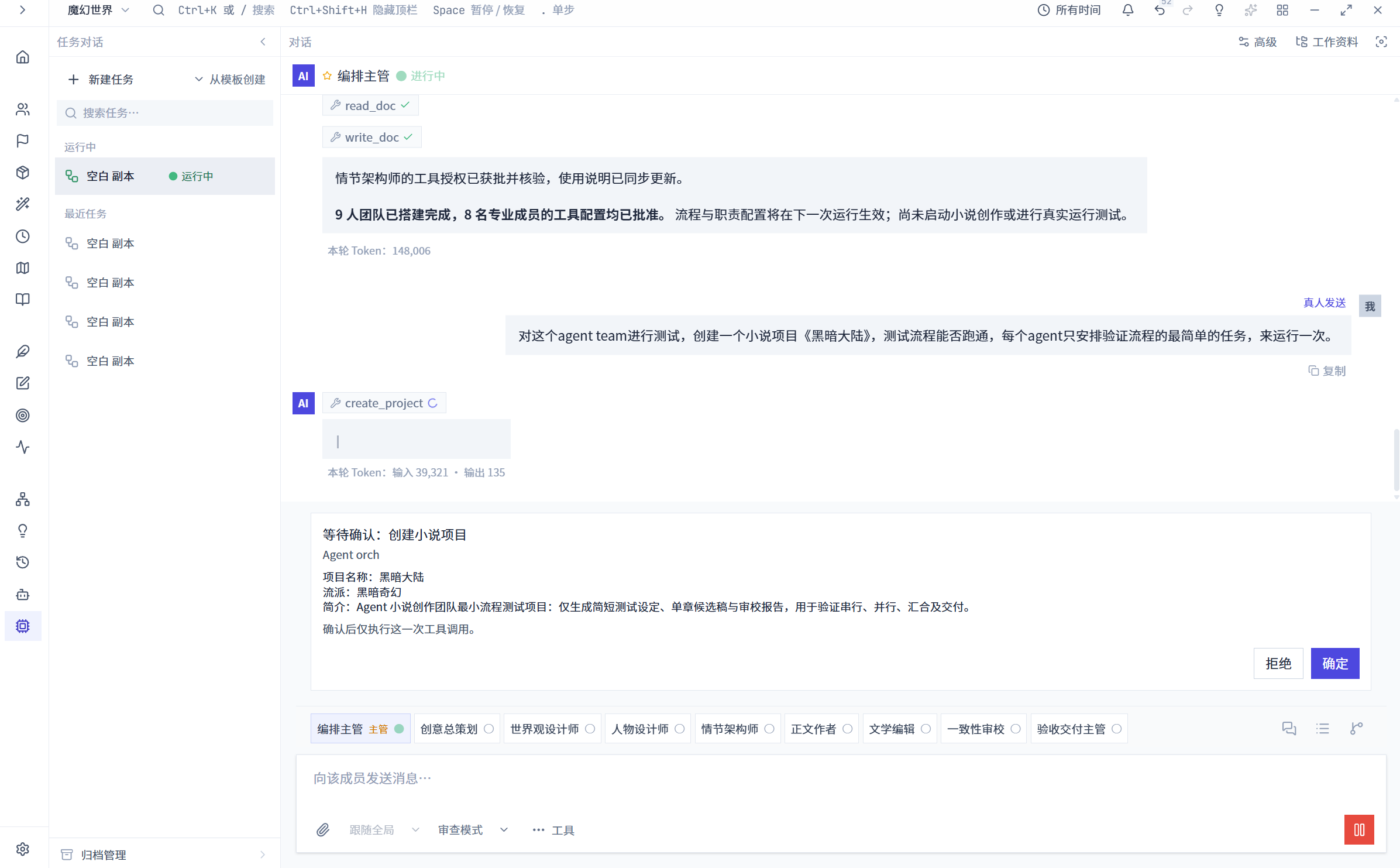
Human approval card for an Agent project operation
A proposed change presented for approval before the operation proceeds.
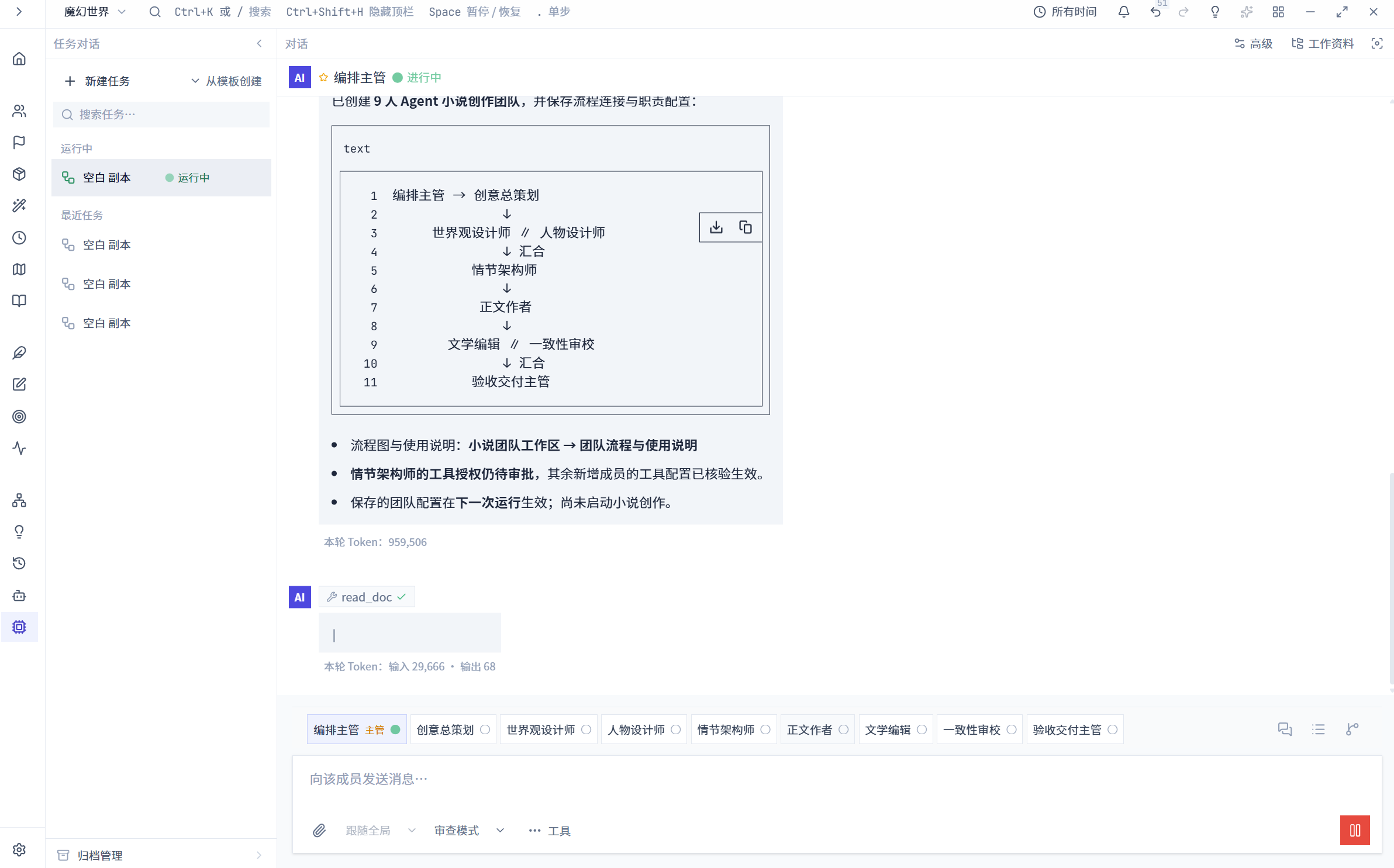
Agent workflow summary
Workflow structure and task information in the summary view.
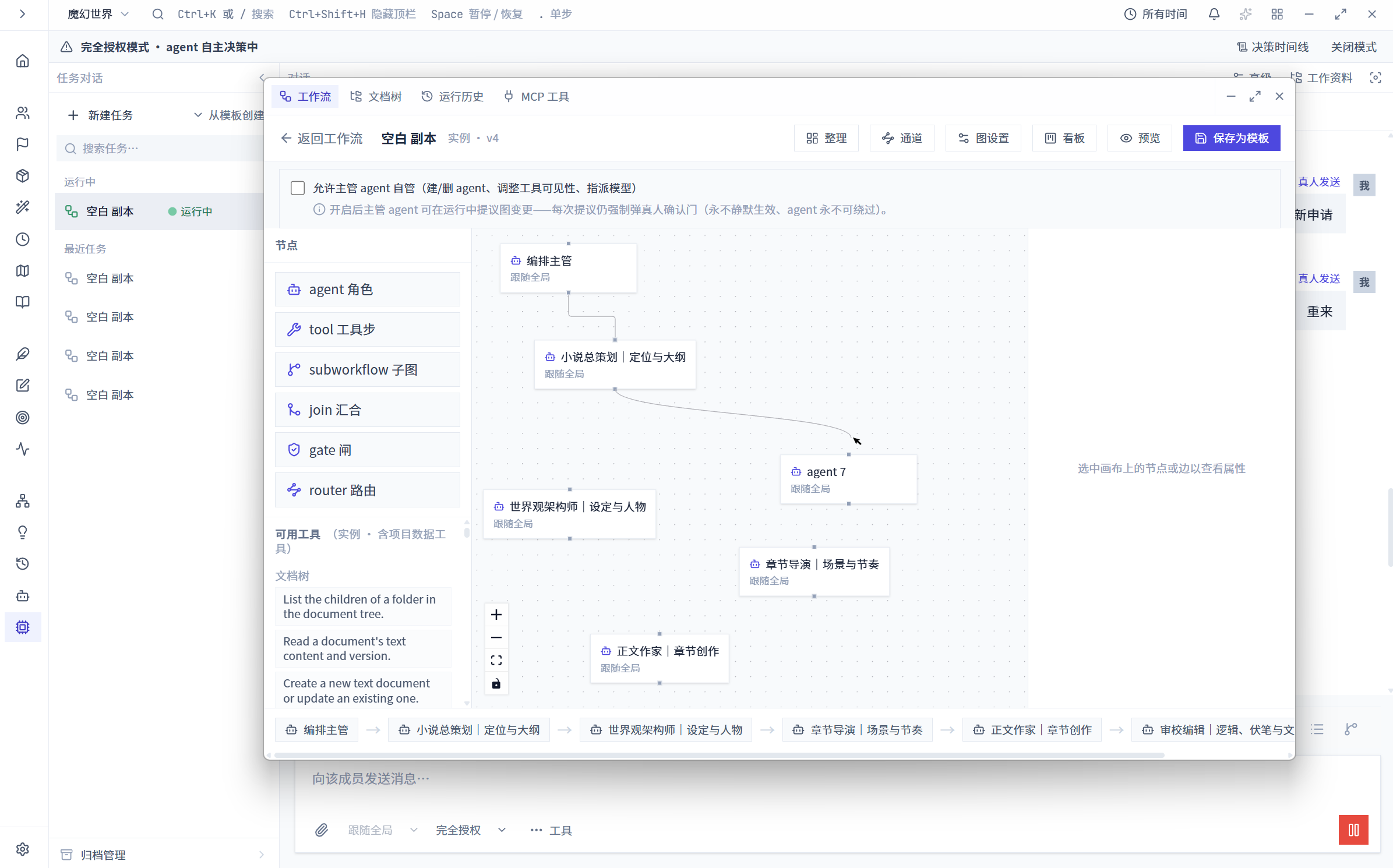
Agent workflow and authorization settings
Agent capabilities and operation permissions in workflow settings.
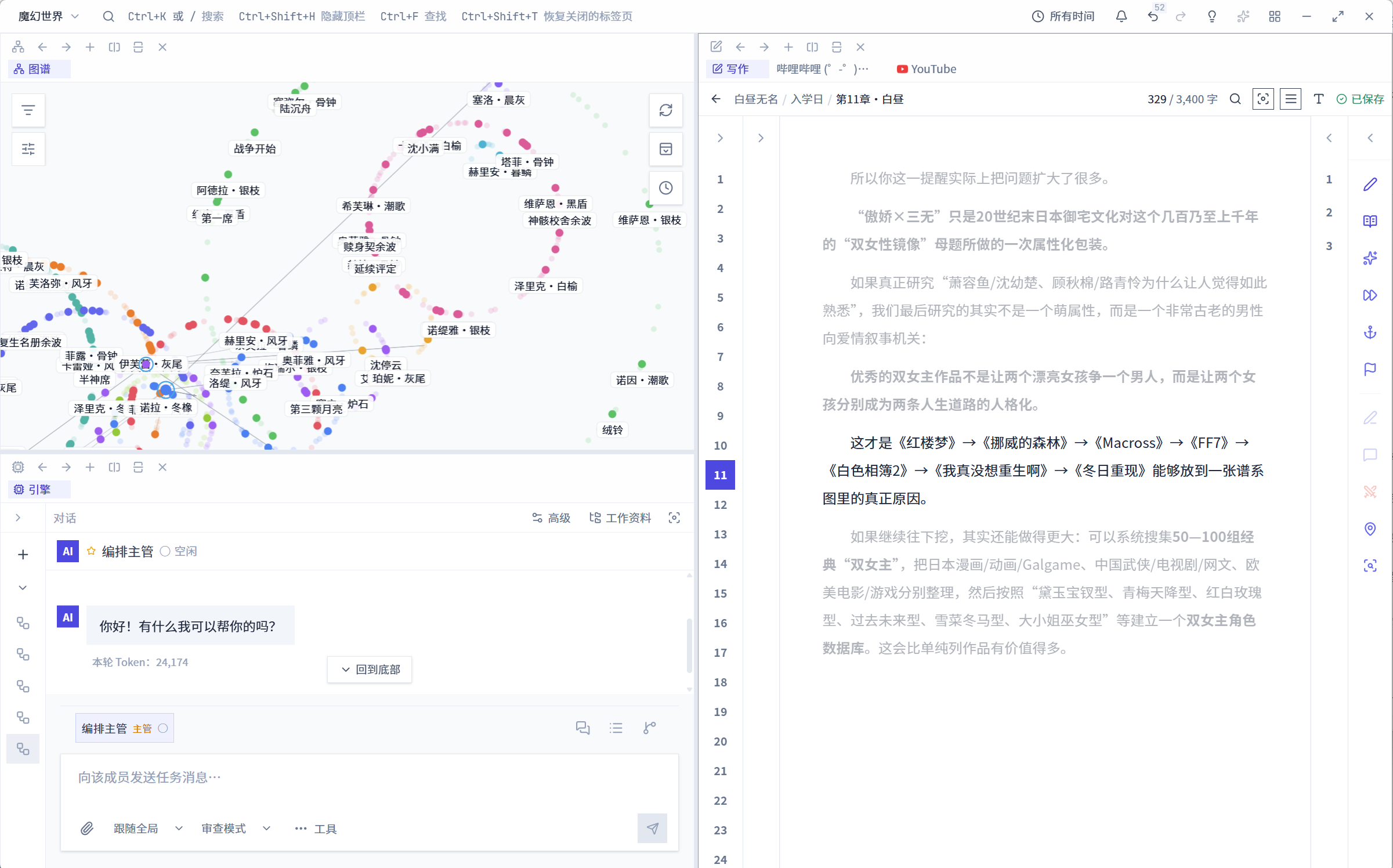
Split workspace showing a graph, writing and Agent panels
Graphs, prose and Agent tasks open side by side.
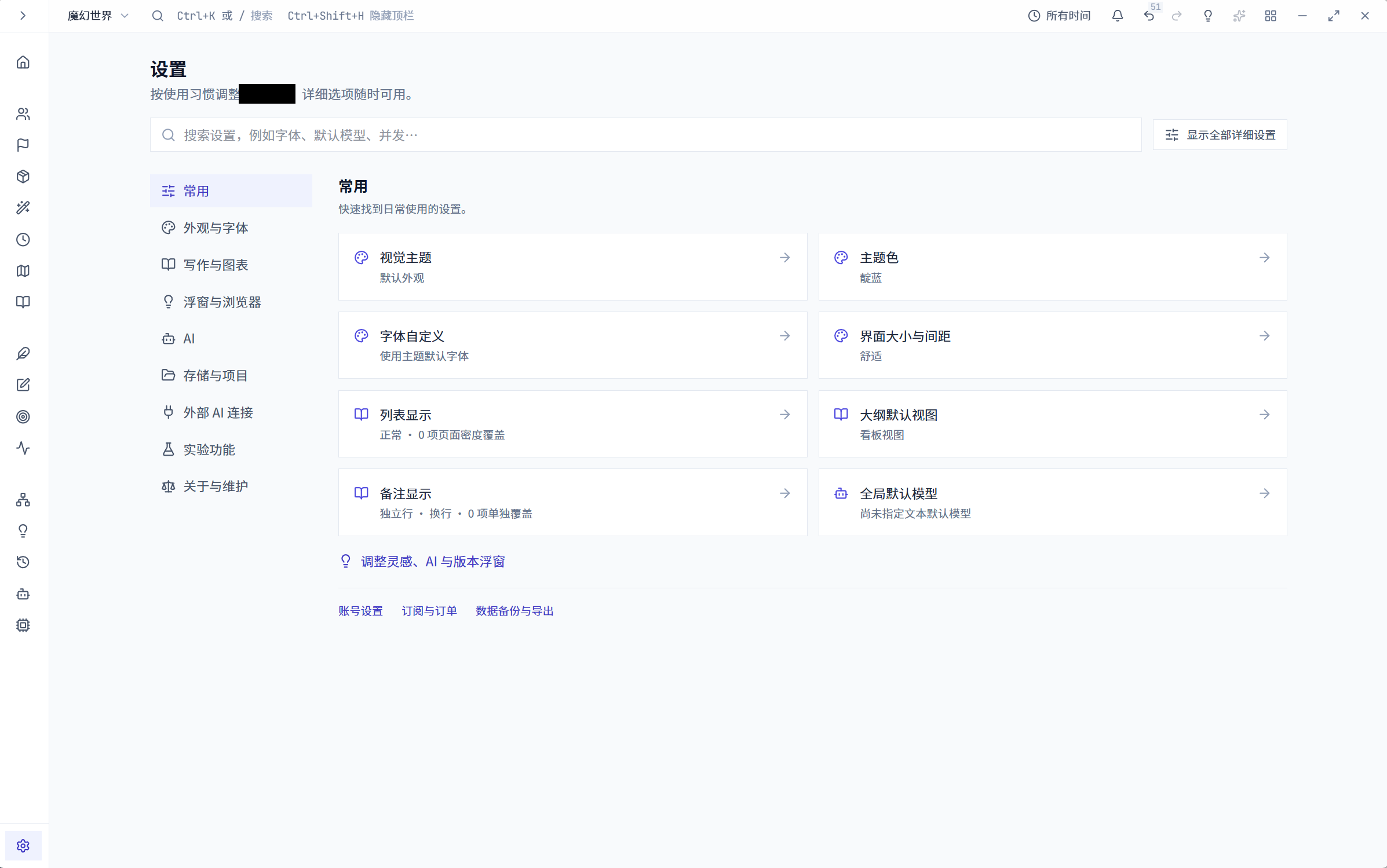
Settings navigation and common preferences
Common desktop preferences grouped by category.
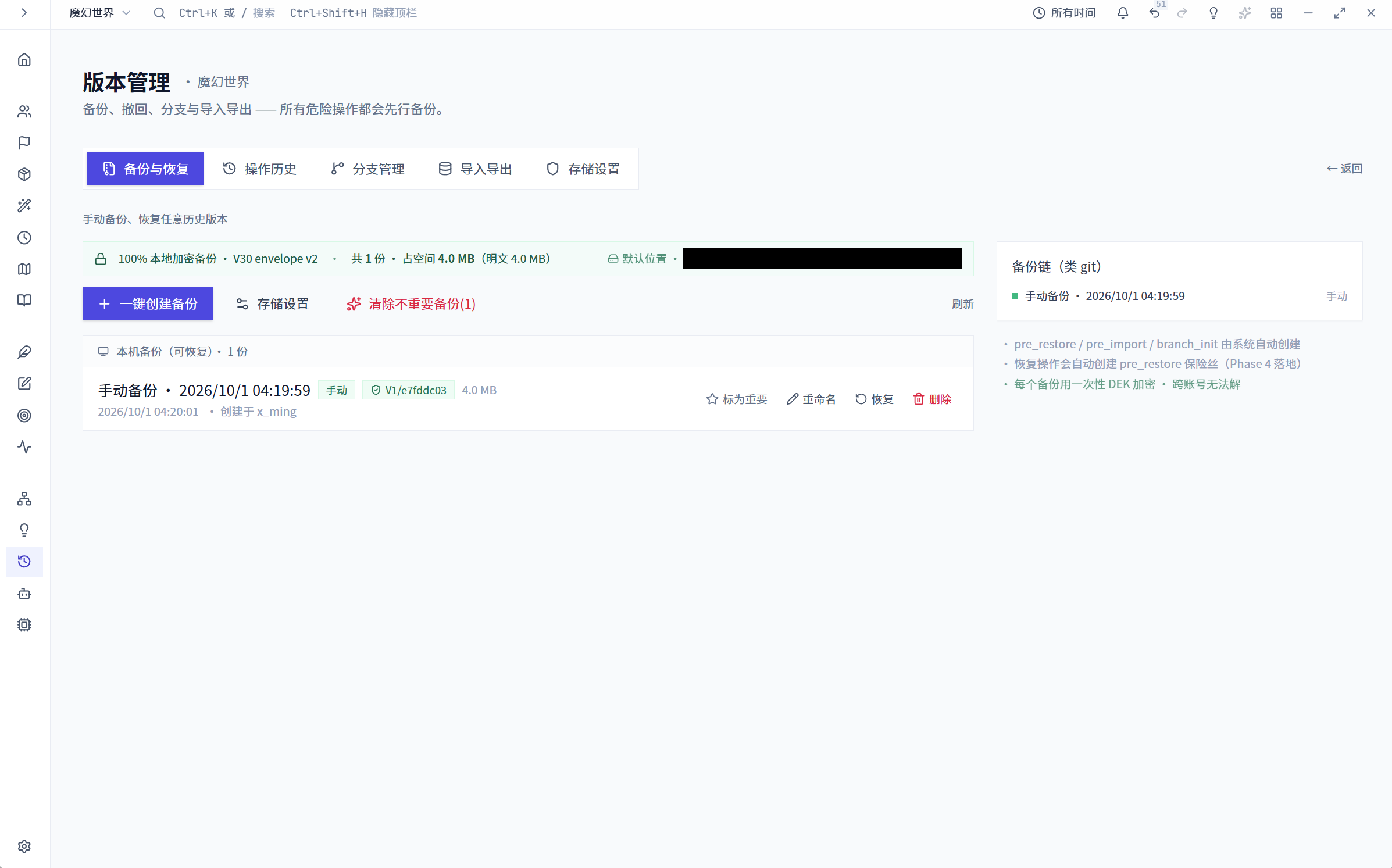
Version management and local backup interface
Backup, restore and version controls in one interface.
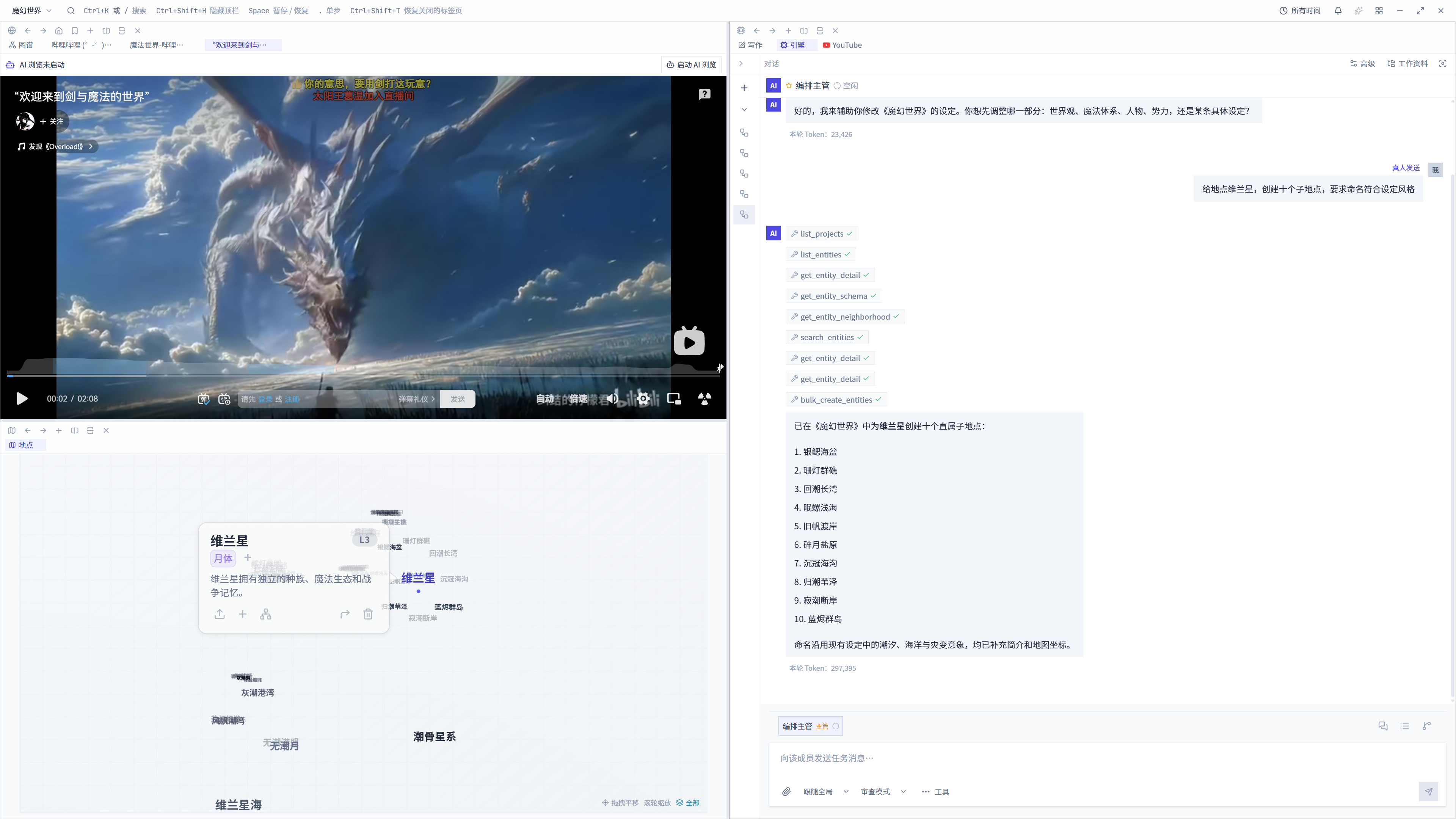
Embedded external page alongside location and Agent panels
An external page open beside location references and Agent tasks.
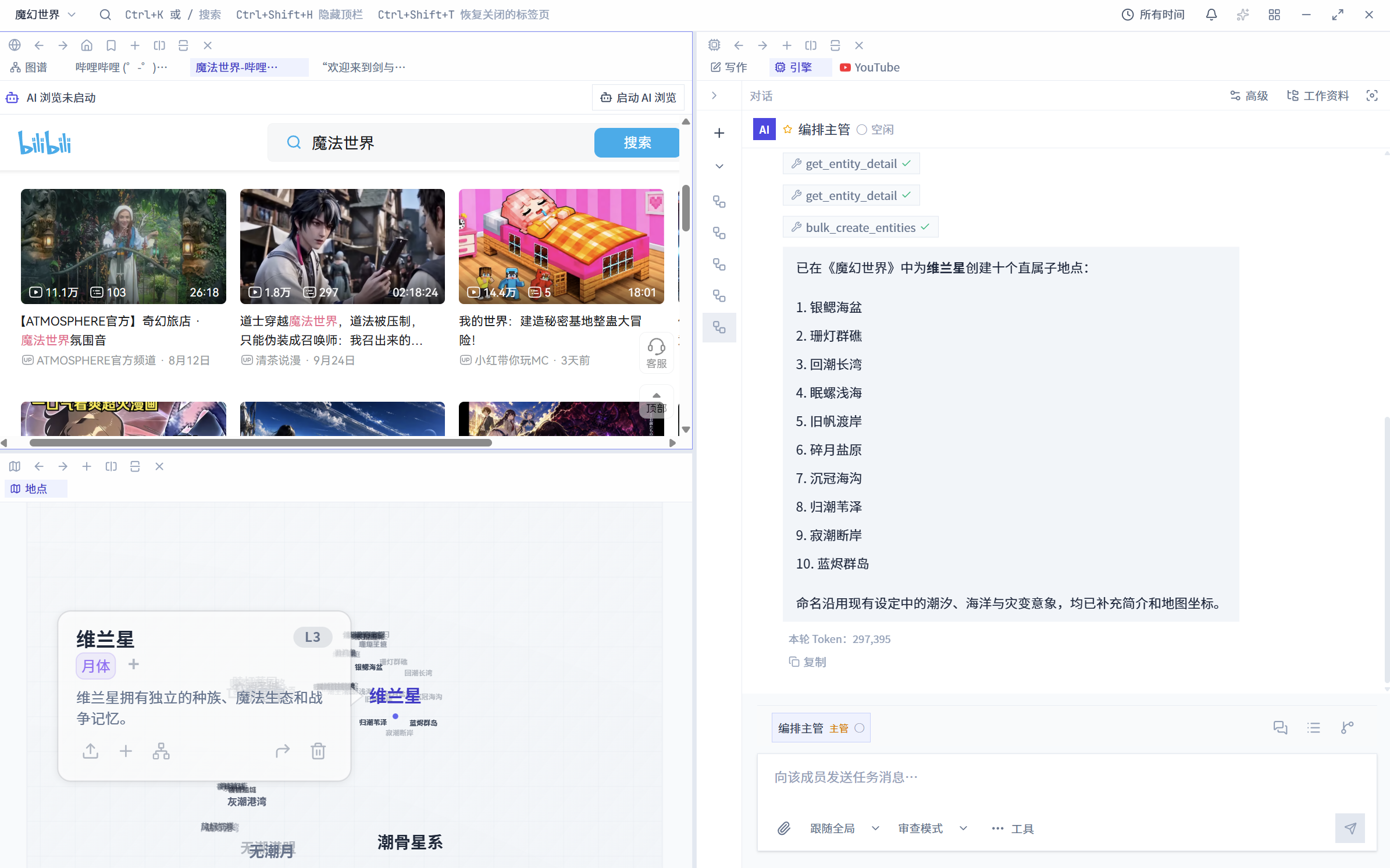
Embedded external page browser alongside the workspace
A web page beside the project workspace for reference.
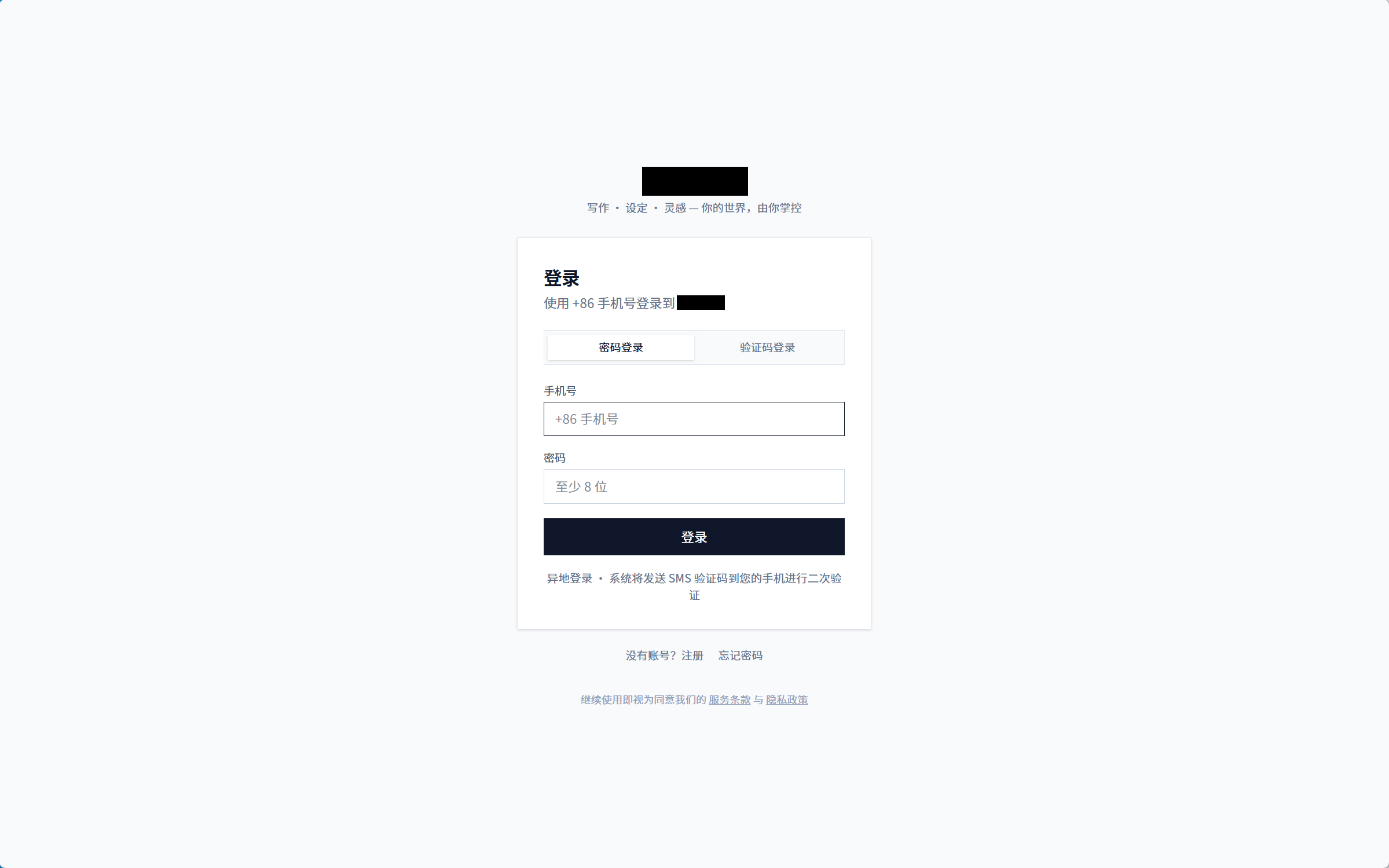
Sign-in interface
The desktop client sign-in screen.
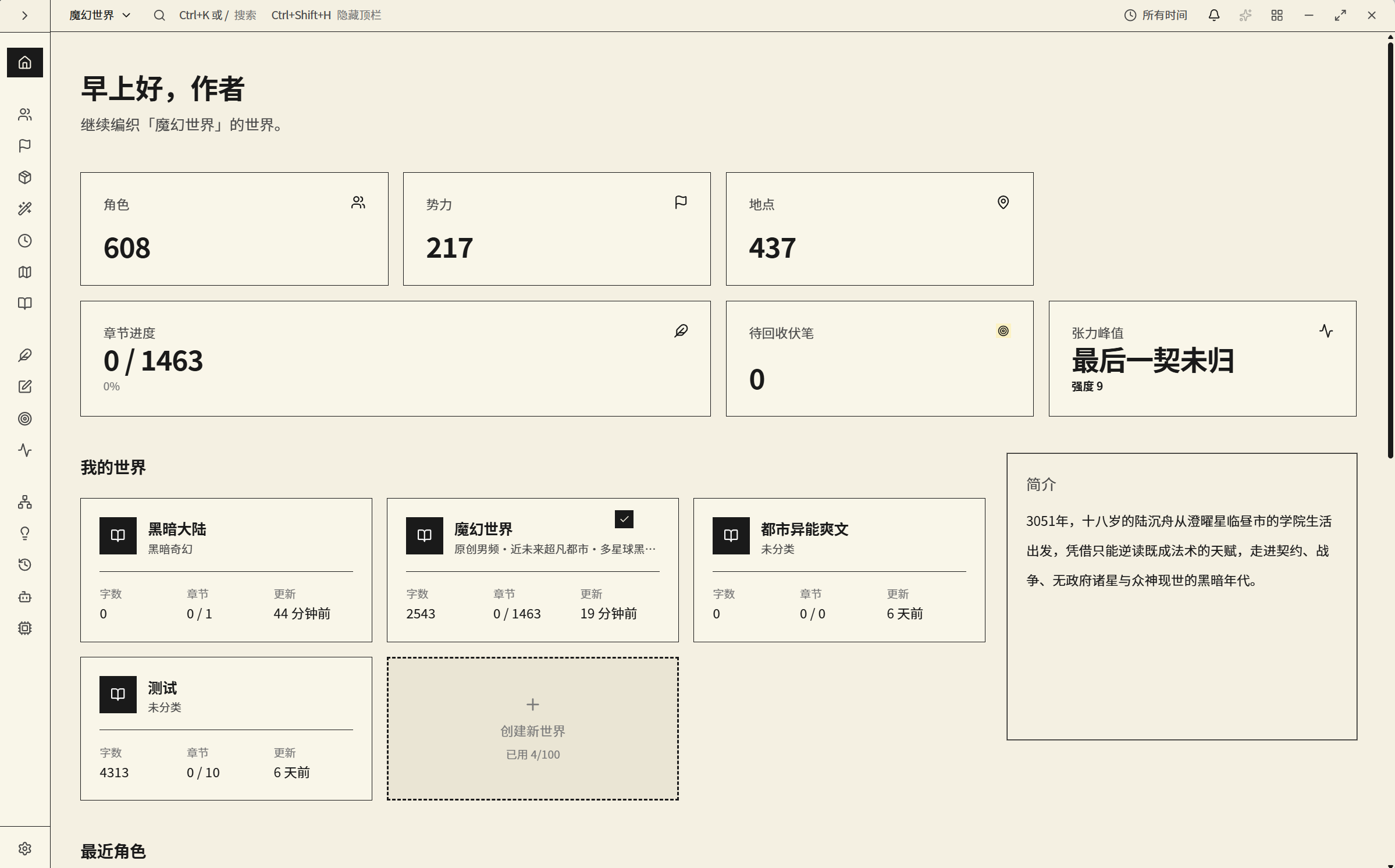
Project overview using a paper-toned theme
The project overview and module entry points in a paper-toned theme.
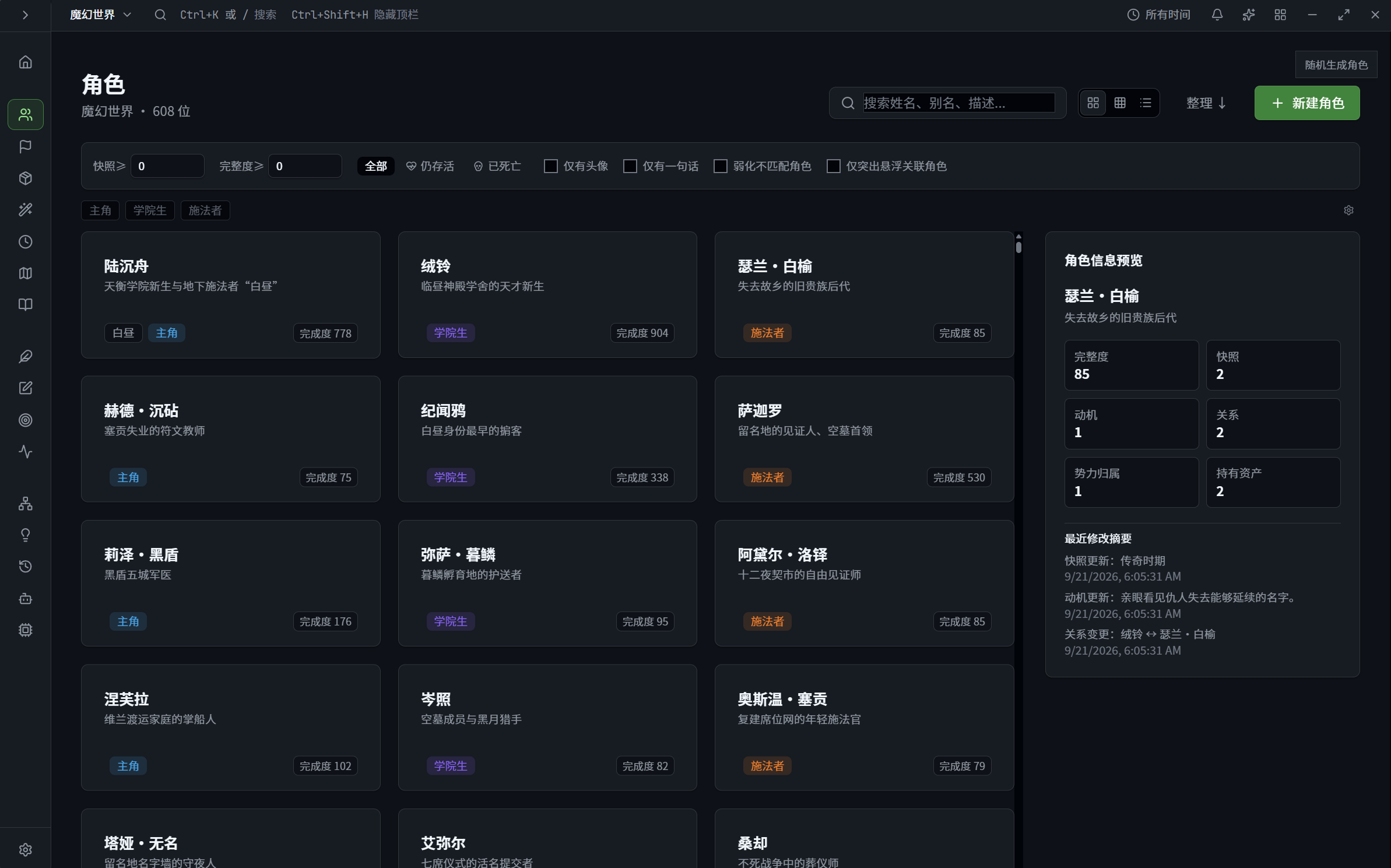
Character library using a dark interface theme
Structured character records in a dark interface theme.
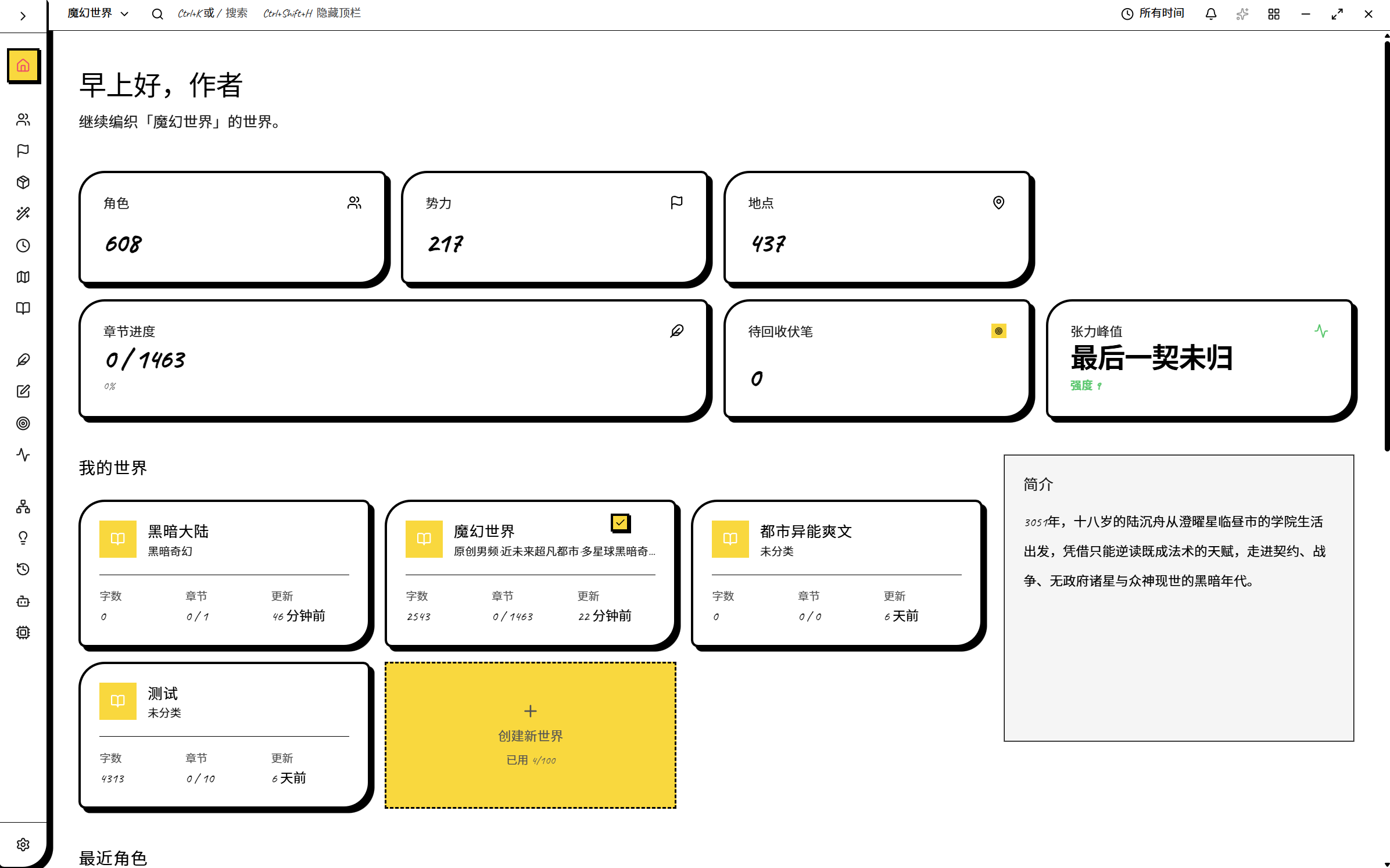
Project overview using a sketch-like interface theme
The project workflow with a sketch-like appearance.
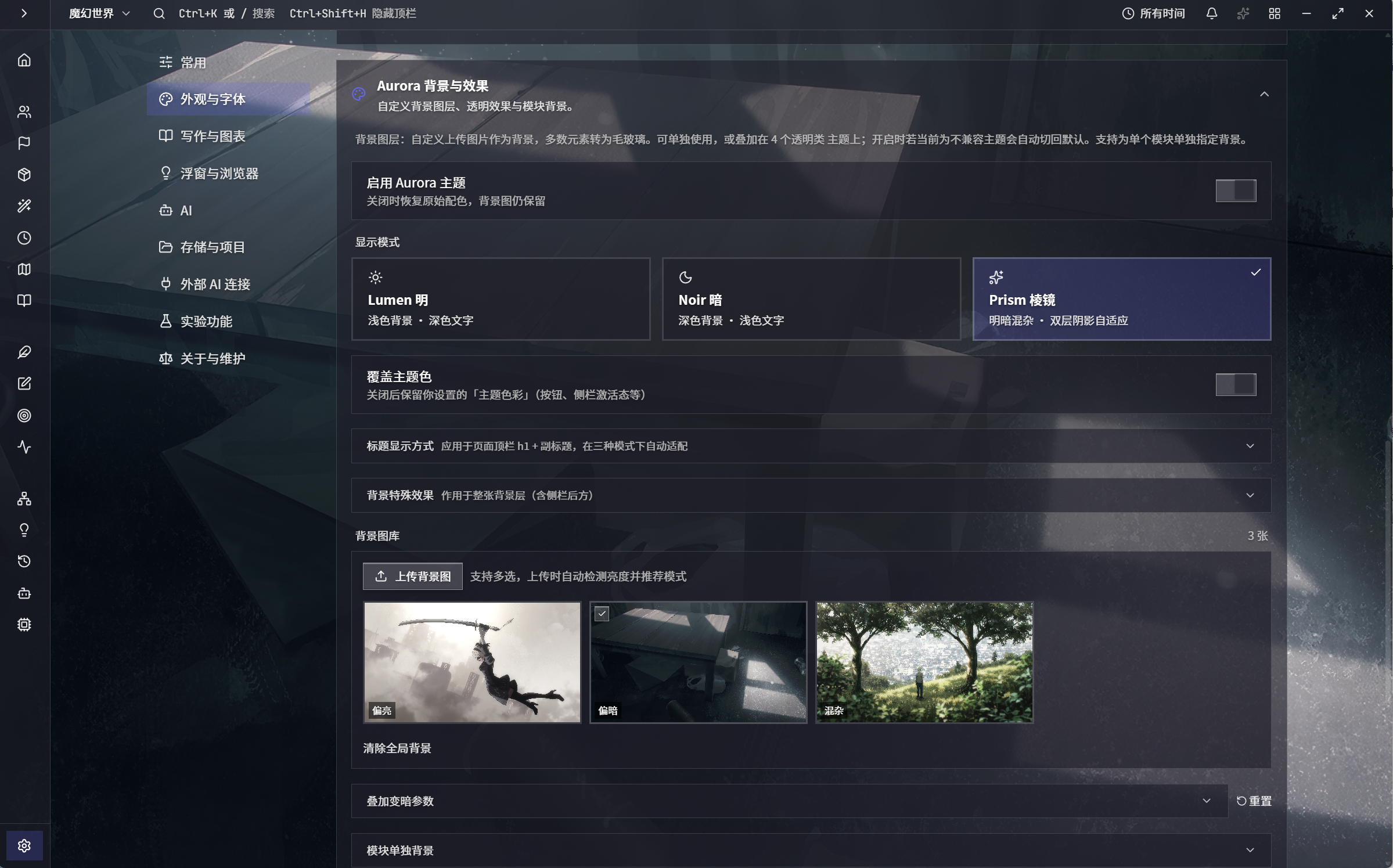
Appearance controls
Controls for the interface theme and workspace background.
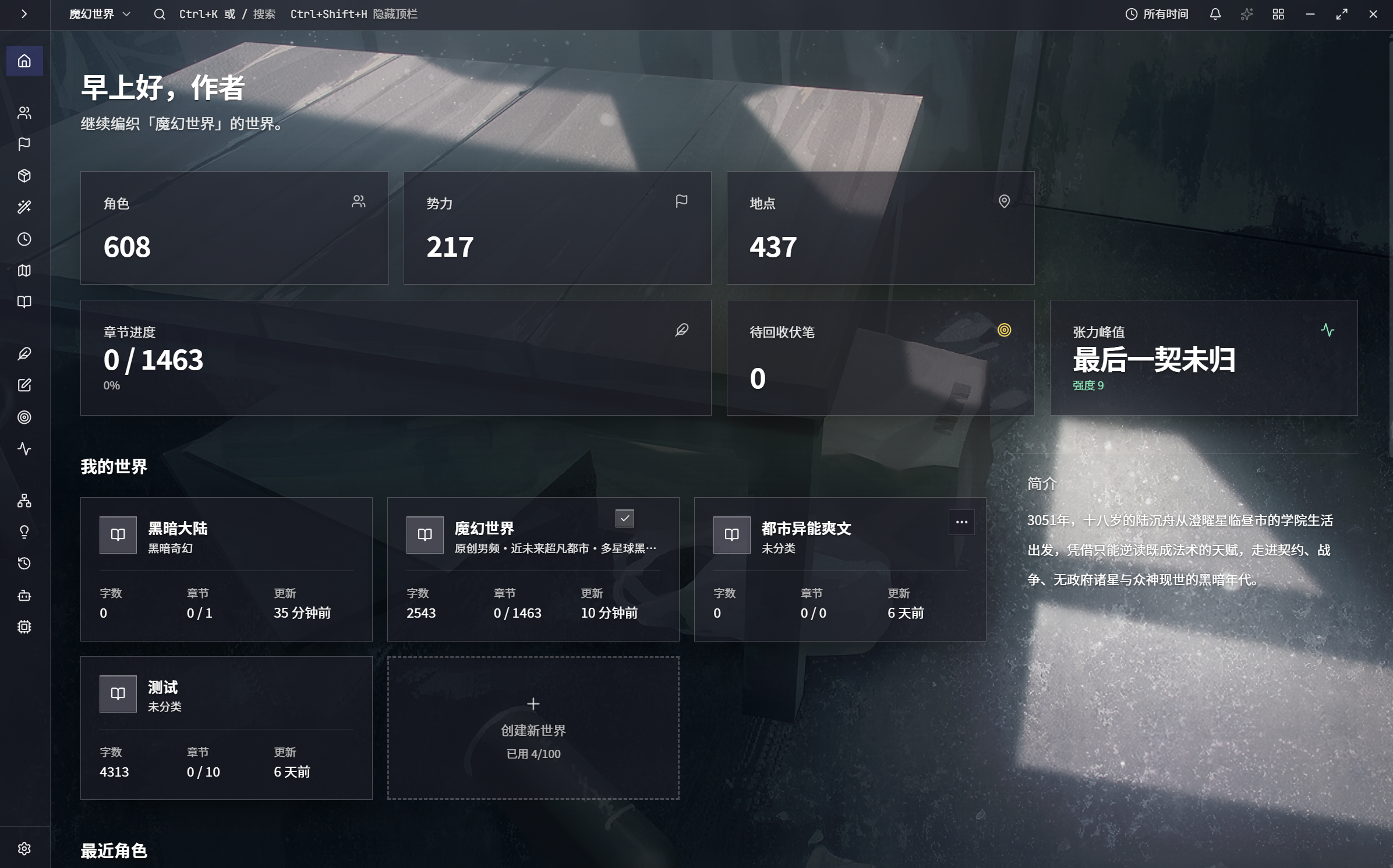
Project overview
The project overview with a custom background.
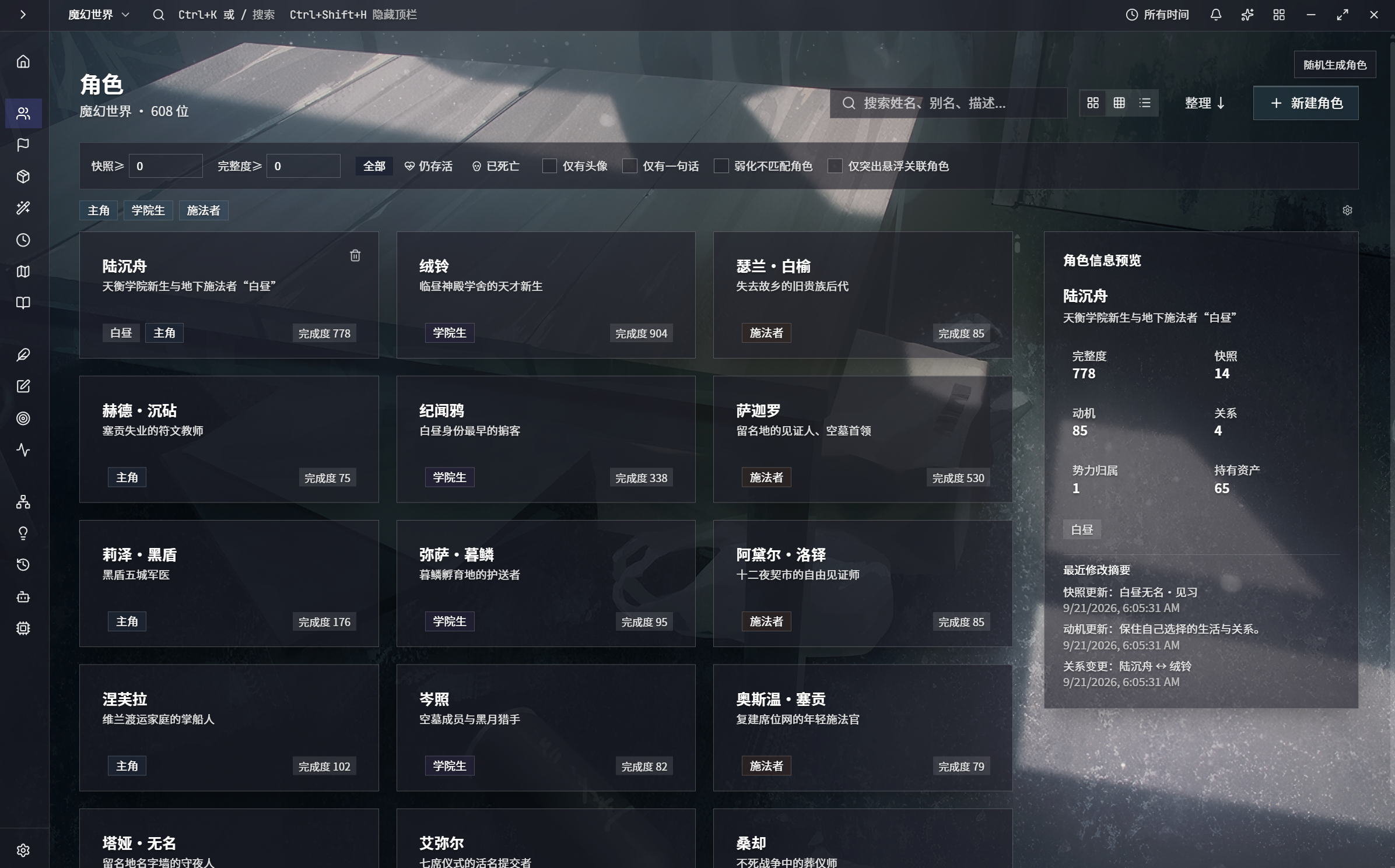
Character library
The character library retains its structure across appearances.
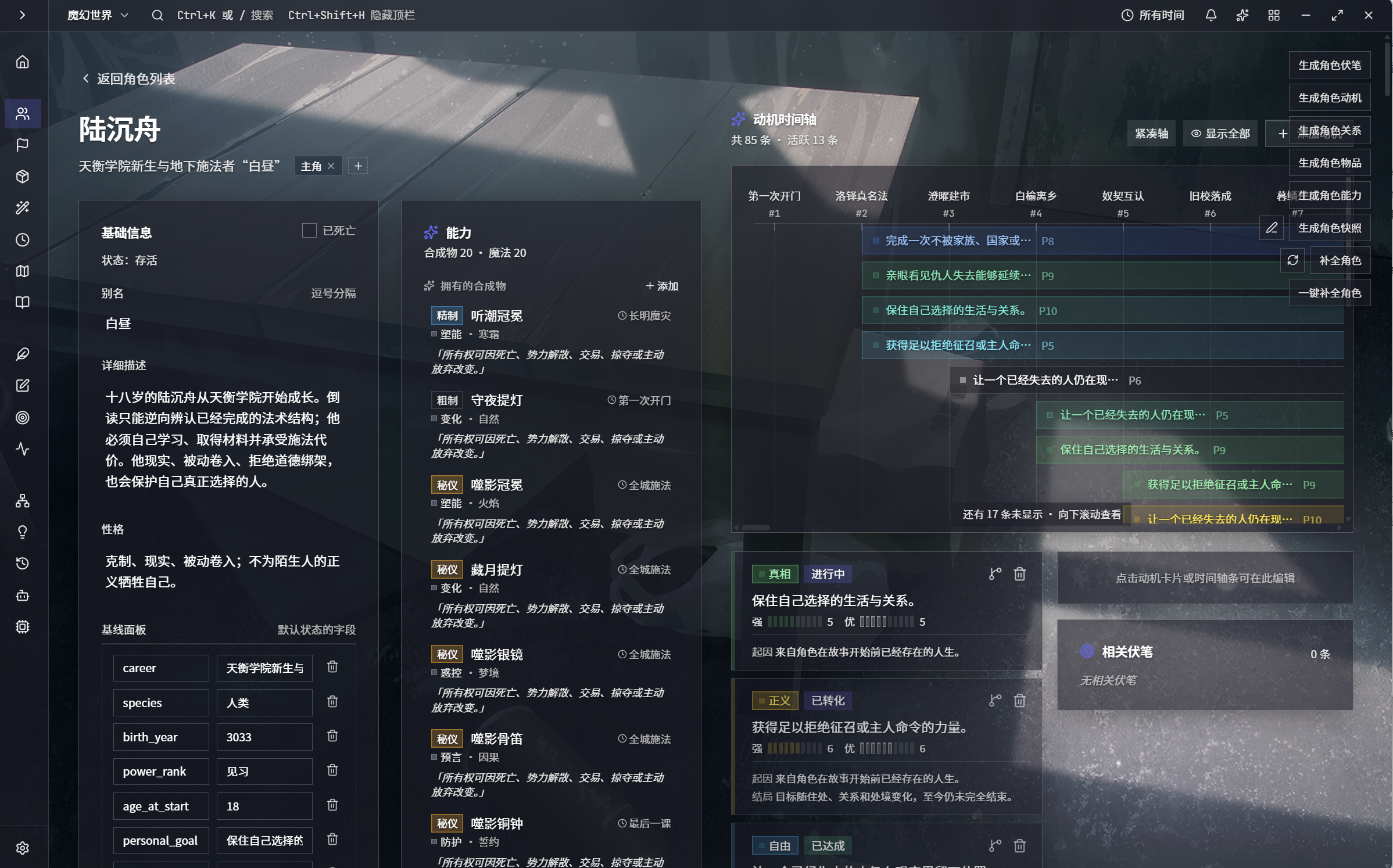
Character detail
Character attributes and details in the themed interface.
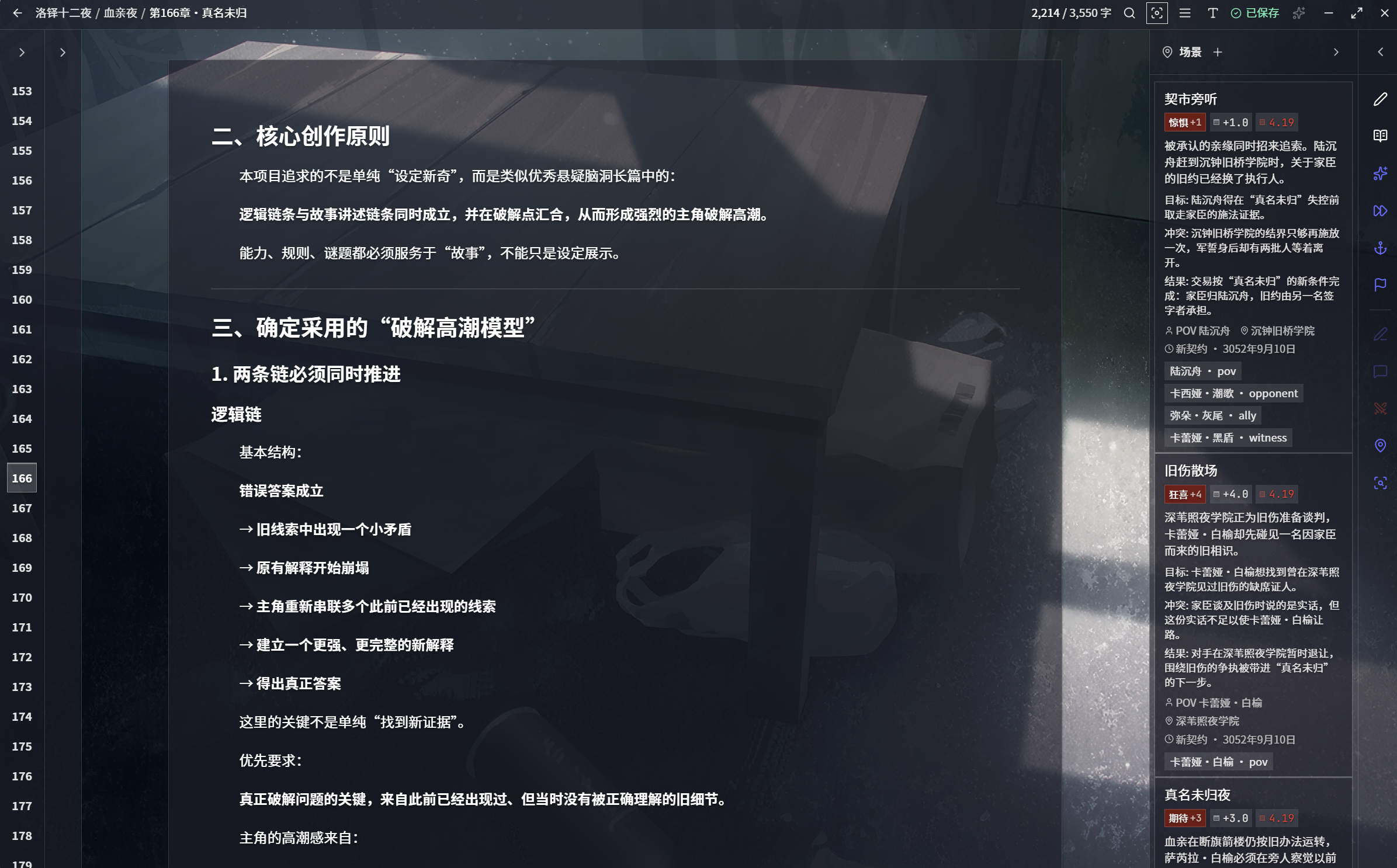
Writing editor
Prose editing and reference panels share the visual theme.
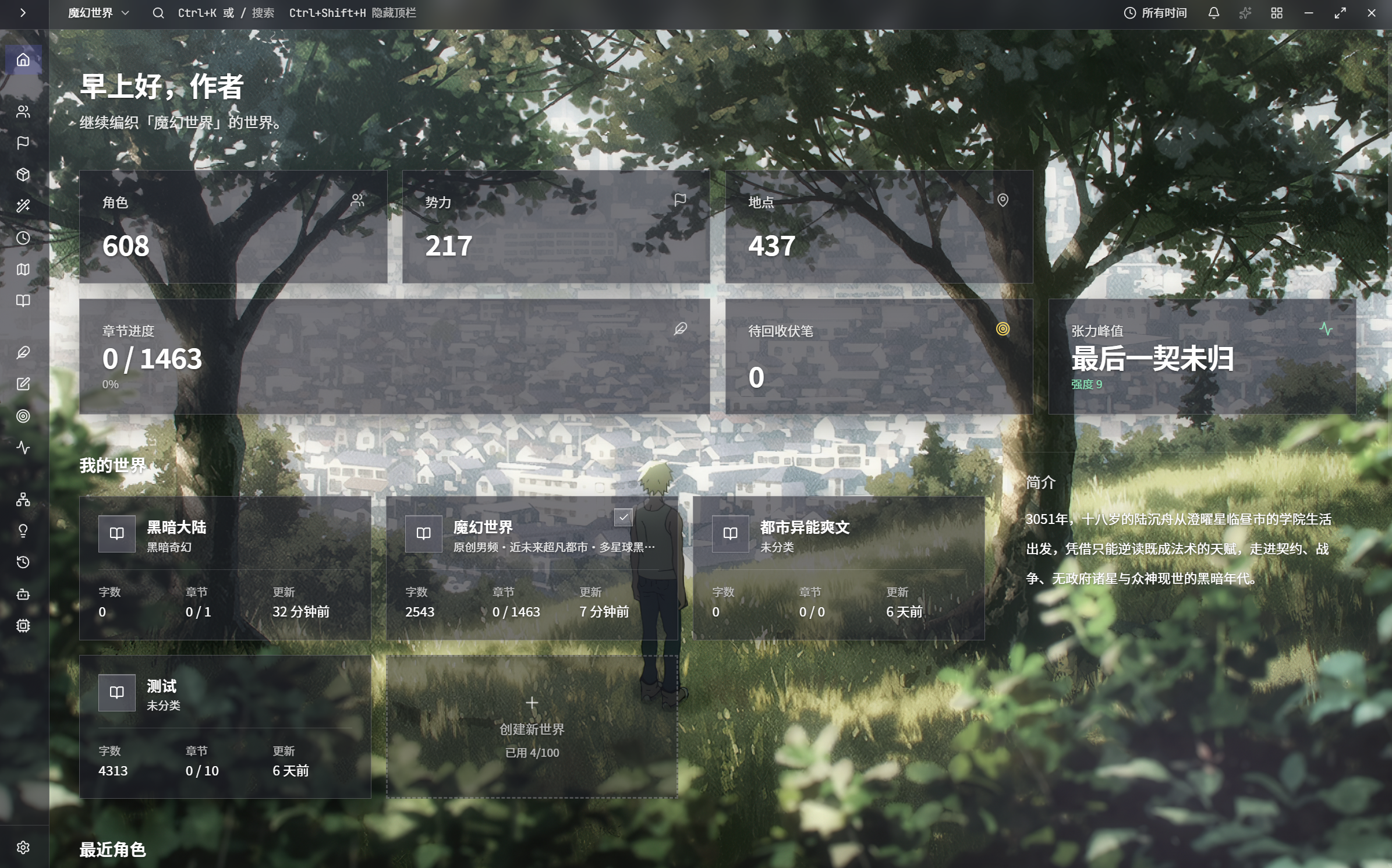
Project overview
The project entry points in another theme and background combination.
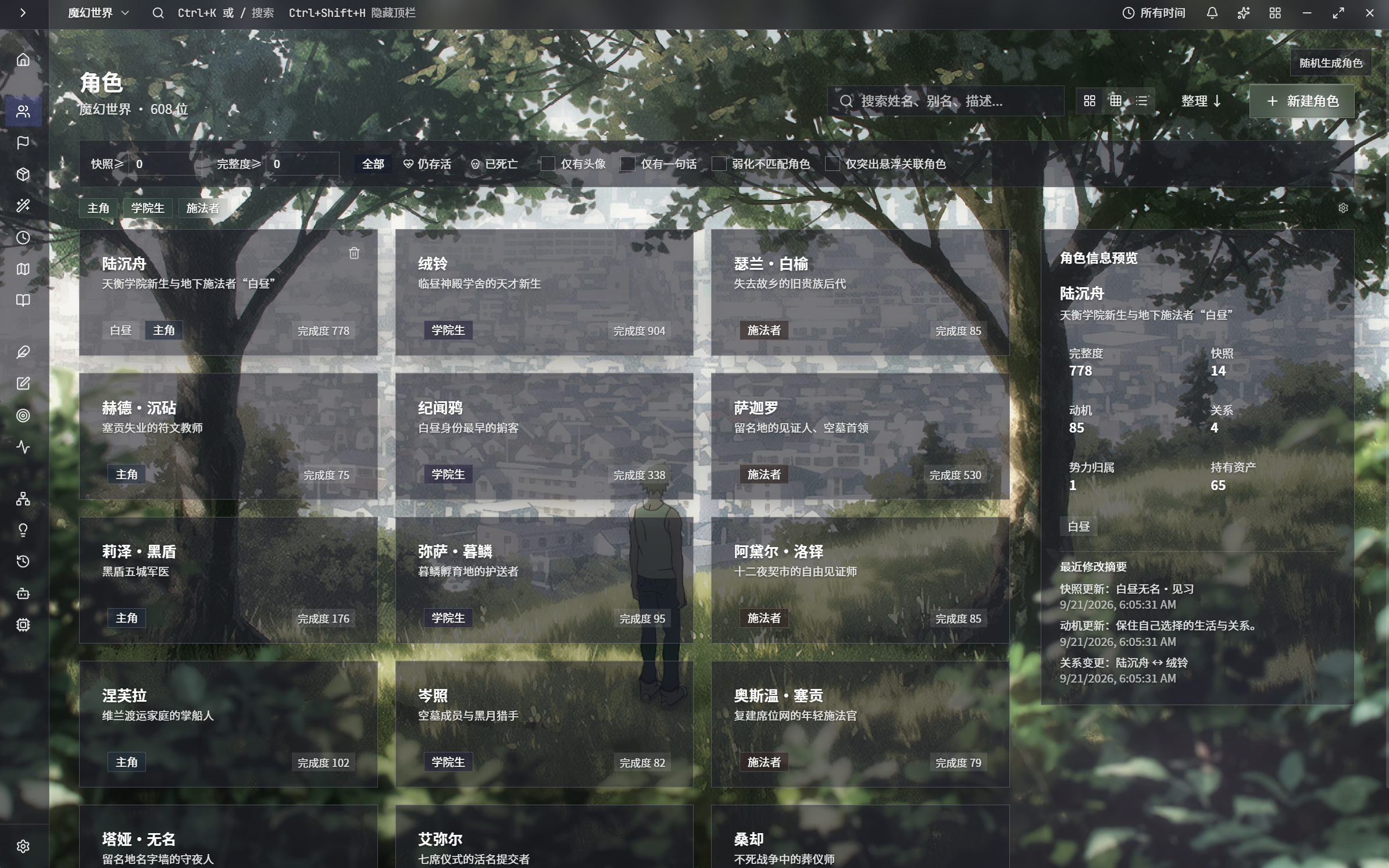
Character library
Character records with an alternate interface palette.
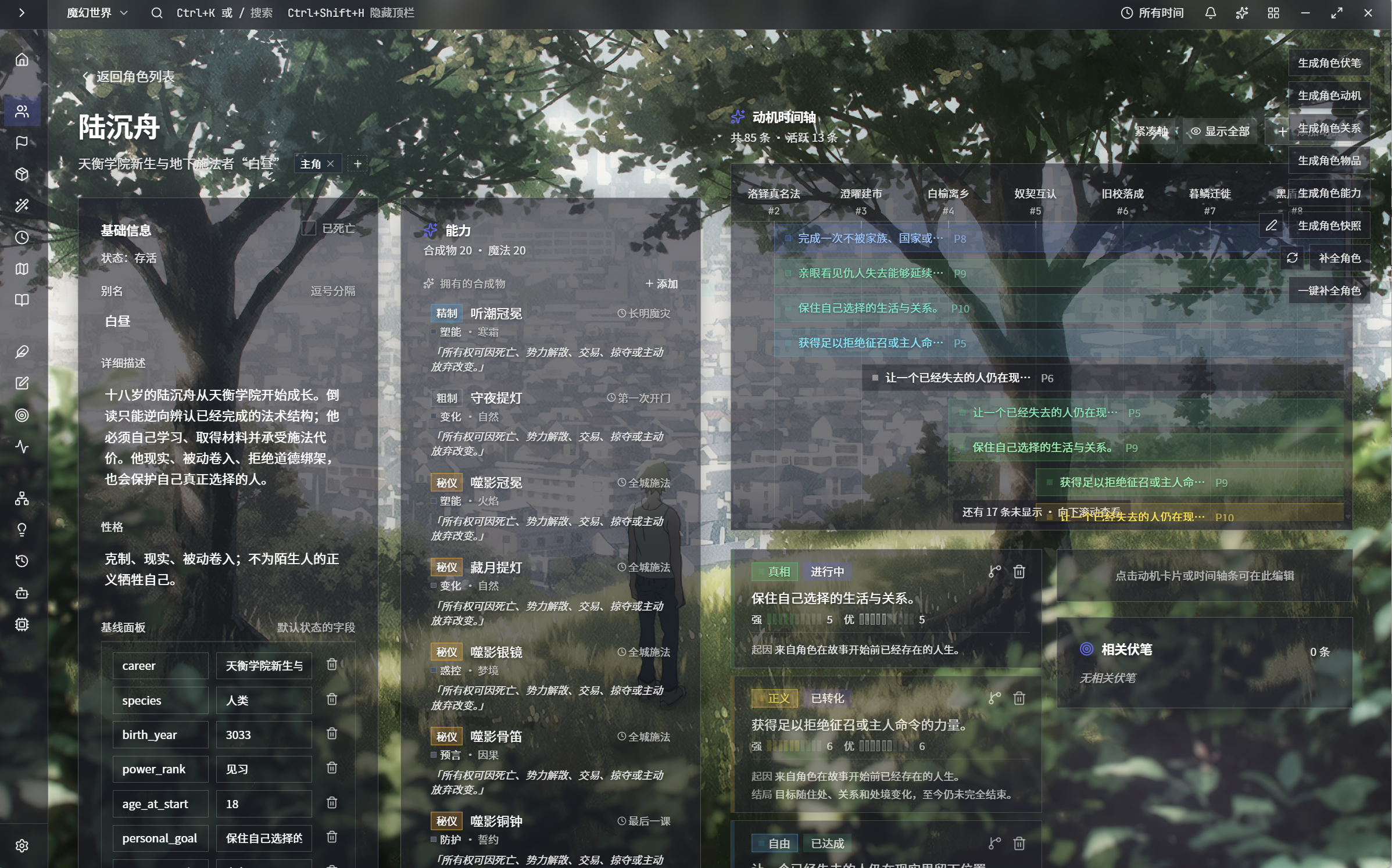
Character detail
Character details in an alternate theme.
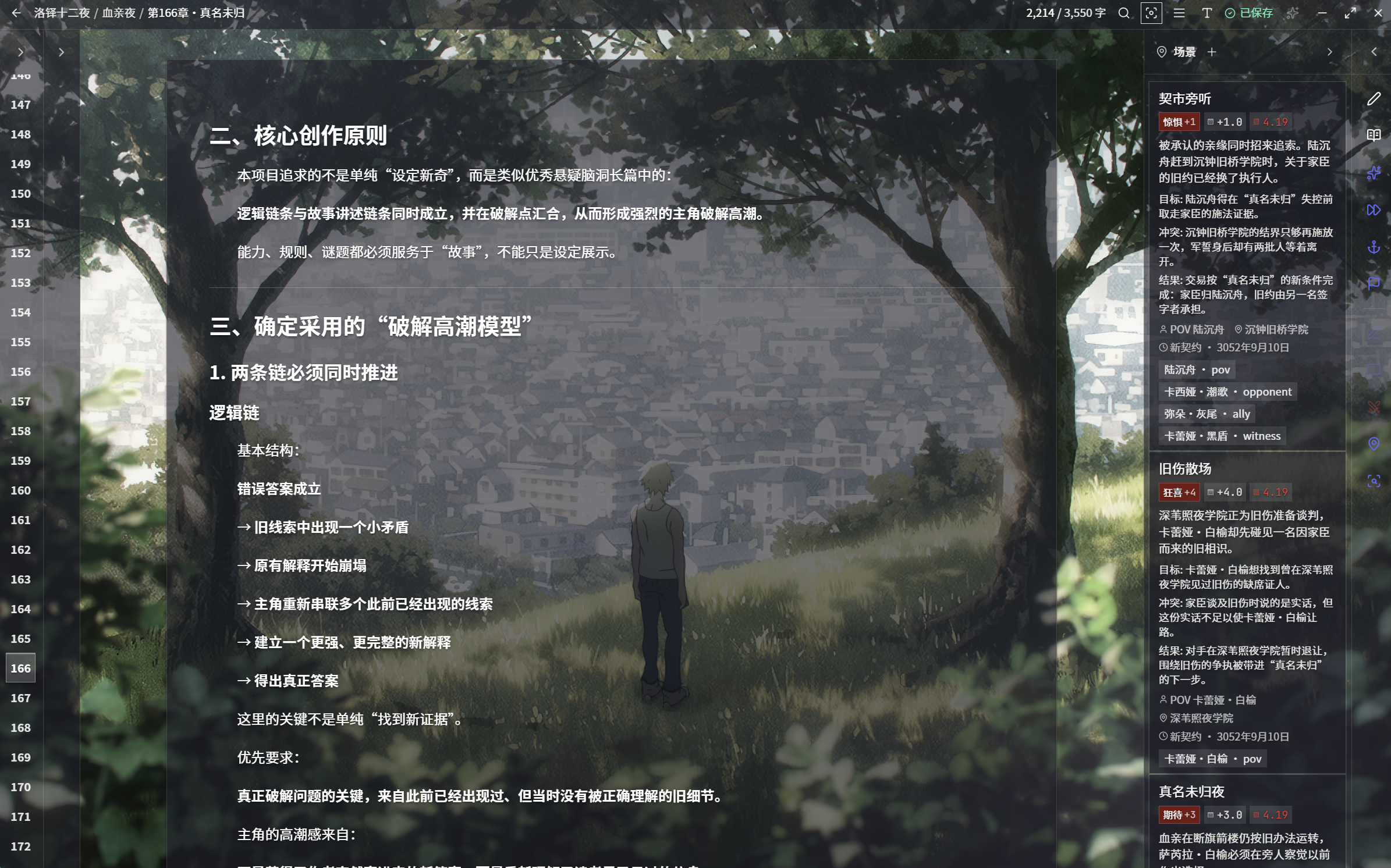
Writing editor
Prose and reference information with an alternate theme.
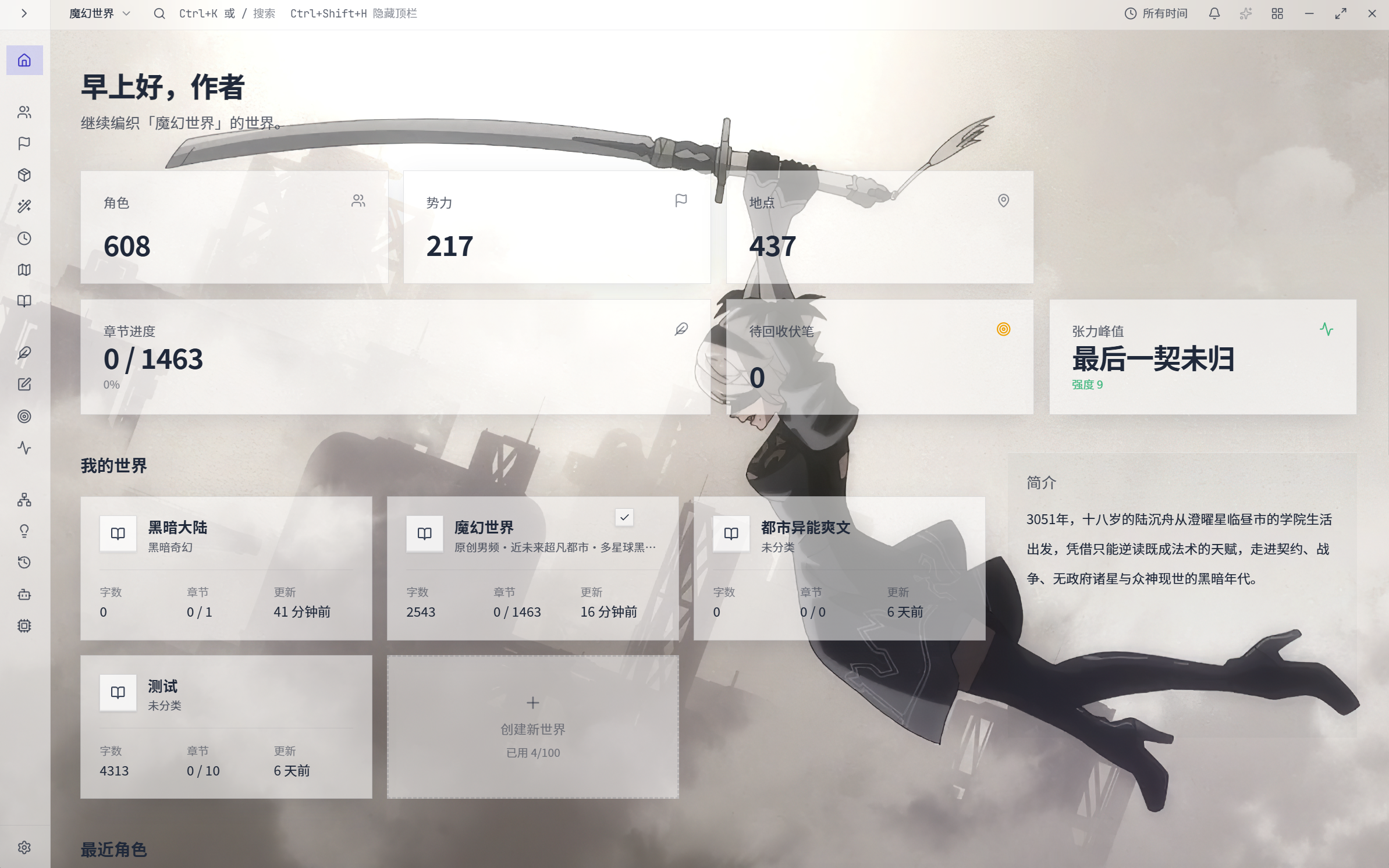
Project overview
A different visual style with the same project overview structure.
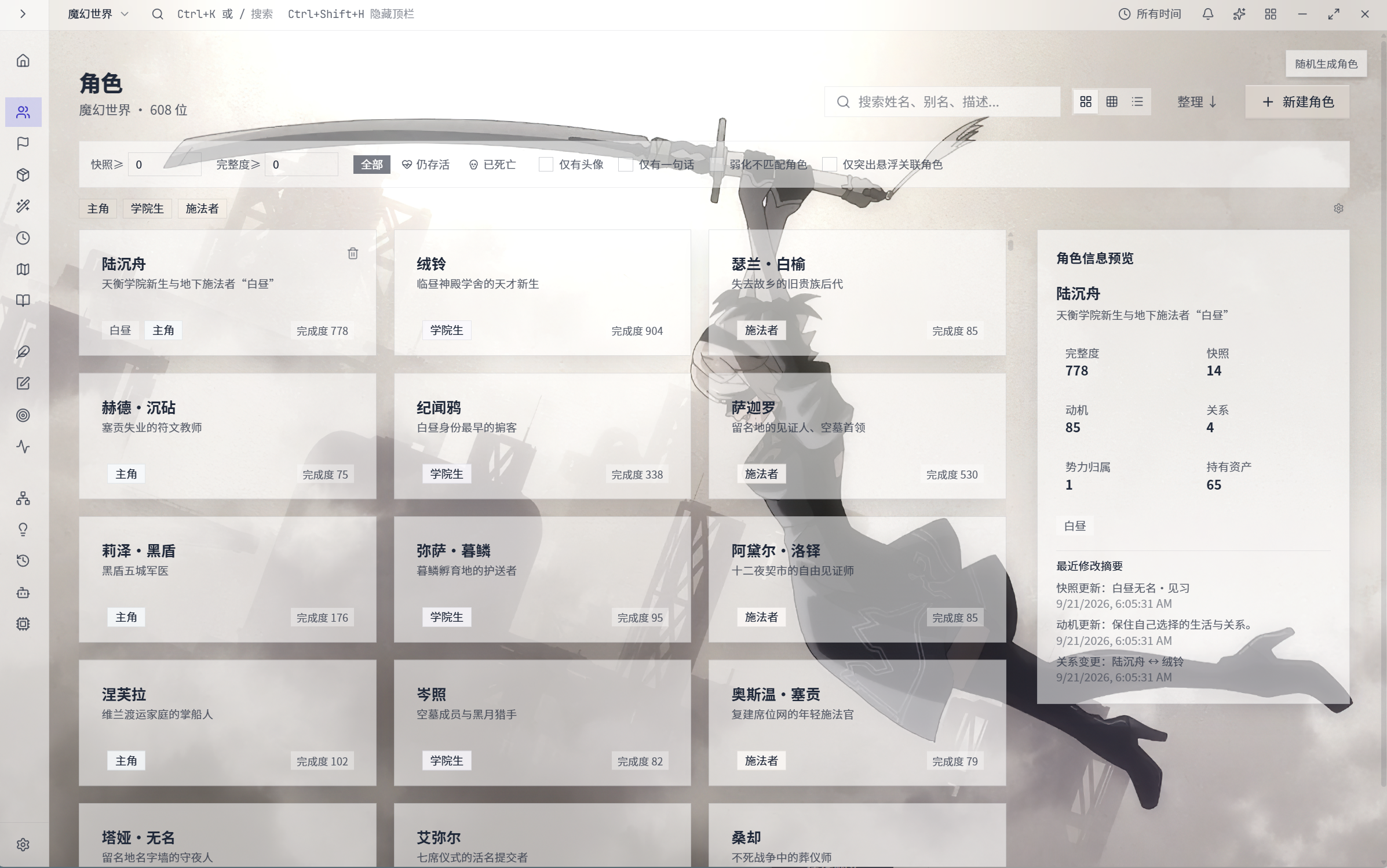
Character library
A different theme and background with the same character library layout.
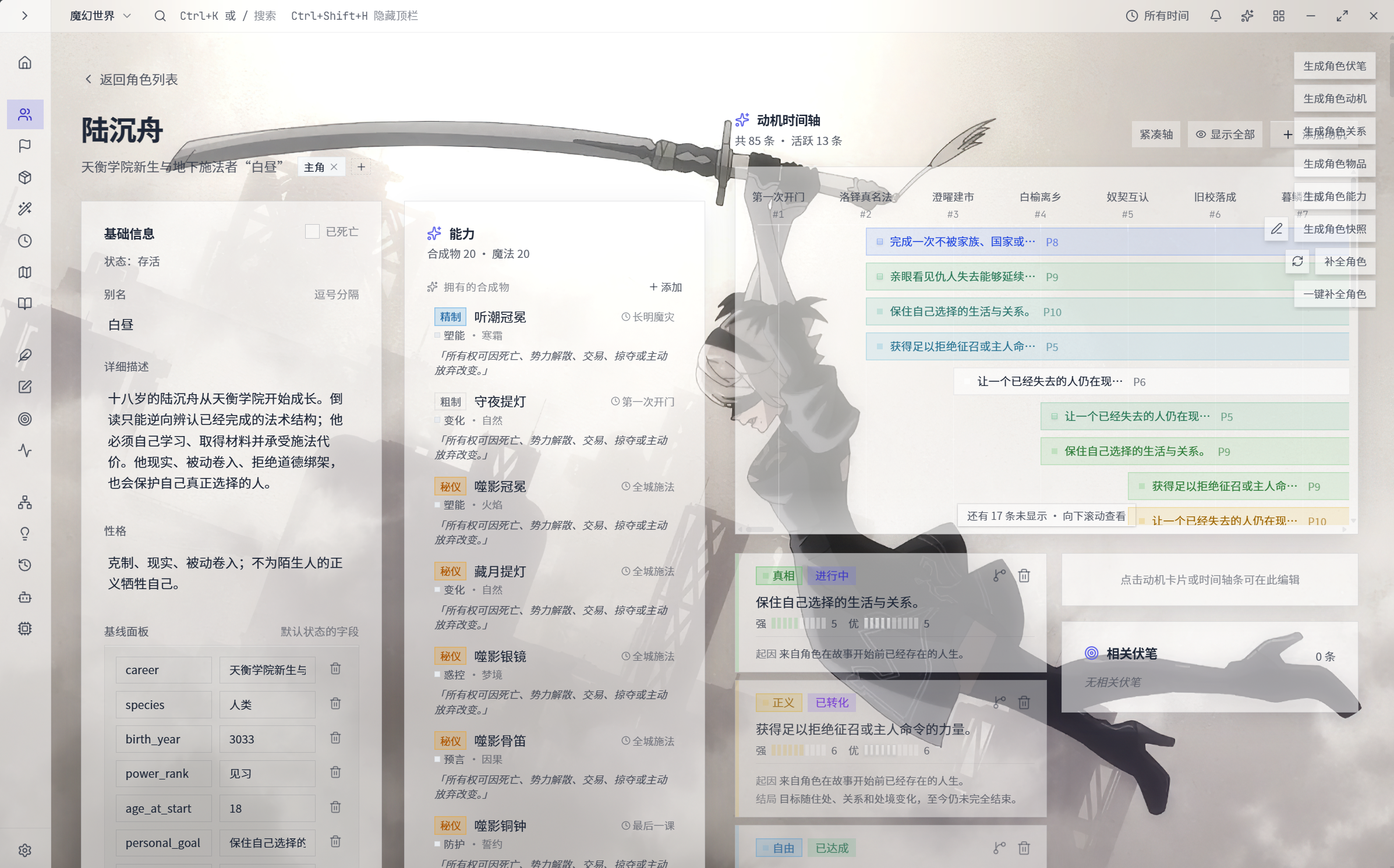
Character detail
A consistent character detail layout across appearances.
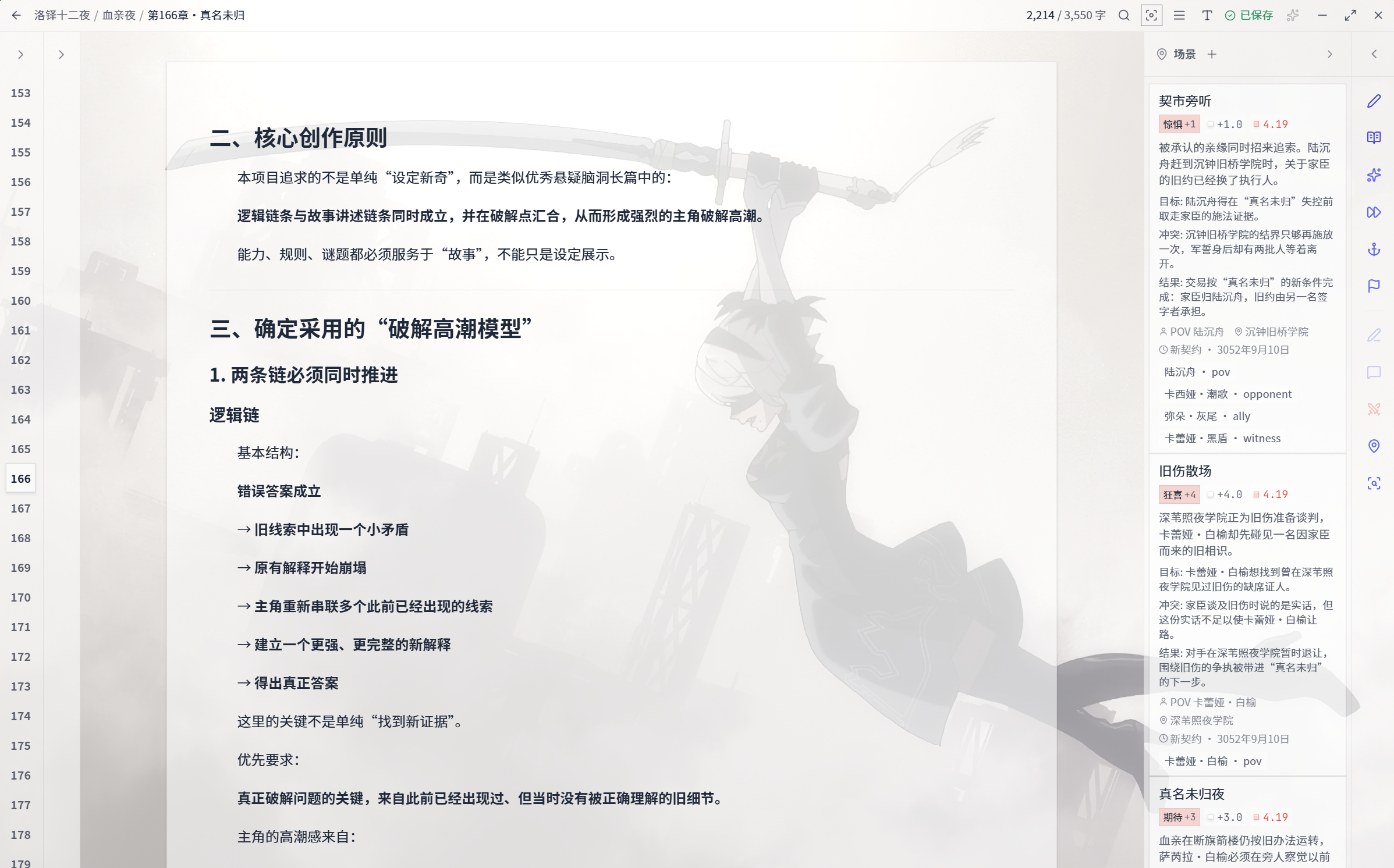
Writing editor
The same writing layout with a different interface theme.
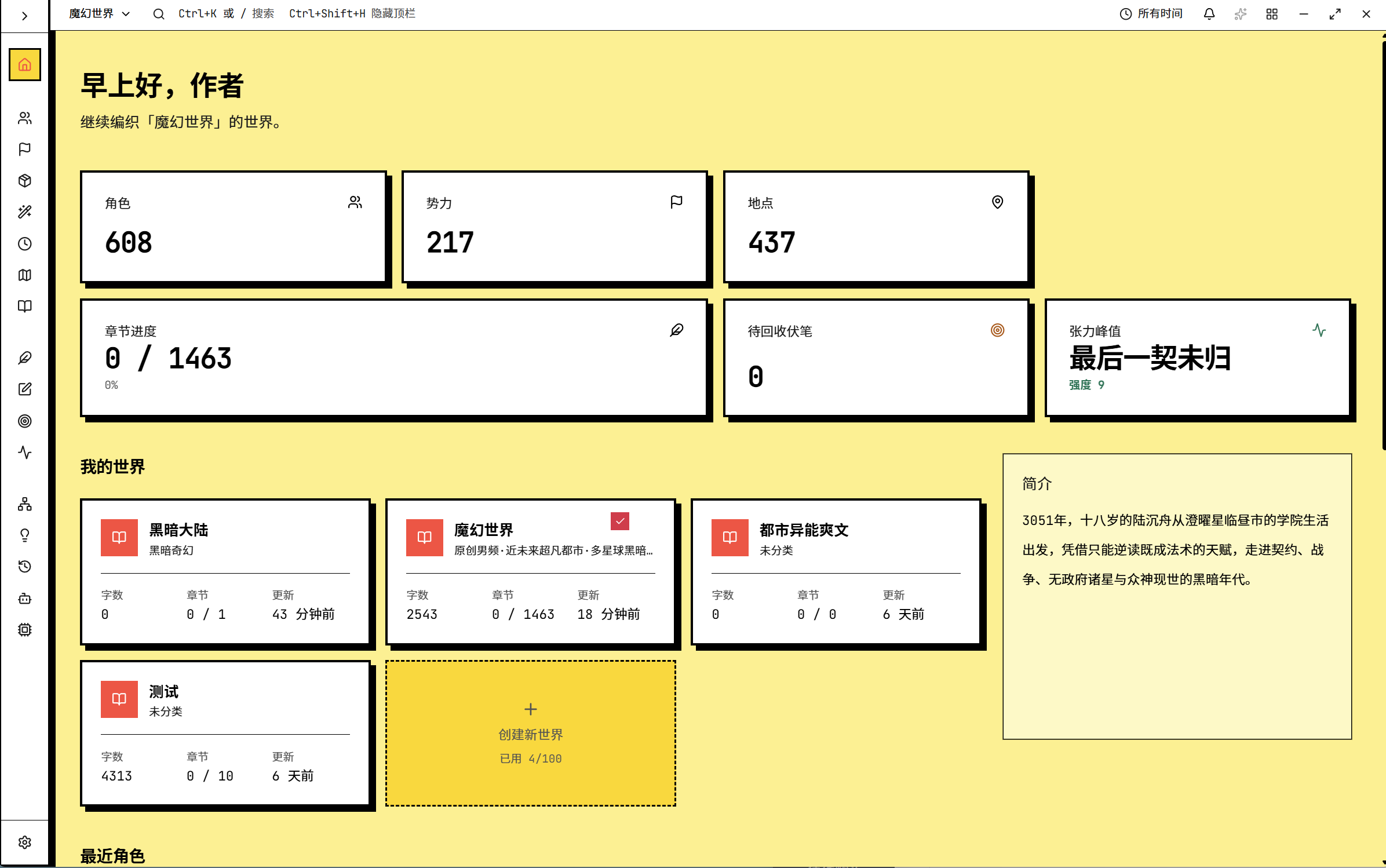
Yellow interface theme
The desktop interface in a yellow theme.
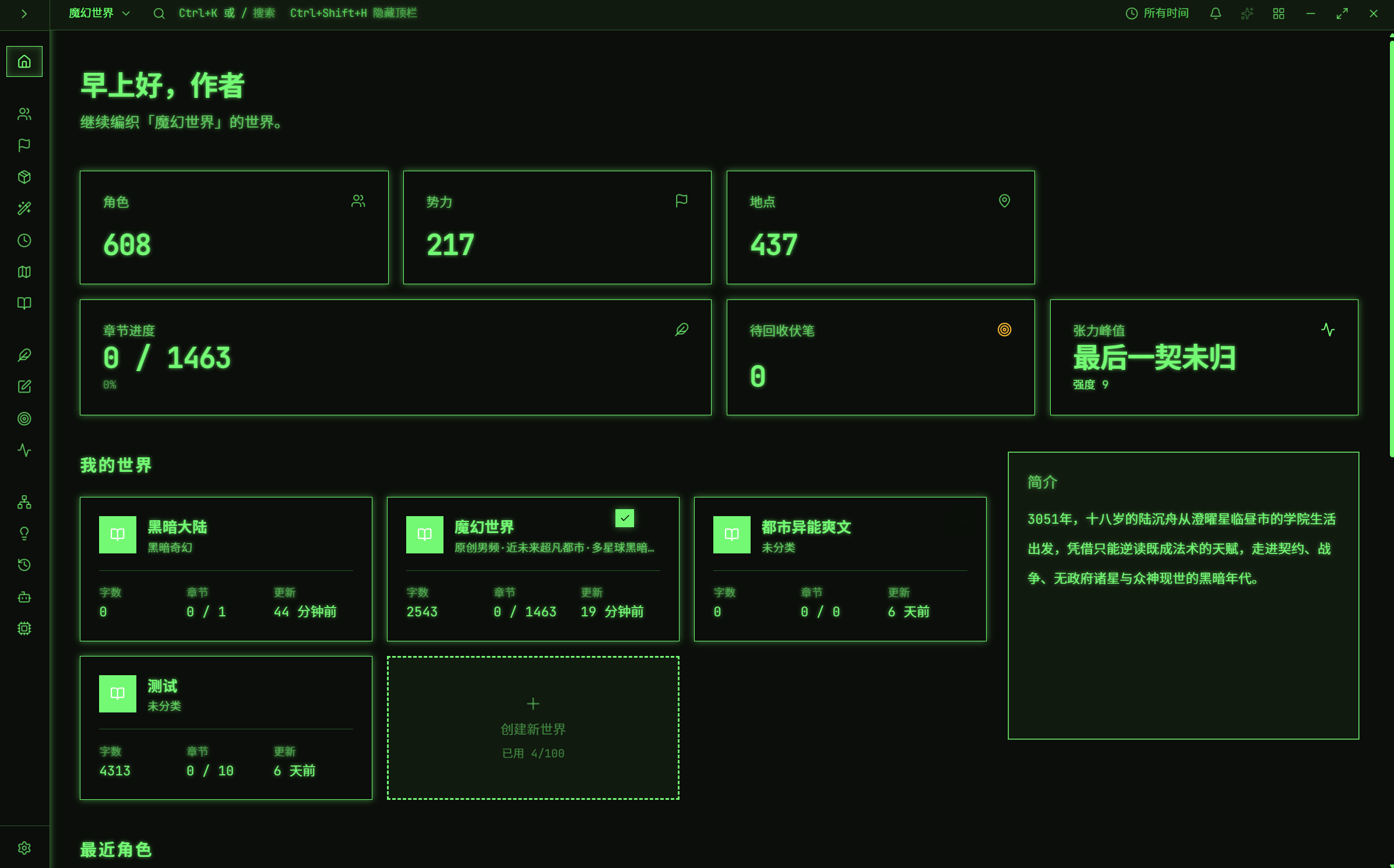
Green interface theme
The desktop interface in a green theme.
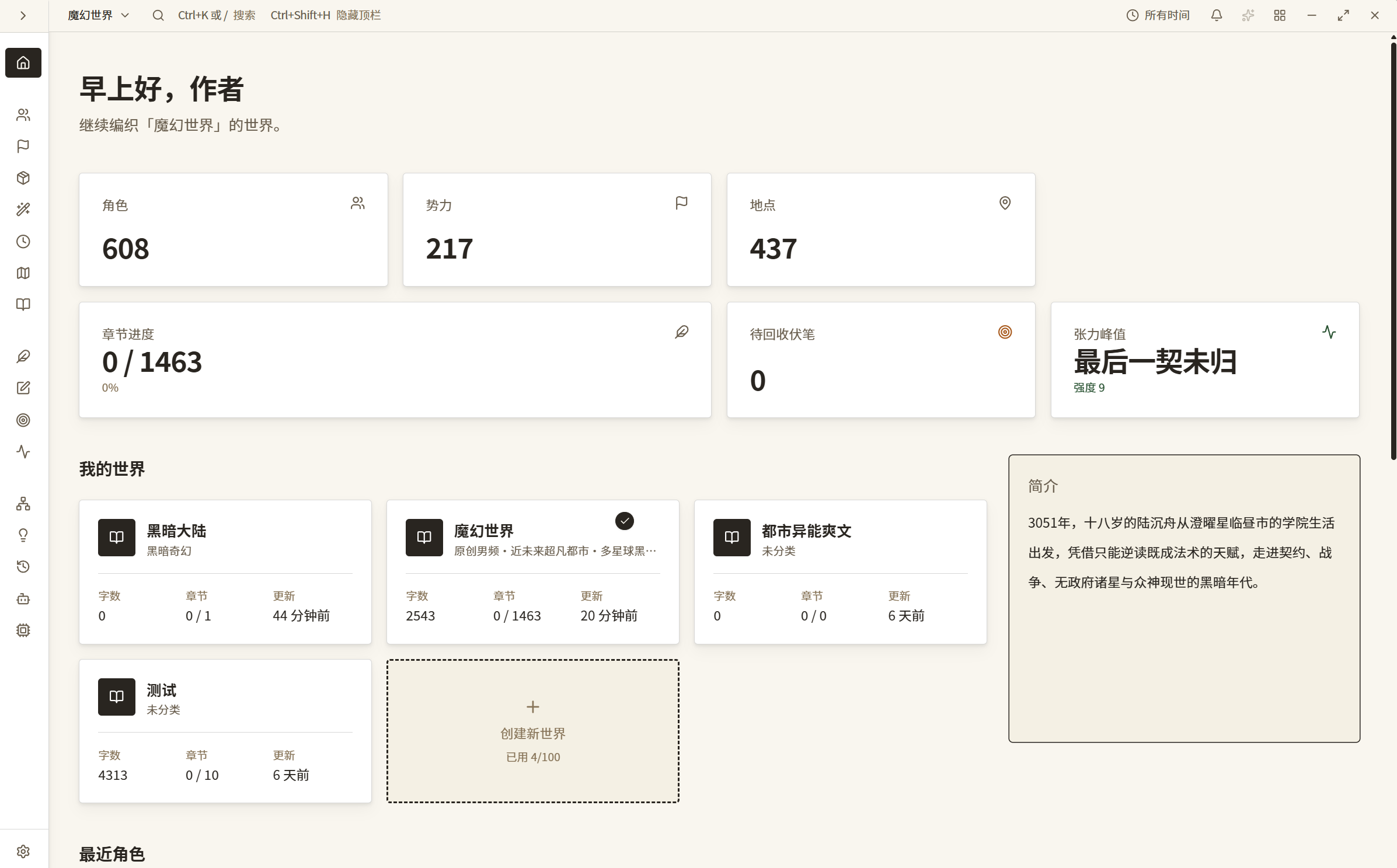
Soft paper theme
The desktop interface in a soft paper palette.
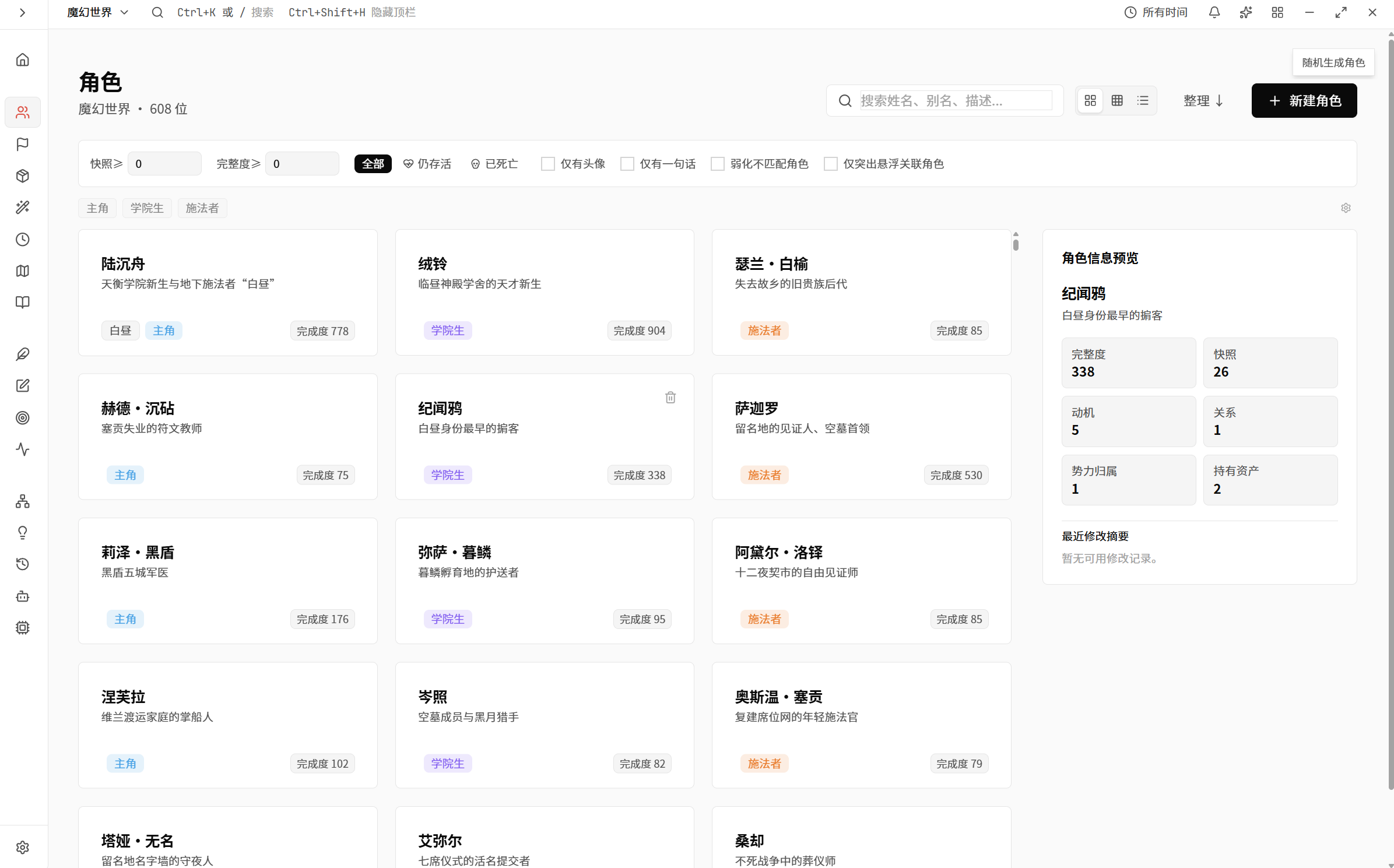
Light character library
The character library in a light theme.
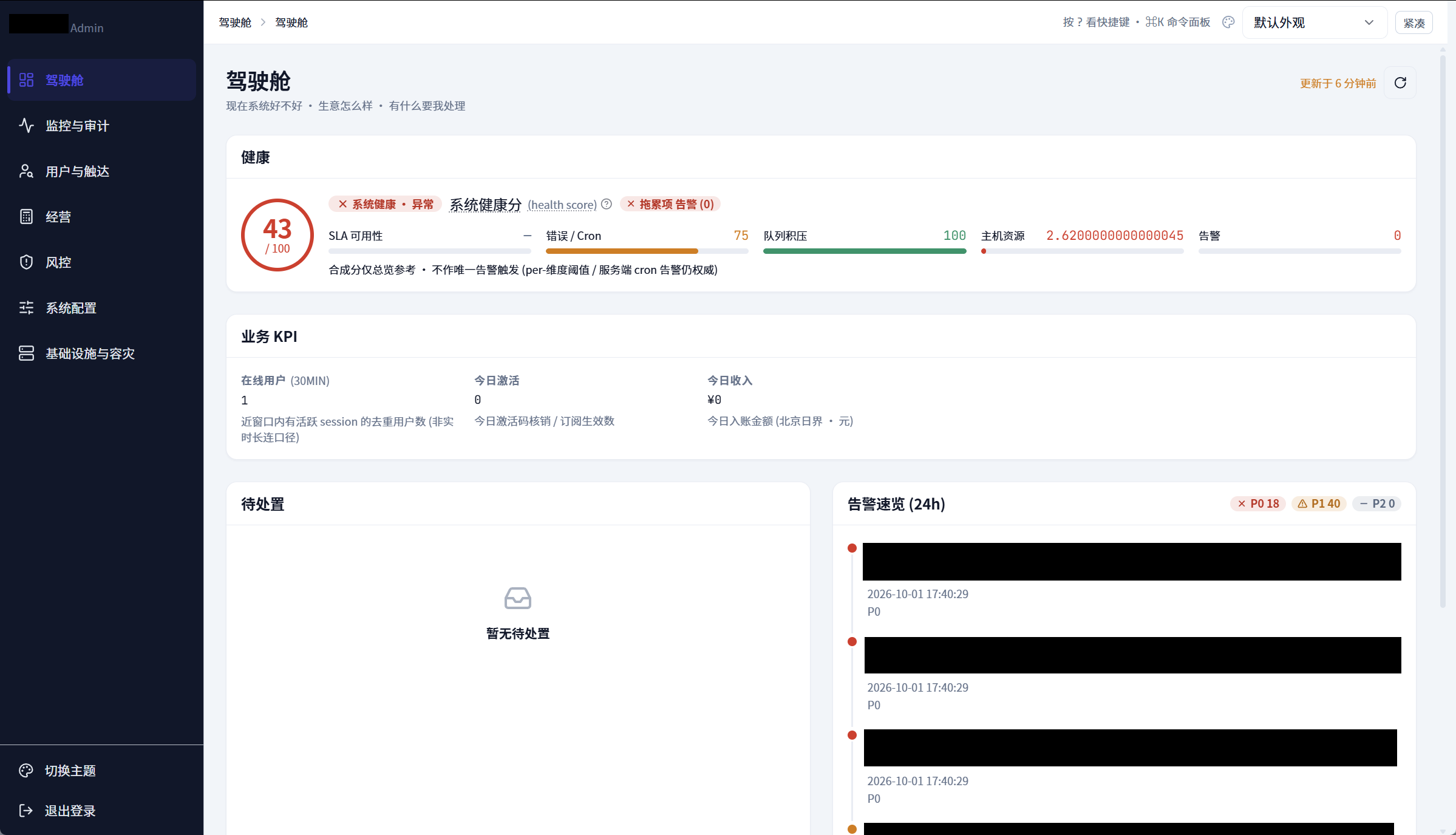
Overview of the independent server management system
Server runtime status and management entry points in the independent interface.
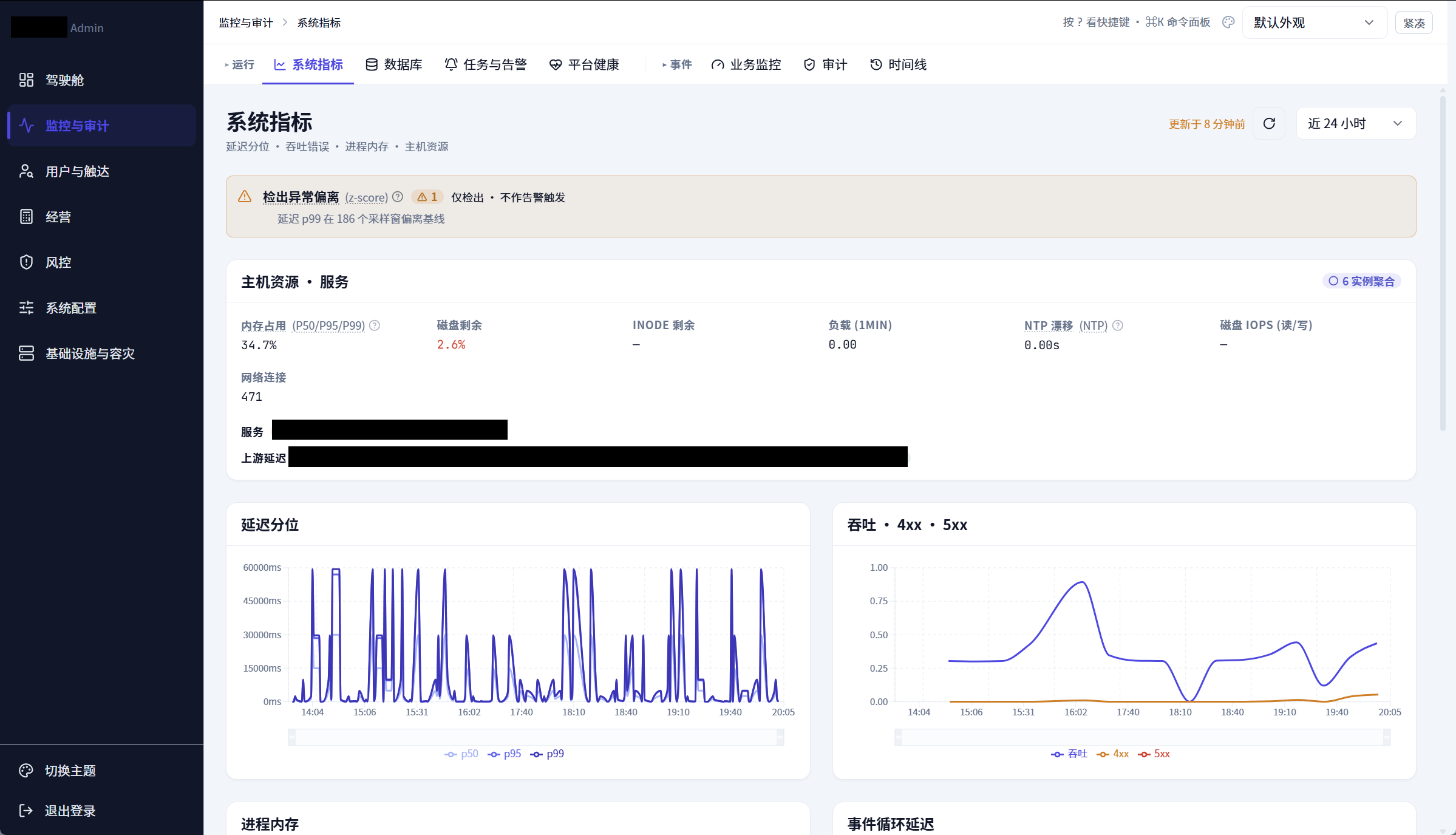
Server monitoring console with metrics and charts
Server runtime metrics and charts in the monitoring console.
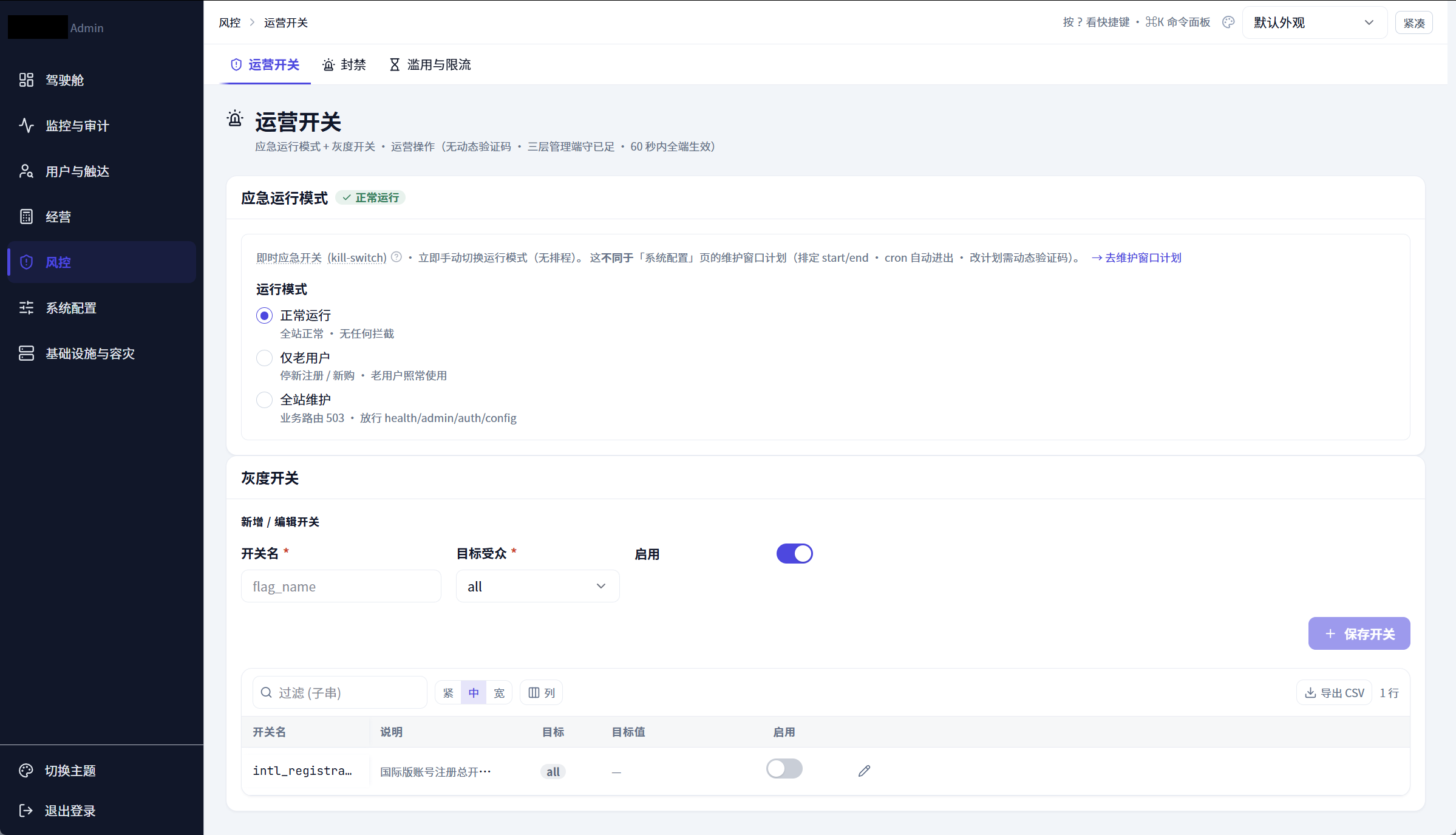
Operations switches and configuration controls
Operational switches and configuration controls in the management interface.
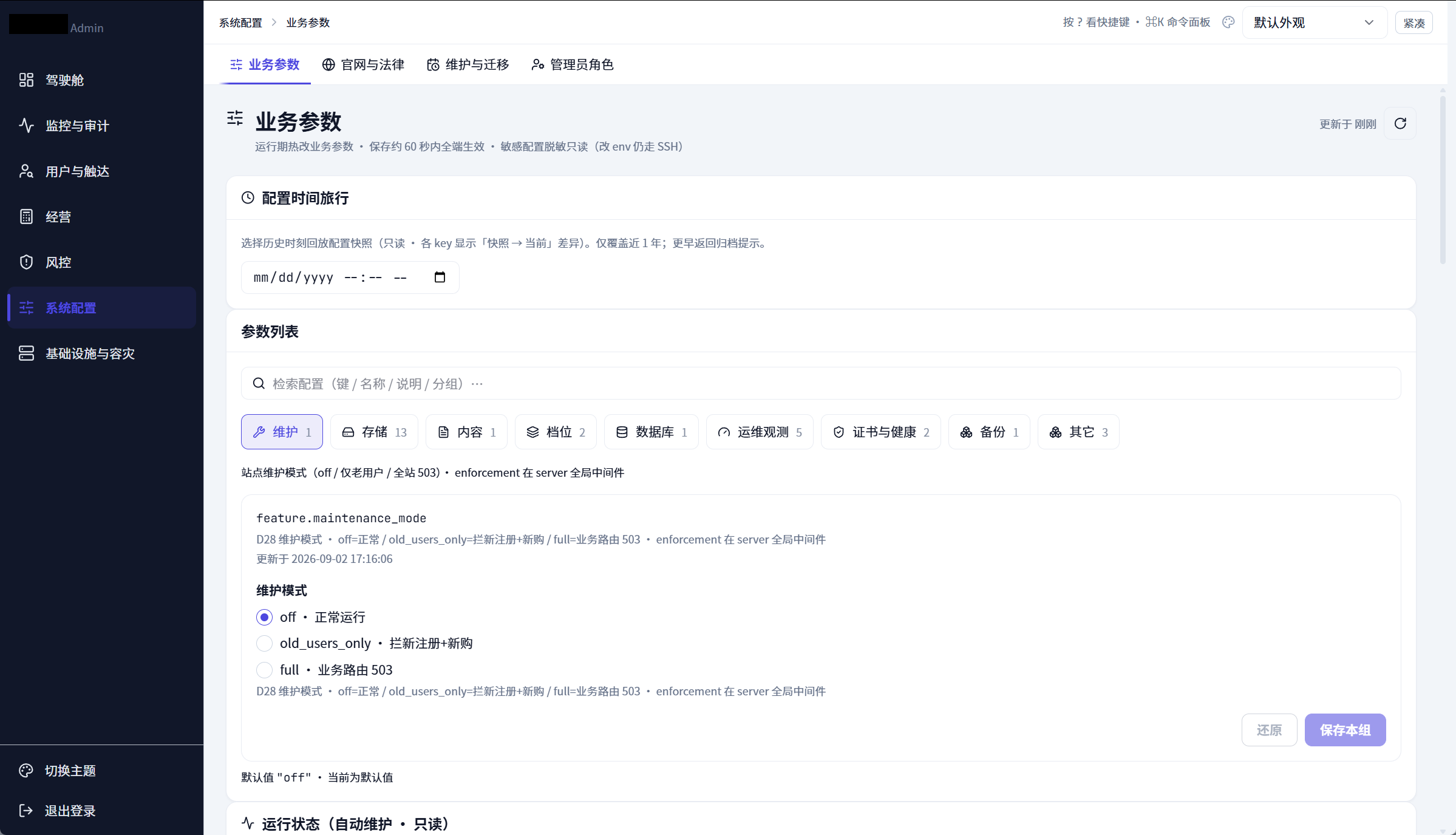
Runtime configuration editor and change history
Runtime configuration beside its change history.
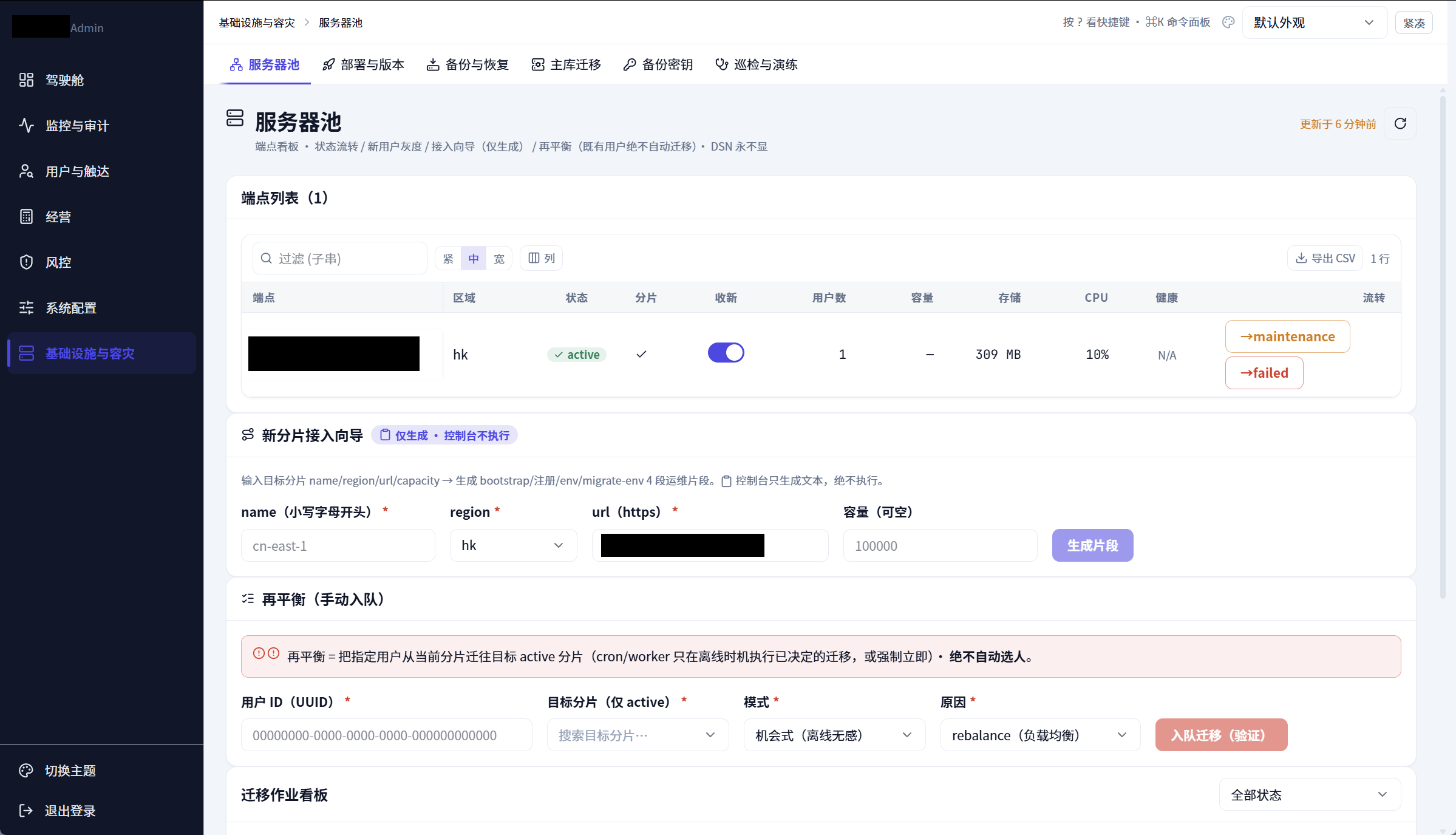
Server pool and migration planning interface
Server configuration, pools and migration planning in the independent management system.
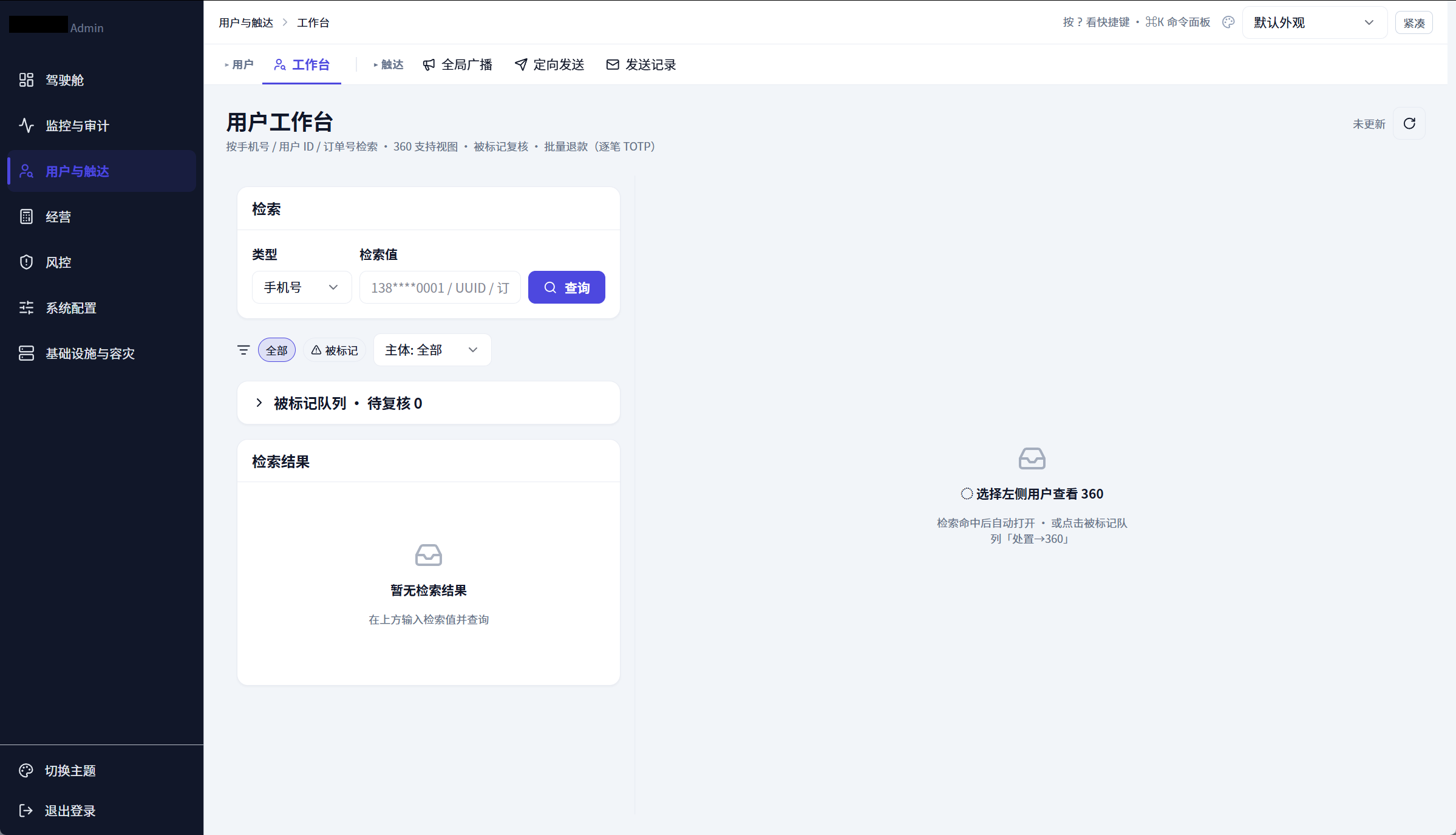
User management interface
User records and management controls in one interface.
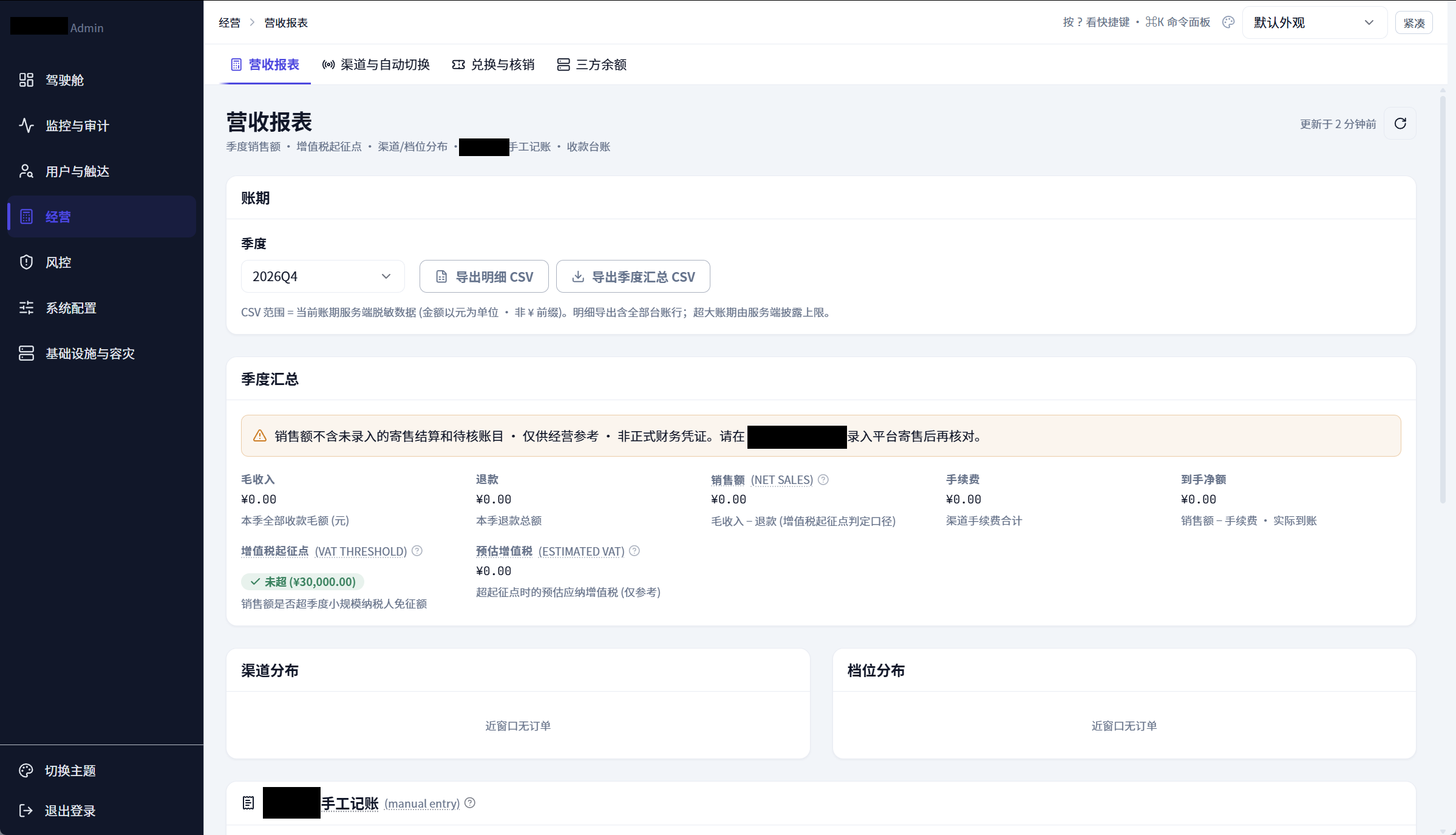
Revenue report interface
Quarterly revenue summaries and report information.
Scroll or drag to explore · click to view
02Client and supporting server systems
The desktop client uses React, TypeScript and Vite for its interface, with Tauri and Rust providing native capabilities. Text storage for prose and AI conversations uses SQLCipher, while images use file-based storage. Separate supporting server-side systems use an Express / TypeScript API and PostgreSQL to manage structured project metadata and entities.
BYOK requests are assembled on the device and sent directly to the selected provider. The client supports OpenAI- and Anthropic-compatible formats for model access within project workflows.
03Independent multi-server management
The independent multi-server management system has its own interface, separate from the desktop client. It brings together server pools, runtime metrics, configuration and operational controls. Server processes handle monitoring, rate limits and alerts, and keep running when the management interface is closed. The interface also supports reviewing and managing server configuration, migration planning and change history.
04Independent design and full-stack development
The desktop client, supporting server-side systems and separate multi-server management system were independently designed and developed by XmingCat. The work covers product design, data models, interface design, the frontend, native desktop modules, backend, Agent integration and server management tools. Development is ongoing.
05Engineering scale and technical scope
Approximately 1.33 million lines of product source and 1.80 million lines across R&D files. R&D covers product source, resource text and prompt templates, configuration, test samples, and development, build and deployment tooling.
Counts include comments and blank lines, excluding third-party dependencies and build artifacts.
The software project was independently designed and developed by XmingCat.